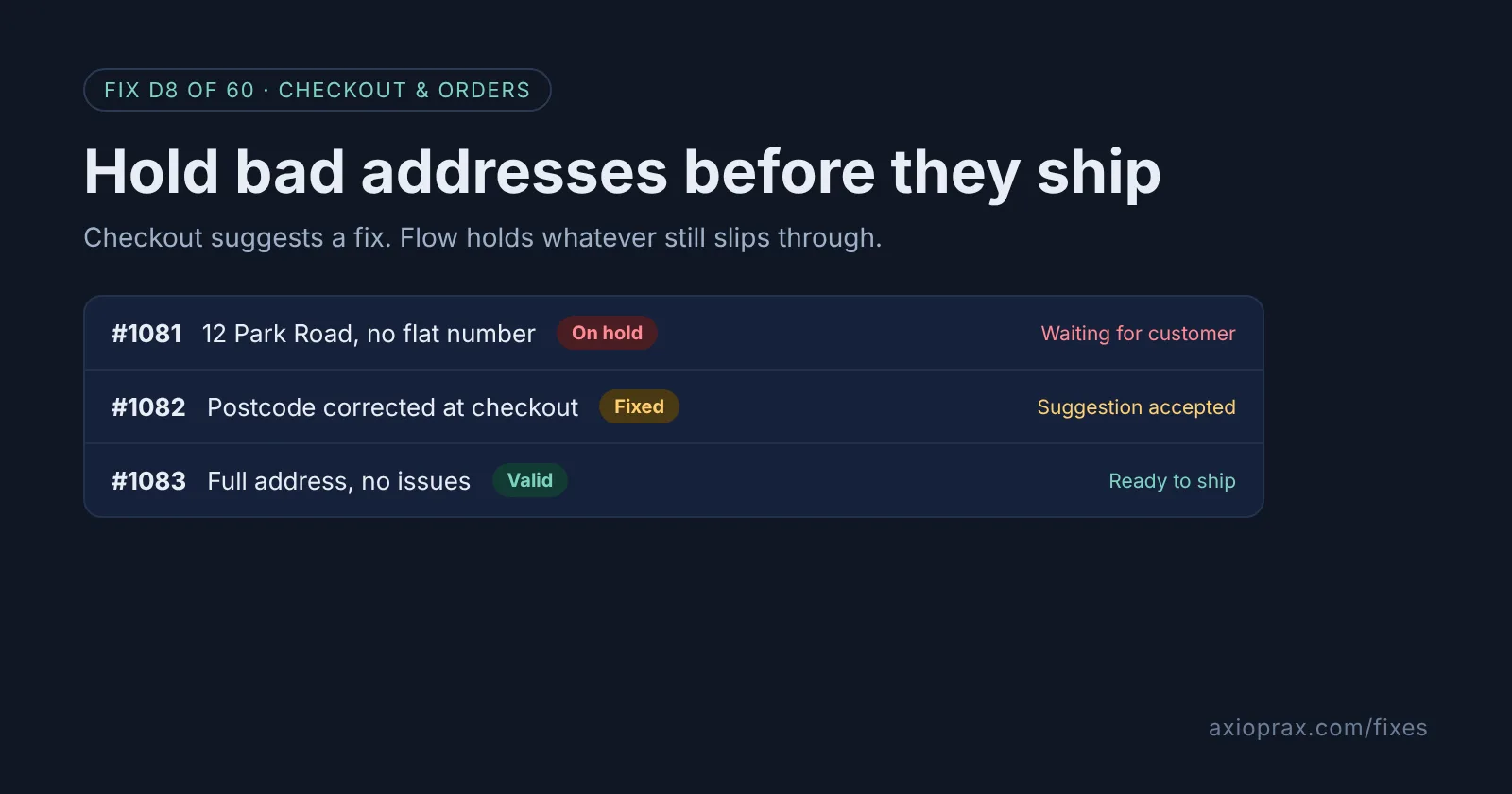
Why do wrong addresses cost more than they look?
A parcel sent to an address with no flat number, a missing postcode or a typo in the street name often comes back, or gets lost. Then you pay for the reship, the customer waits twice as long, and some of them open a dispute instead of emailing you.
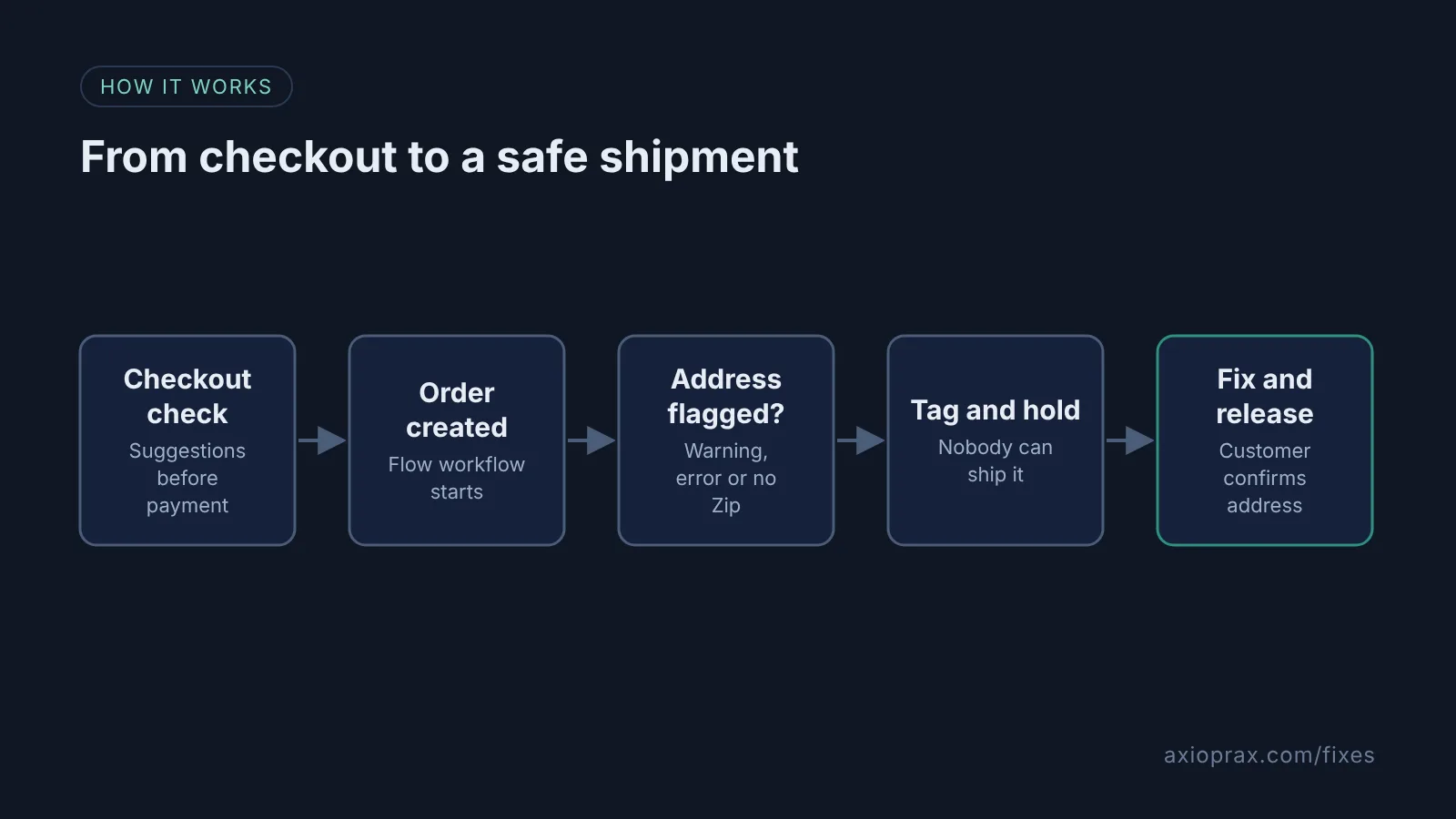
Shopify has two free tools that work together here. The checkout can check the address while the customer is still typing it, and Shopify Flow can stop a flagged order from being shipped until someone has looked at it. The first catches most mistakes. The second catches the ones the customer ignored.
How do I know this is happening to me?
- Parcels coming back marked undeliverable or address incomplete.
- Customers emailing after dispatch to add a flat, unit or suite number.
- Orders in your admin showing an address warning when you open the shipping address.
Shopify checks addresses on new online orders and when you buy a shipping label. If you click into a few recent orders and see a warning card, you already have the problem, and you are relying on whoever packs the order to notice it.
How do I fix it? (step by step)
Work through it with your Shopify admin open, and tick each step as you go.
0 of 6 done
Turn on address validation at checkout.
From your Shopify admin, go to Settings > Checkout, find Address collection under Advanced preferences, and check Validate shipping address. Click Save.
Check address autocompletion is on.
In Settings > Checkout, click Configurations > Edit, open the Settings sidebar in the checkout and accounts editor, and make sure Use address autocompletion is checked. It is on by default, so this is usually a quick confirm.
Create a Flow workflow that starts on new orders.
Install the free Shopify Flow app if you do not have it, open it, and create a workflow with the Order created trigger. Staff accounts, unlike the store owner, also need Shopify's Flow automations permission, set in Settings > Users > Roles.
Add the address condition.
Add a condition on the order's shipping address. Use the validation result summary field and check for WARNING or ERROR, and add an OR rule where Zip is Empty or does not exist.
Tag the order and hold it.
On the true path, add the Add order tags action with a tag such as address-check, then add the Hold fulfillment order action. Change Reason from the default AWAITING_PAYMENT to INCORRECT_ADDRESS, add a short note, and check Notify Merchant.
Fix the address and release the hold.
Open the order, click Edit shipping address, and use the suggestion, mark it as valid, or type the corrected address and click Save. Then click Release hold in the On hold section.
What should I test before I trust it?
Place two test orders: one with a full, correct address and one with the postcode left out or the street misspelled. Check that only the second one gets the address-check tag and shows On hold. Shopify says validation runs before the order is placed and again after, so if your workflow fires before the result is ready, add a short Wait step before the condition and test again. If the validation result field is not offered in your Flow editor, keep the Zip check and add Address 1 rules that suit your market.
When is this not the right fix?
If most of your customers are outside the 20 countries Shopify gives full suggestions for, the checkout step will catch less, and the Flow check becomes your main safety net. If you already use an address validation app at checkout, do not switch on Shopify's setting as well. And if the same address keeps showing up across orders with different names, that is a fraud pattern, not a typo, and Fix #6 covers it.
Holds also need an owner. A held order does not ship, so if nobody checks the address-check tag each day, you have swapped a lost parcel for a late one.
What does it cost?
Nothing extra. Address validation is a checkout setting and Shopify Flow is a free app on the Basic, Grow, Advanced and Plus plans. The real cost is a few minutes a day emailing the customers whose orders are held.
Want this set up for you?
We build and test this workflow for free as part of the Founding 10, where we fix one Shopify problem for ten stores. If you want a wider look at your order flow, start with the Store Ops Audit.