Why does my Shopify payout never match my sales?
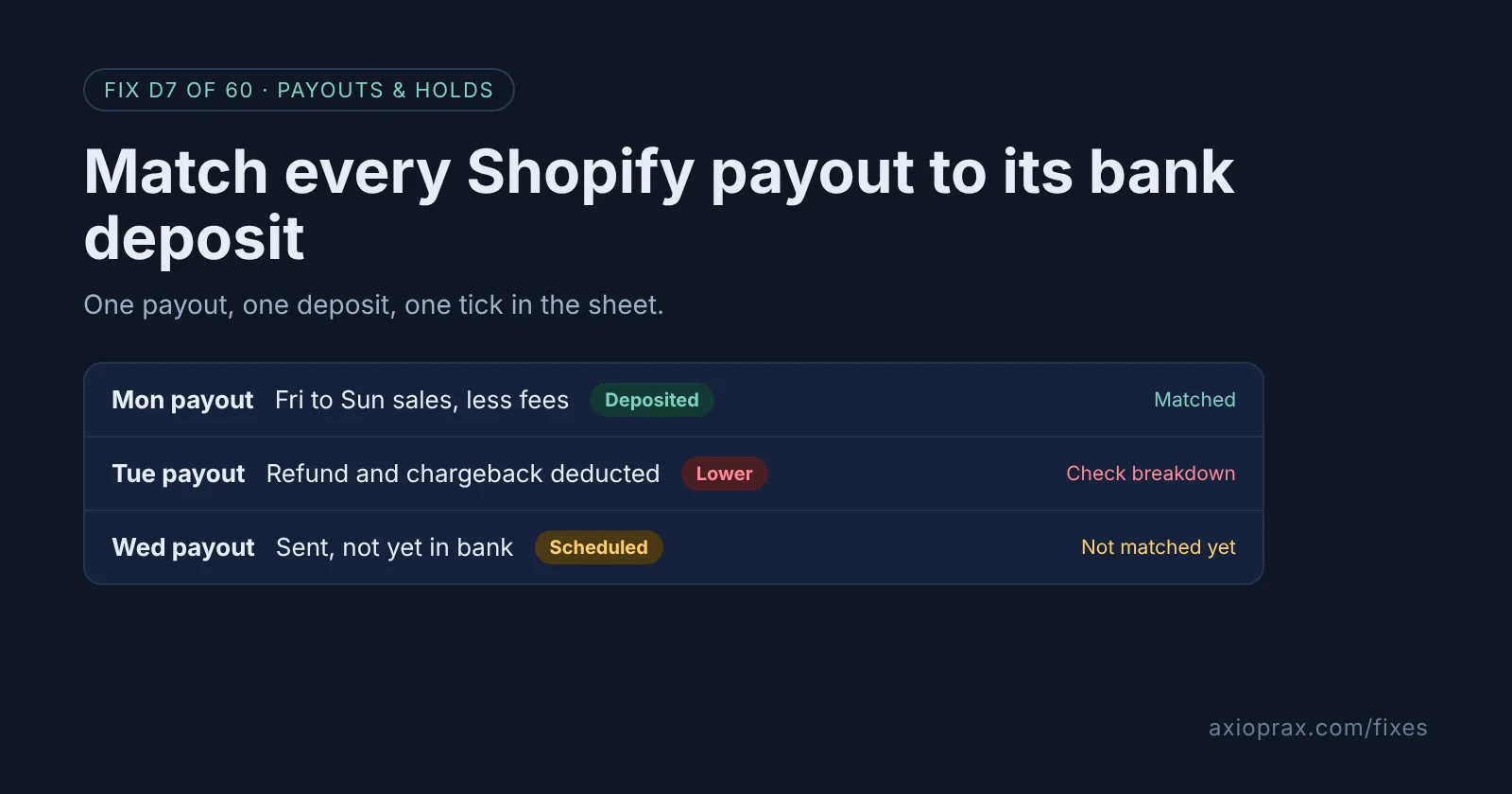
Because a payout is not a day of sales. It is a bundle of transactions that cleared on Shopify's schedule, with money taken out along the way. Shopify lists the usual reasons a payout comes in lower: processing fees are "deducted from your earnings before the payout is sent", refunds come out of "your next available payout", and a chargeback takes the payment amount plus "any associated dispute fees". Adjustments can push the figure up or down, and a reserve can hold part of your sales back for a while.
Timing adds to the confusion. Payout schedules count business days only, and Shopify says funds captured on Friday, Saturday and Sunday "are grouped and sent together as one payout". So Monday's deposit can carry three days of sales, minus Tuesday's refund from last week.
How do I know my books have a payout problem?
You probably do if any of these sound familiar:
- Your accountant asks what a deposit was for and you have to guess.
- Your sales report says one number for the week and your bank says another.
- You see deposits on the bank statement with no idea which orders they cover.
- A refund or chargeback from weeks ago turned up as a smaller deposit and nobody noticed.
None of this means money is missing. It usually means nobody has matched payouts to deposits one by one. That takes one sheet and a short weekly habit.
How do I fix it? (step by step)
Work through it with your Shopify admin open, and tick each step as you go.
0 of 7 done
Open your payouts list.
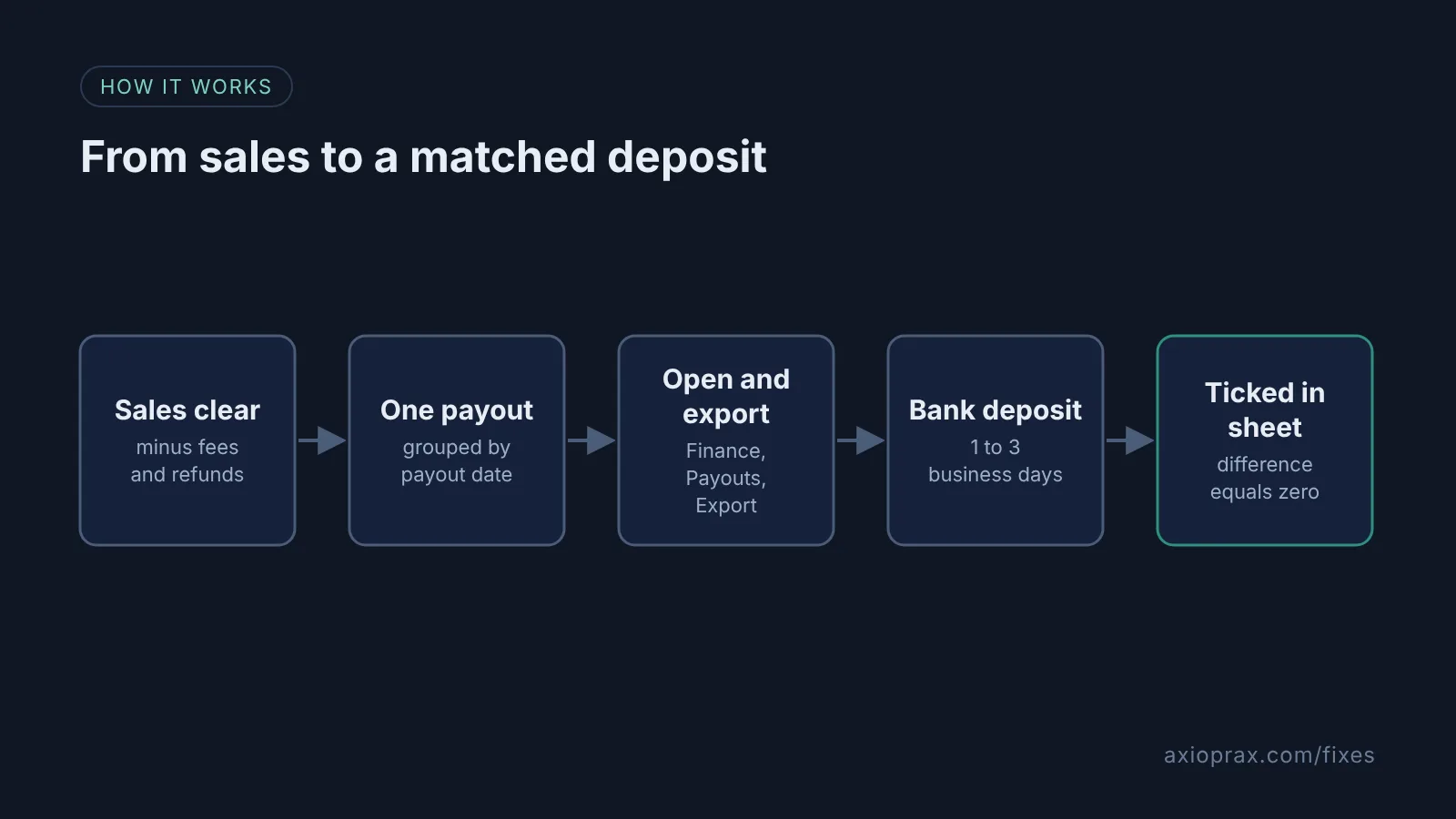
In your Shopify admin, go to Finance and click View payouts, or go straight to Finance, Payouts. Payouts are grouped by payout date. If your admin shows Money instead of Finance, an early access layout, click See all payouts in its Upcoming section.
Open one payout and note its ID.
Click the payout date, then the payout. Copy the payout ID, the status, the amount and the bank reference number into your sheet.
Read the breakdown before the total.
On the same payout page, check the breakdown of charges, refunds, adjustments, fees, reserves and retried payouts. This is where the gap between sales and deposit lives.
Export the payout transactions.
Still inside the payout, click the Export icon, then Export payout transactions. Shopify emails the CSV to you and the store owner.
Tick it off against the bank statement.
Wait for the status to read Deposited, then allow 1 to 3 business days. Find the deposit with the same amount and mark the row matched.
Chase anything that does not match.
Check Finance, Payouts, Pending and the Reserve figure for money not yet paid out. If a Deposited payout never lands, give your bank its bank reference number.
Run a monthly check.
Once a month, open Finance, Documents, Shopify Payments activity report to compare the period's earnings, fees, payouts and reserves in one place.
What should my matching sheet look like?
One row per payout, not per order. These columns work well: payout date, payout ID, status, charges, refunds, adjustments, fees, reserved funds, payout amount, bank reference number, bank deposit date, bank amount, difference and matched. The difference column is just payout amount minus bank amount, and it should be zero. Keep the exported CSV for each payout in a folder named by payout ID, so you can show anyone which orders sit behind a deposit.
The CSV columns Shopify gives you are Transaction Date, Type, Order, Card Brand, Card Source, Payout Status, Payout Date, Available On, Amount, Fee and Net. The Net column shows each transaction after fees, which helps when you need to explain one line of the breakdown.
When is this not the right fix?
This only covers Shopify Payments. Payments through third-party processors are not part of these payouts, and Shopify's activity report leaves them out, so they need their own sheet. PayPal depends on your country: where PayPal Wallet runs through Shopify Payments, such as the United States, it is already inside your payouts. If you sell in more than one currency, compare amounts in the payout currency only, because Shopify notes that differences can come from date ranges, time zones or currency. And if a payout shows Failed, the sheet will not fix it: Shopify says it points to an issue with your bank account, so check your bank details first.
What does it cost?
Nothing. The payouts page, the CSV export and the activity report are part of Shopify Payments, and any spreadsheet will do. The honest cost is the habit: a short weekly check is far easier than rebuilding a year of deposits from memory at year end.