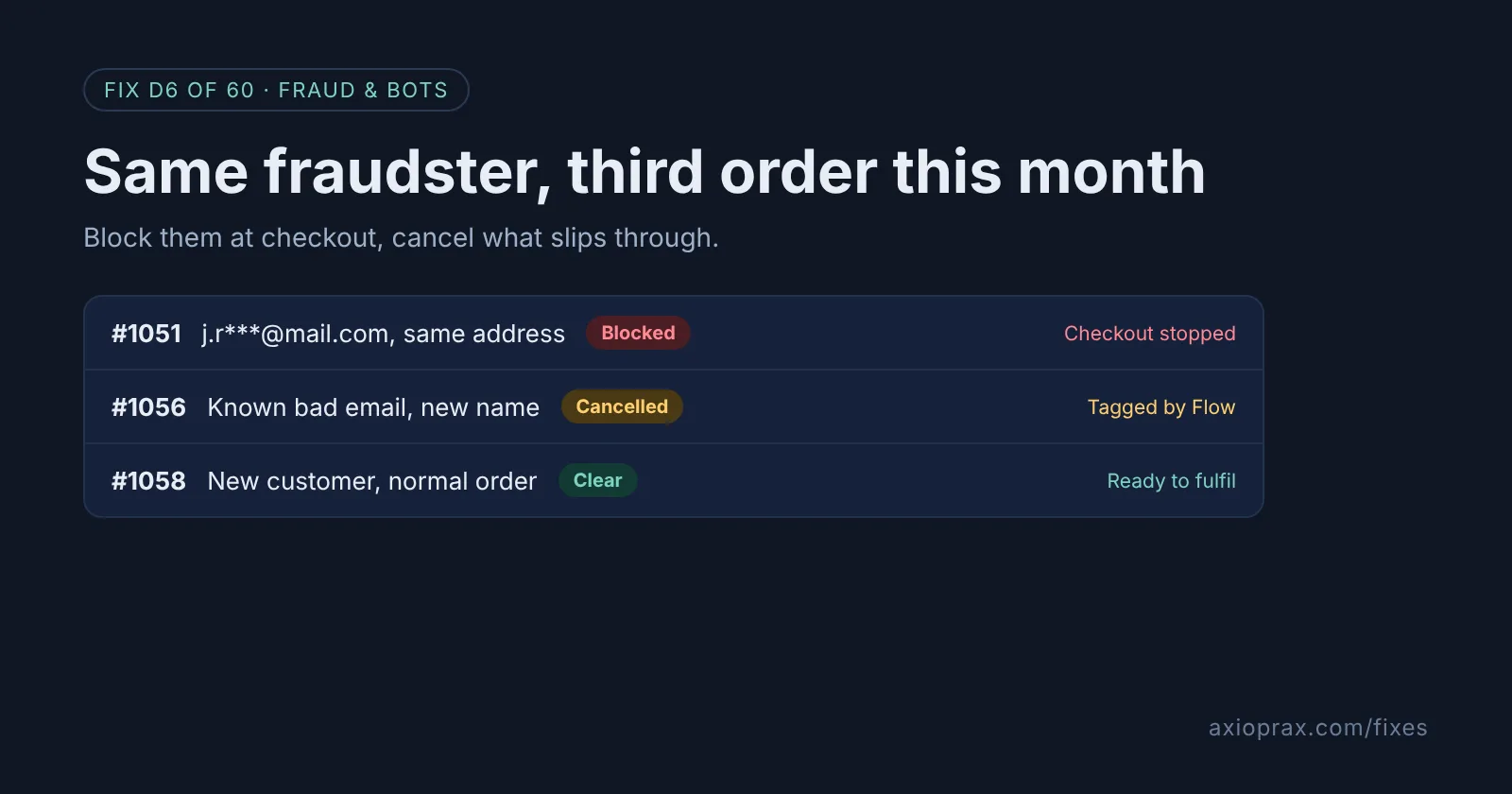
What is a repeat fraudster, and why block them by name?
Some fraud is not a one-off. The same person comes back with the same email, ships to the same address, or checks out from the same IP address, and each new order is another chance of a chargeback. Shopify points out that every chargeback counts toward your chargeback rate "regardless of whether you win or lose the dispute".
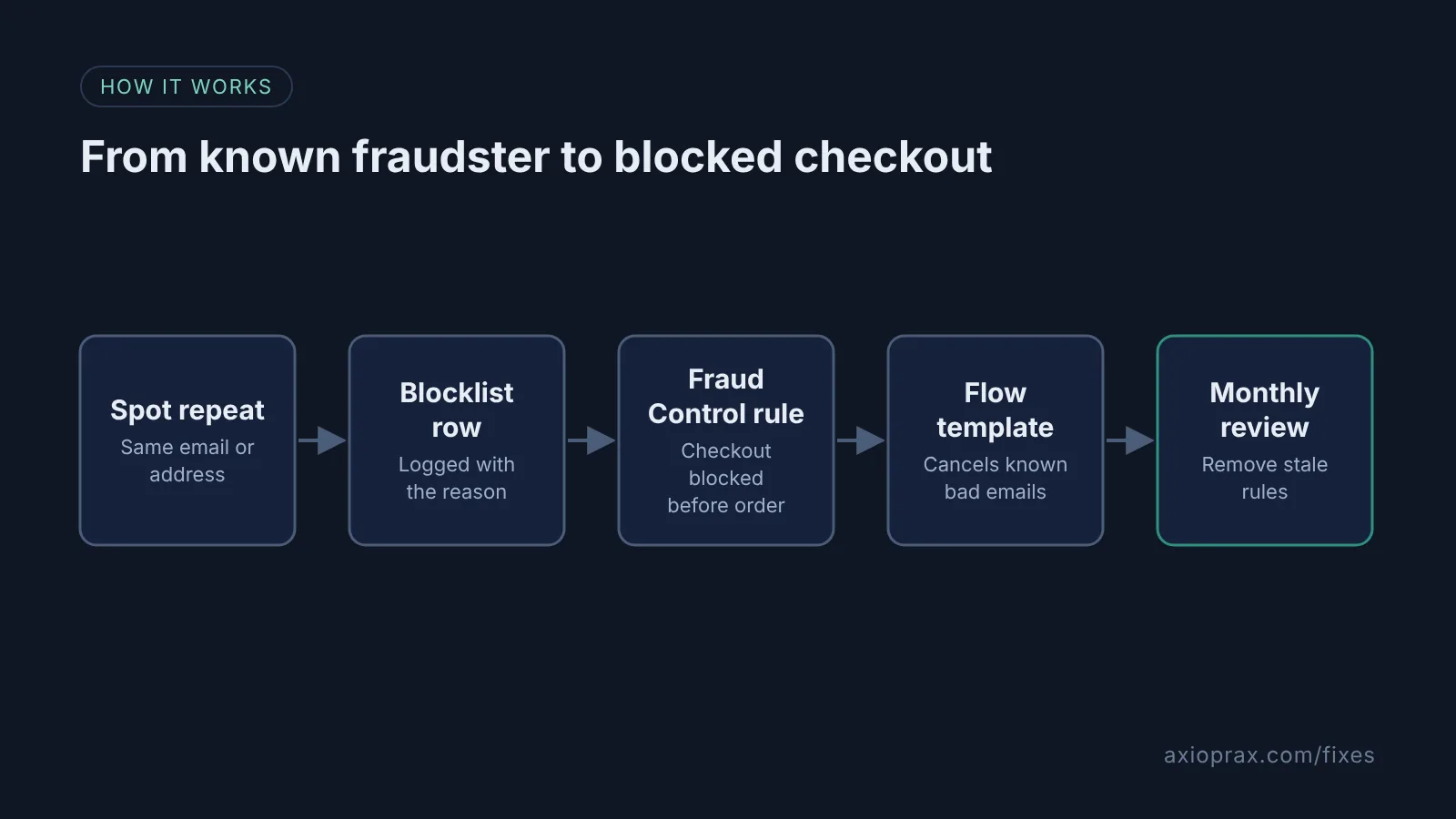
Once you know who it is, you do not need to judge every order again. Shopify gives you two free tools for this: checkout rules in the Fraud Control app, which stop a checkout before it becomes an order, and a Shopify Flow template that cancels orders from email addresses you already know are bad.
How do I know I have a repeat offender?
Look for patterns across orders, not inside one:
- A chargeback or a cancelled high-risk order, followed by a new order with the same email or delivery address.
- Several orders from one address under different names.
- A customer you have already refunded or cancelled for fraud placing orders again.
If what you are seeing is a burst of tiny orders and declined cards, that is card testing, which is a different fix.
How do I fix it? (step by step)
Work through it with your Shopify admin open, and tick each step as you go.
0 of 6 done
Start a simple blocklist.
Keep one shared sheet with the email, delivery address, IP address if you have it, order number, date and reason for each offender. Every rule you create should trace back to a row here.
Install Fraud Control.
Install Fraud Control from the Shopify App Store. It is free, made by Shopify, and offered in countries where Shopify Payments is available. Shopify notes that some of its data needs Shopify Payments.
Create a checkout rule for the offender.
Go to Apps, Fraud Control, Rules, then Create rule, and add the email, address or IP address under Checkout conditions. Click Save and the rule is active straight away.
Narrow IP rules with a second condition.
A rule can hold more than one condition, so pair an IP address with a ZIP code rather than blocking the IP alone. This lowers the chance of blocking a real customer on a shared network.
Add the Flow template for known bad emails.
In Shopify Flow, search the template library for "Cancel and tag orders from known bad email addresses", add the emails from your blocklist to its condition, and check the cancel settings before you turn it on. Click the Send internal email action to change who gets the alert. Staff accounts, unlike the store owner, also need Shopify's Flow automations permission, set in Settings > Users > Roles.
Review the list once a month.
In Apps, Fraud Control, Rules, select any rule you no longer need and deactivate or delete it. Check your abandoned checkouts too, because blocked checkouts show up there.
When is this not the right fix?
Fraud Control is offered only where Shopify Payments is available, and Shopify says some of its data needs Shopify Payments. If you can't use it, use your payment provider's own blocking tools and rely on the Flow template alone. Be honest with yourself about the limit here too: a determined fraudster can change email, address and network in minutes, so a blocklist stops the lazy repeat offender, not everyone. Shopify itself says rules "don't guarantee that chargebacks won't happen".
Be careful with IP addresses. Offices, mobile networks and public Wi-Fi can share one IP, so blocking it on its own can turn away real buyers. Shopify's general advice for every rule is to use caution "to ensure that legitimate traffic is not prevented from checking out".
What does it cost?
Nothing extra. Fraud Control and Shopify Flow are free apps made by Shopify. The real cost is ten minutes a month keeping the blocklist tidy.
Shopify also launched a paid option on 27 October 2026, Shopify Protect: Rule Builder. It keeps reusable lists of emails and IP addresses and can block, challenge or hold an order, but it charges $0.07 per screened transaction and opened with a waitlist. For a short blocklist, Fraud Control and Flow still do the job for free.
What does a blocked customer see?
Fraud Control does not tell them they look fraudulent. Shopify says the buyer gets an error that the checkout could not be completed and is told to contact the store owner. So if a real customer emails you about that message, check your rules first.