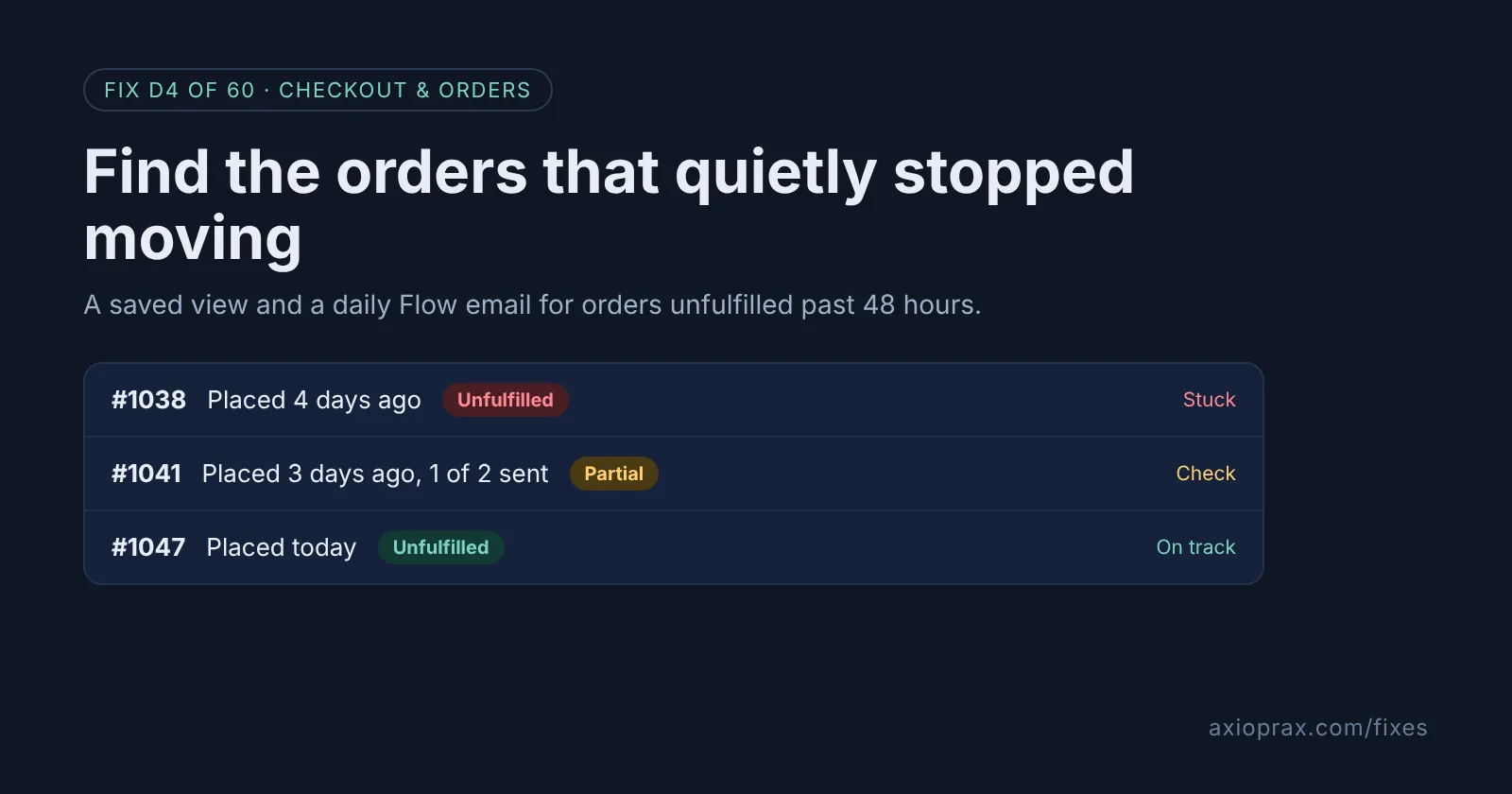
What counts as a stuck order, and why does 48 hours matter?
A stuck order is one that is paid and waiting, with nothing shipped. If you promise dispatch within a day or two, an order still unfulfilled after 48 hours has usually fallen through a gap: a missing item, an address problem, a payment you meant to check, or a note nobody read.
The cost shows up later. The customer emails asking where their order is, then asks again, then opens a dispute. Finding these orders on day two is cheap. Finding them on day nine is not.
How do I know I have orders stuck right now?
Open Orders and click the Unfulfilled view. Shopify says it shows "orders that still need fulfillment work" and leaves out canceled or fully refunded orders. If you scroll down and see order dates from last week, you have stuck orders. Common signs:
- Orders with a hold or a note you meant to come back to.
- Partially fulfilled orders where one item is still waiting.
- Orders for a product that ran out after the order was placed.
- Customer emails quoting an order number you do not recognise.
The trouble is that this view mixes today's orders with old ones. The steps below give you a list of the old ones only, in two places: a saved view you check, and an email that comes to you.
How do I fix it? (step by step)
Work through it with your Shopify admin open, and tick each step as you go.
0 of 7 done
Open the Unfulfilled view.
Go to Orders in your Shopify admin, click All to open the view menu and pick Unfulfilled. Shopify builds this view from two filters, Status: Open and Fulfillment status: Unfulfilled and Partially fulfilled, so archived orders are already left out.
Sort oldest first.
Change the sort order so the oldest orders sit at the top. Those are the ones most likely to be stuck.
Save it as your stuck orders view.
Click Save and give the view a name such as "Stuck 48h". Open it every morning: anything at the top placed more than two days ago needs a look.
Install Shopify Flow and pick the summary template.
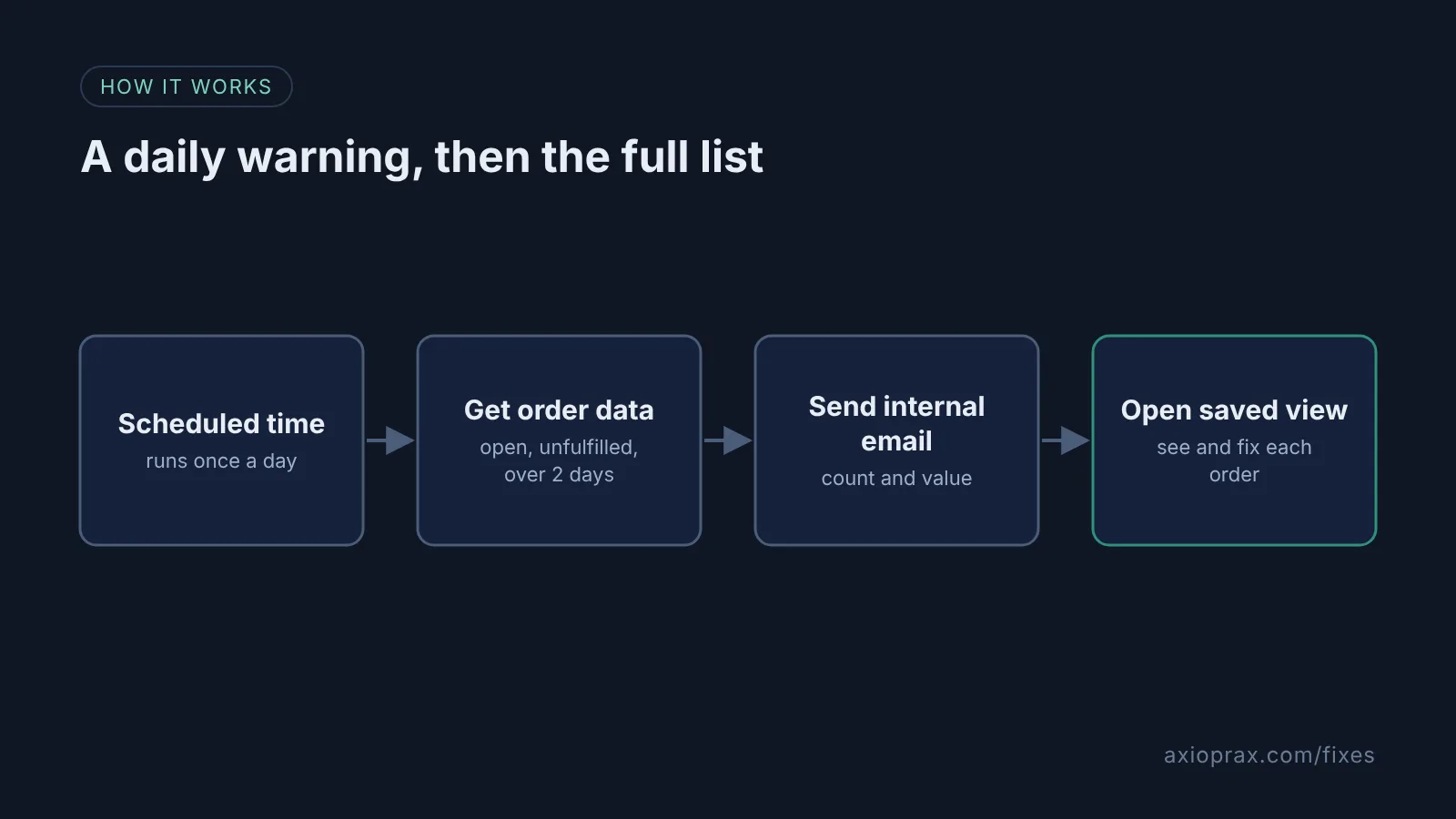
Install the free Shopify Flow app, then go to Apps > Flow, click Create workflow, click Browse templates and choose "Send email summary with all unfulfilled orders older than 2 days". Click Install. Staff accounts, unlike the store owner, also need Shopify's Flow automations permission, set in Settings > Users > Roles.
Check the schedule and the query.
Set the Scheduled time trigger to run once a day at a time you are at your desk. In the Get order data step, check the query covers open, unfulfilled orders created more than 2 days before the run, for example: fulfillment_status:unfulfilled AND status:open AND created_at:<'{{ scheduledAt | date_minus: "2 days" }}'.
Point the email at the right person.
In the Send internal email step, replace the placeholder address with the person who handles fulfilment. Add more than one address with a comma.
Turn the workflow on.
Click Turn on workflow. Check the count in the first email against your saved view, so you know both agree.
What should I do with each stuck order?
Open it and find the reason before you do anything else. If an item is out of stock, tell the customer the new date or offer a refund for that line. If the address looks wrong, contact the customer before shipping. If it is simply forgotten, ship it today and add a short apology. We suggest tagging each one with the reason, so after a month you can see which gap keeps causing delays.
When is this not the right fix?
If you sell made-to-order or pre-order products with a long lead time, a 48-hour rule will flag every order and you will start ignoring the email. Change "2 days" in the query to your real promise, or leave those products out with a tag. And the email gives you the count and value, not the reasons. Open the saved view to see each order, and someone still has to look at each one.
What does it cost?
Nothing extra. Saved views are part of the Orders list in your admin, and Shopify Flow is a free app on the Basic, Grow, Advanced and Plus plans. The real cost is ten minutes a morning working through the list, which gets shorter once the common causes are fixed.