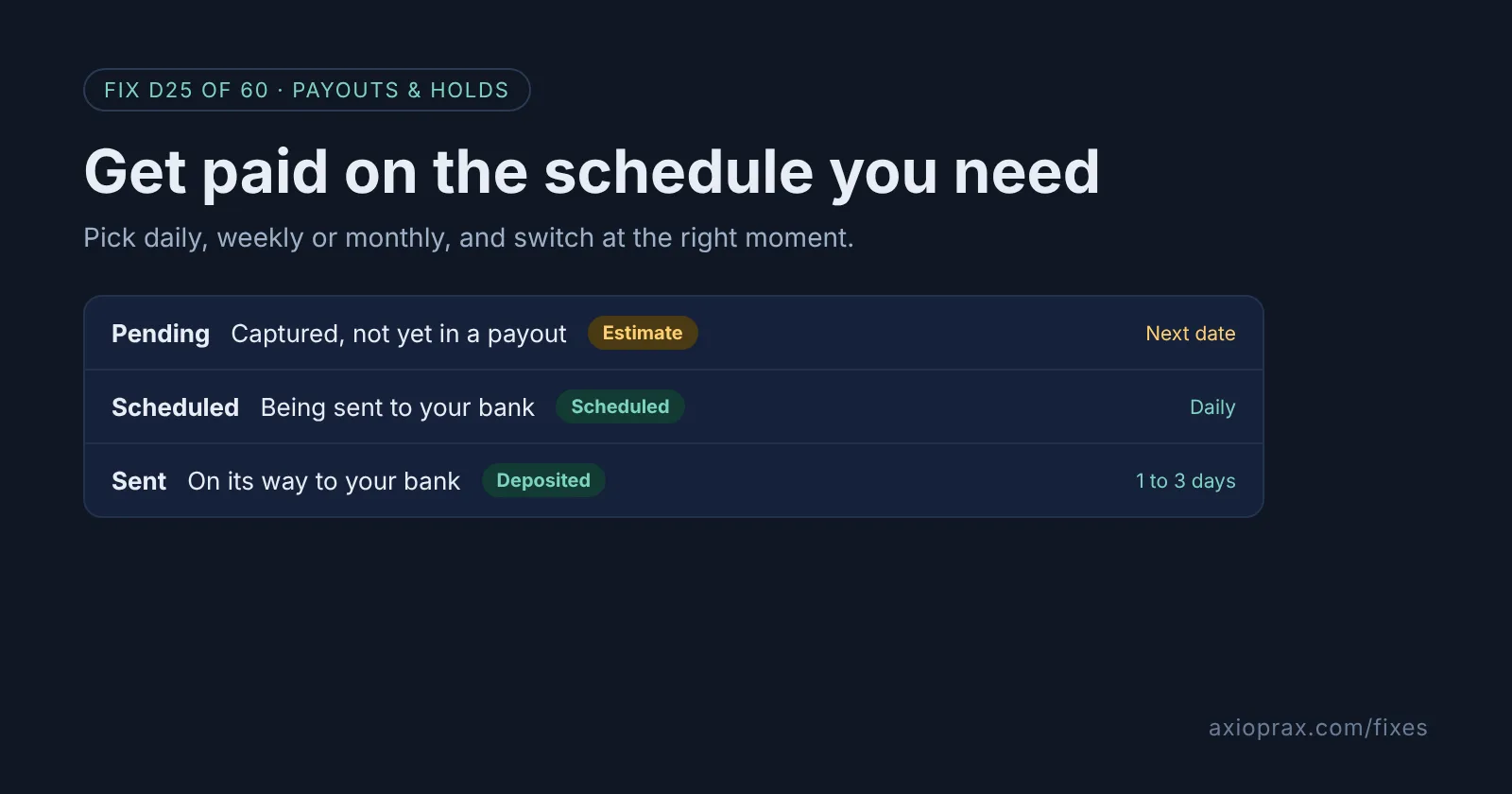
Why does the payout schedule matter before a big sales weekend?
Sales on a busy weekend do not reach your bank on the same weekend. Two separate clocks decide when they do. The first is settlement time: how long Shopify Payments holds a captured payment before it can be paid out. The second is your payout schedule: how often Shopify sends what has settled.
You control only the second one. Shopify lets you choose a daily, weekly or monthly schedule, and says "there are no extra charges" for switching. If you are on weekly or monthly and need cash to restock or pay suppliers after a sale, a daily schedule means settled money leaves Shopify more often instead of piling up for one date.
The catch is timing. Shopify says that when you switch, "pending payouts are delayed until the next applicable payout date on your new schedule." Moving to daily usually costs little, because the next daily date is close. Moving the other way, such as from daily to weekly, can leave money you were about to get waiting for the new date.
How do I know I need this?
- You are on a weekly or monthly schedule and a big sale is coming up.
- You pay suppliers or ad bills before your next payout arrives.
- You are not sure which schedule you are on, or which weekday it pays.
- Nobody gets an email when a payout is sent, so deposits are checked by hand.
If any of these sound familiar, the change below takes a few minutes in your settings.
How do I fix it? (step by step)
Work through it with your Shopify admin open, and tick each step as you go.
0 of 6 done
Check what is pending first.
From your Shopify admin, go to Finance > Payouts. Note the Pending amount and the next payout date, so you know what a schedule change could push back.
Open your payout settings.
Go to Settings > Payments. In the Shopify Payments section, click Manage, then find the Payouts schedule heading in the Payouts section.
Pick the schedule.
Select daily, weekly or monthly. If you choose Every week, pick the day of the week from the drop-down menu. If you have active Shopify Capital or Shopify Credit, your options might be different.
Turn on payout emails.
Optional: select Get notified by email every time you receive a payout, so you get an email for each one. Then click Save.
Time the switch.
Shopify says pending payouts are delayed until the next payout date on the new schedule, which matters most when you move to a less frequent one, such as daily to weekly. Our tip: make the change right after a payout has been sent, and before your busiest sales days rather than in the middle of them.
Confirm the next payout date.
Go back to Finance > Payouts and check the next scheduled date. Shopify says pending amounts and payout dates are estimates, so treat it as a guide, then match the deposit when it reaches your bank.
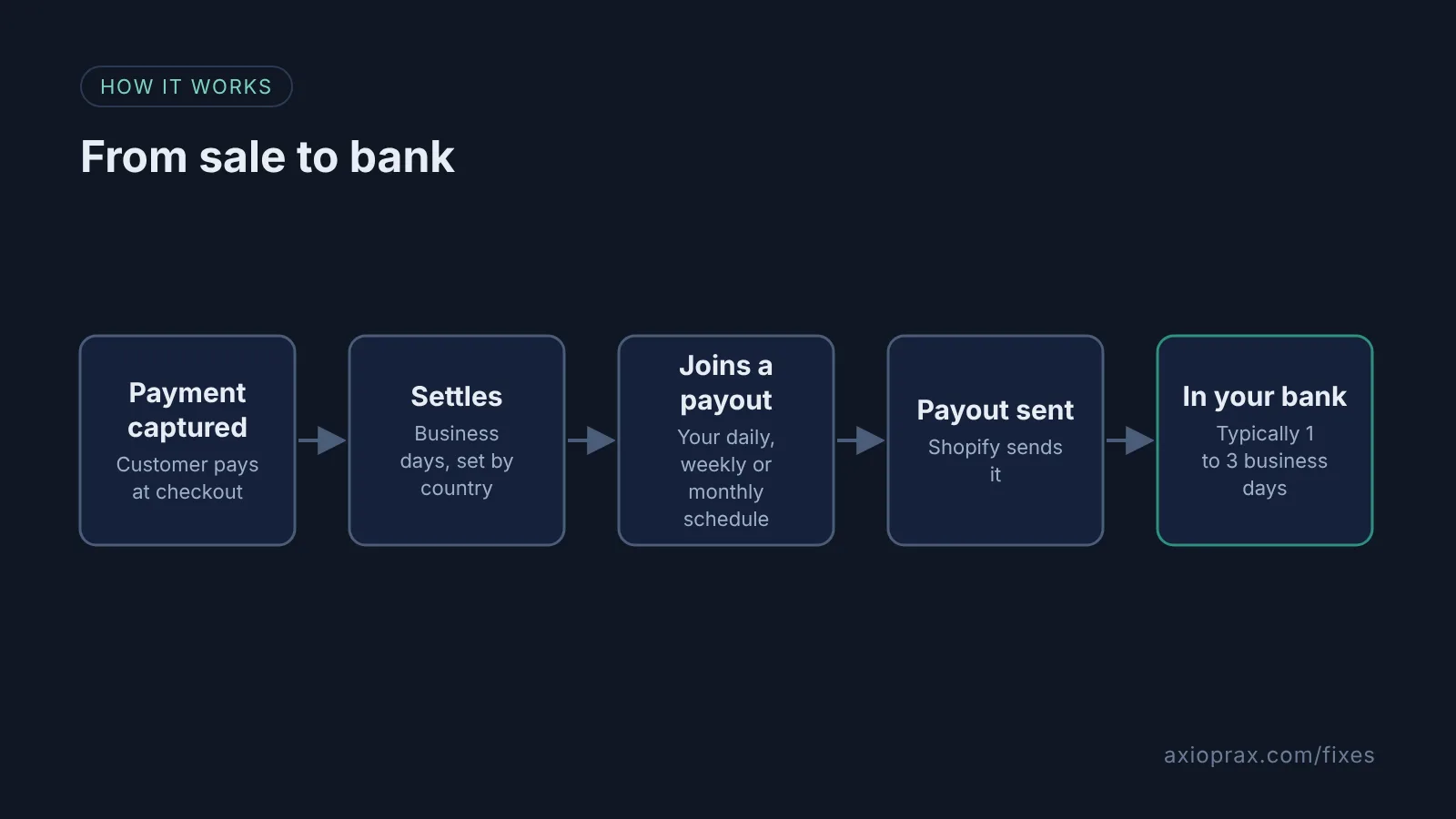
What does the schedule not change?
Settlement time. Shopify lists a minimum settlement time for each country, and actual times can be longer depending on risk: 3 business days in the United States, the United Kingdom, Canada, Germany and Ireland, and 2 in Australia. Weekends and holidays do not count, and funds from payments captured on Friday, Saturday and Sunday are sent together as one payout. After a payout is sent, banks typically take 1 to 3 business days to deposit it.
Shopify also says accounts deemed higher risk might be placed on a custom payout schedule, with payout periods from 5 to 20 business days, and that "Shopify Support can't shorten your settlement time on request." Reserves are separate again. Funds held in a reserve are not part of your pending balance, so a new schedule will not release them.
When is this not the right fix?
The honest limit: if your payouts are late because of a hold, a reserve or an account review, changing the schedule will not help, and switching can add a delay of its own. Check for banners in your admin and emails to the store owner first, as in our payout on hold fix, and read the reserve details as in our reserve fix. In the United States and France, Shopify uses several payment partners, so you might get some payouts sooner than the scheduled date, or more than one in a day.
What does it cost?
Nothing. Shopify charges nothing to switch schedules. The real cost is a little bookkeeping: daily payouts mean more deposits to match against your orders, so export each payout's transactions if your accountant reconciles by payout.