What is a Shopify Payments reserve, and why should I care?
Shopify describes a reserve as "a temporary hold on a portion, in some cases a full amount, of transactions processed through Shopify Payments for a specified period." It is there to cover chargebacks and refunds. If a customer disputes a payment, the amount and any dispute fee come out of your account, and the reserve makes sure that money is there.
Shopify uses two types. A fixed amount reserve sets aside a specific sum for a set time. A percentage-based reserve holds back a share of every transaction for a set time and pays the rest out as normal. Shopify's own example is a 10% reserve for 120 days: 10% of each sale is held and 90% goes out in your regular payouts.
Shopify says a reserve can follow a risk assessment that looks at things like extended billing cycles, more chargebacks, a higher refund rate, long delivery times such as pre-orders, or a sudden jump in sales volume. That last one matters in November and December.
How do I know I have a reserve?
- A Reserve section appears on your Payouts page. Shopify only shows it when your account has reserved funds.
- You received an email from Shopify setting out reserve terms.
- Your payouts are smaller than your sales, and the breakdown shows a Reserved funds amount.
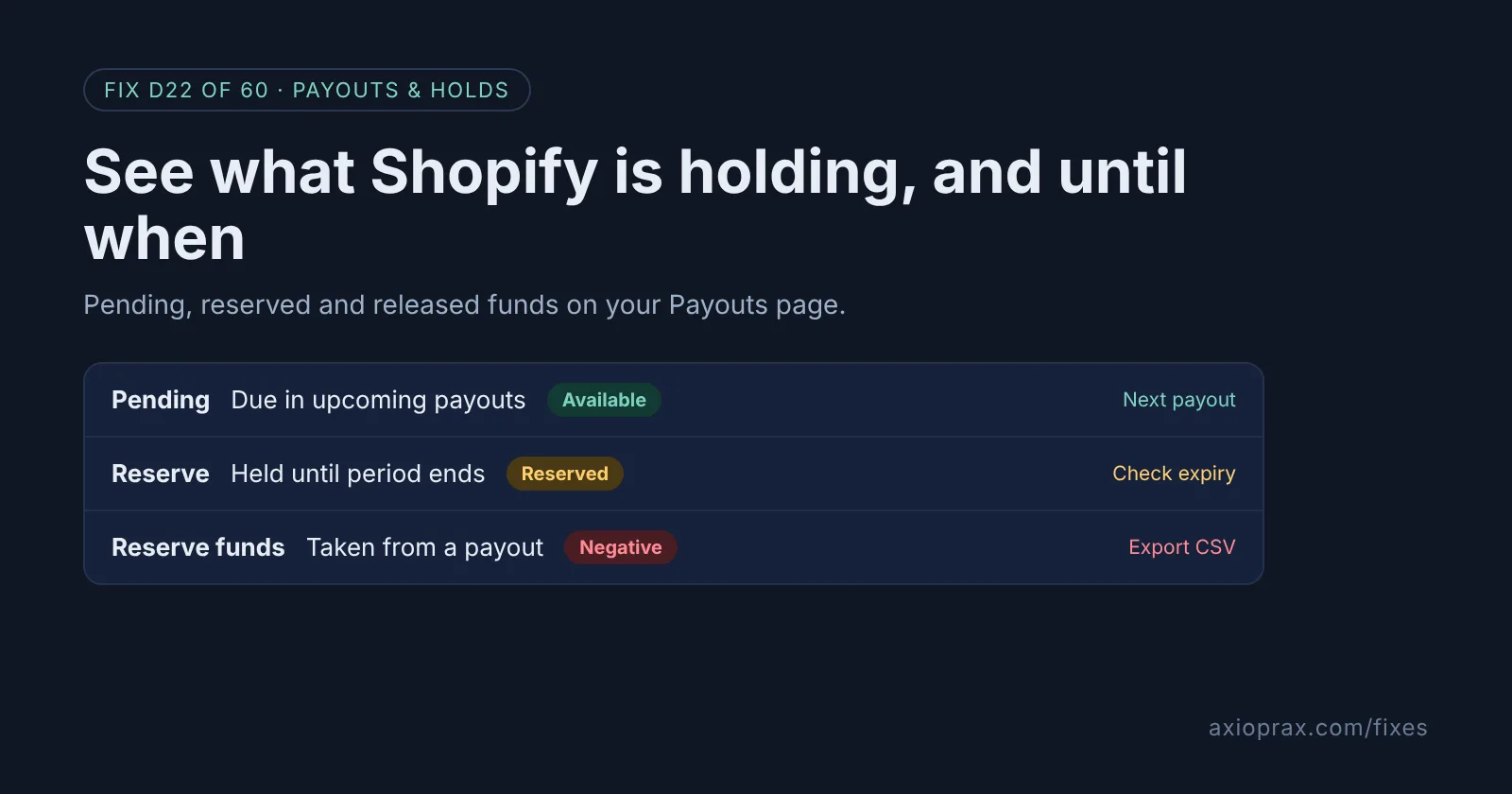
Your total balance is your Pending amount plus your Reserve amount. Only Pending is heading to your bank in upcoming payouts.
How do I fix it? (step by step)
Work through it with your Shopify admin open, and tick each step as you go.
0 of 7 done
Open your Payouts page.
From your Shopify admin, go to Finance > Payouts. Pending is money due in upcoming payouts, and Reserve, shown only when your account has reserved funds, is money you cannot access until the reserve period ends.
Find the reserve terms email.
Shopify communicates the terms of a reserve by email, so search the inbox you use for Shopify and the spam folder. Shopify sends account hold emails to the store owner address. To check it, go to Settings > Users and permissions and click the name under Store owner.
Note the type, period and expiry date.
From the email, write down whether it is a fixed amount or a percentage-based reserve, how long it runs, its expiry date and any deadline for appealing. Put the expiry date in your calendar.
Review your reserve transactions.
In Finance > Payouts, click Reserve. Reserve funds are negative transactions taken from your payouts, and Released funds are positive transactions that become available for payout after the reserve is complete.
Export the reserve for your books.
On the same page, click the export icon, then click Export reserve transactions to save a CSV. After everything is released, click View transactions on the Payouts page and filter by the Reserved Funds transaction type instead.
Check each payout breakdown.
In Finance > Payouts, click the payout date, then the payout. Reserve transactions are included in the Reserved funds amount of the breakdown, so you can see how much each payout lost to, or gained from, the reserve.
Track it over a month.
Go to Finance > Documents and click Shopify Payments activity report. The Reserves & Holds group lists reserved funds and the reversals that release them back to your balance, with a 3-day data delay.
When is the money released?
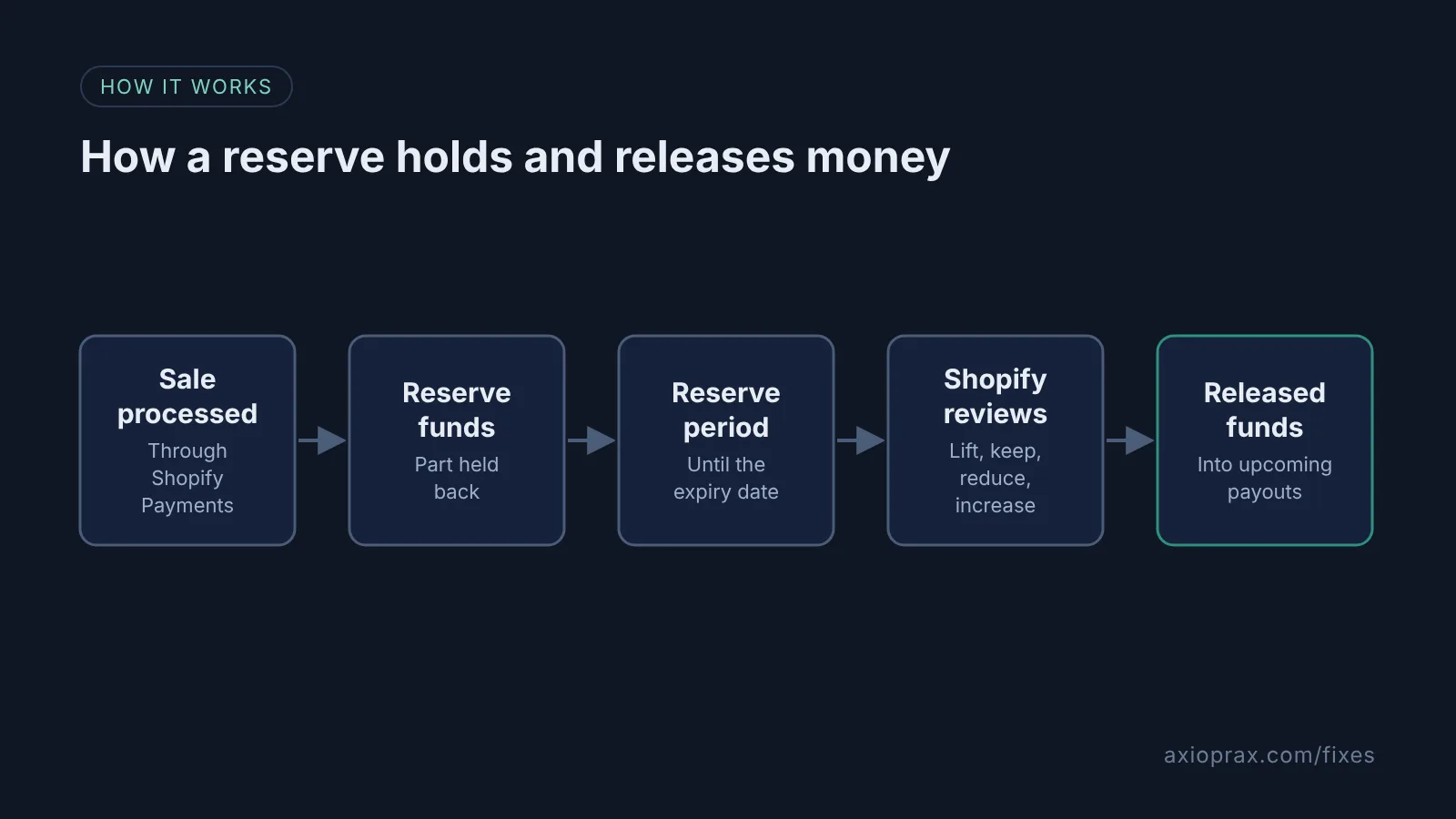
Each reserve has an expiry date, and Shopify sends the reserve terms by email. Before it expires, Shopify reviews your account and decides whether to lift, maintain, reduce or increase the reserve. If no extension is needed, the reserve amount is included in upcoming payouts, and Shopify says it "might take several business days" to be processed. At the end of the period, reserve funds no longer needed for refunds or disputes are returned in full. Shopify does not promise an earlier date, so plan your cash flow around the expiry date, not before it.
If you think the reserve is wrong, reply to the reserve email within the timeframe it gives. Some reserves cannot be appealed. If the email lists requirements instead, Shopify removes the reserve automatically once you meet them.
When is this not the right fix?
If your whole payout has stopped and the notice talks about information, bank details or product eligibility, that is an account hold, not a reserve. Read our payout hold fix instead. A creditor hold is different again: Shopify says it cannot remove that type, only the payment processor can, after a release from your creditor. And if there is no Reserve section, a smaller payout is more likely down to refunds, chargebacks, fees, adjustments or a negative balance.
What does it cost?
Shopify's reserves page does not mention a fee for having a reserve. The cost is cash flow: money you have earned but cannot spend on stock or ads until the reserve ends. The time cost is small: a regular look at the Payouts page and a fresh export when the reserve changes.