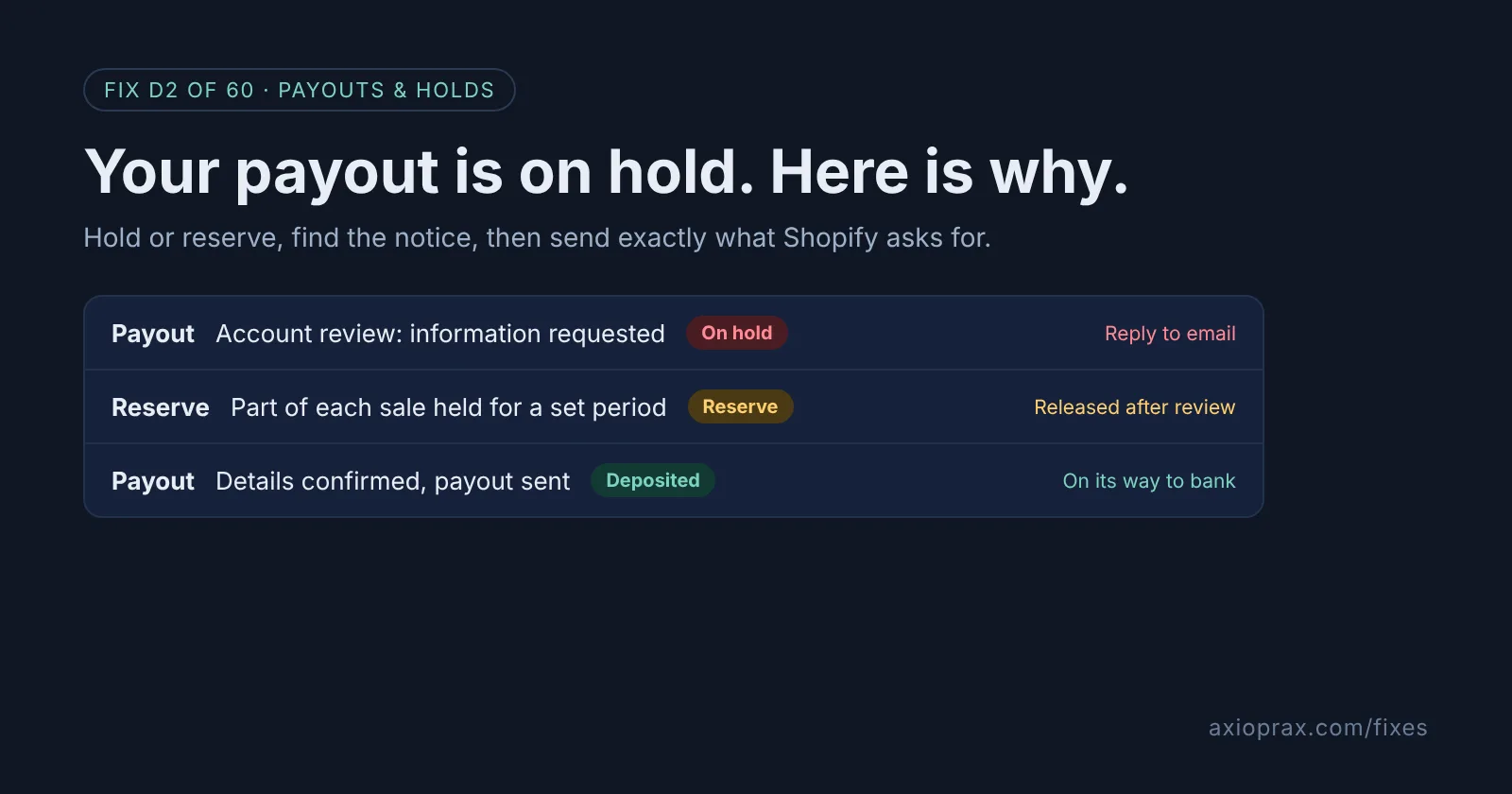
Why does Shopify Payments hold payouts or set a reserve?
Shopify checks your business when you apply, and after that, in its own words, "risk is continuously monitored throughout your use of the platform." A hold or a reserve is what happens when that monitoring raises a question.
A hold usually stops the whole payout while Shopify reviews your account. Shopify's reasons include missing information, incorrect bank account details, product eligibility, a business type it does not support, sanctions linked to your location, and creditor or legal action. Its risk page also mentions invalid tax information, a business address that does not match where you operate, and "rapid increases in sales volume."
A reserve is different. Shopify holds back part, and sometimes all, of your Shopify Payments money for a set period to cover chargebacks and refunds. Things that can lead to one include annual subscriptions, a high chargeback or refund rate, long delivery times such as pre-orders or custom orders, and sudden jumps in volume.
How do I know if my payout is on hold or in a reserve?
Look in three places:
- Merchant Alerts in your Shopify admin, and the store owner's email inbox (check spam too).
- The Payouts page under Finance. Money in a reserve shows separately from the Pending balance.
- Seller health, where Shopify says some hold actions can also appear.
One thing to know before you start: you can keep running your store during a hold, but you cannot receive Shopify Payments payouts until the reason is resolved.
How do I fix it? (step by step)
Work through it with your Shopify admin open, and tick each step as you go.
0 of 7 done
Read the notice as the store owner.
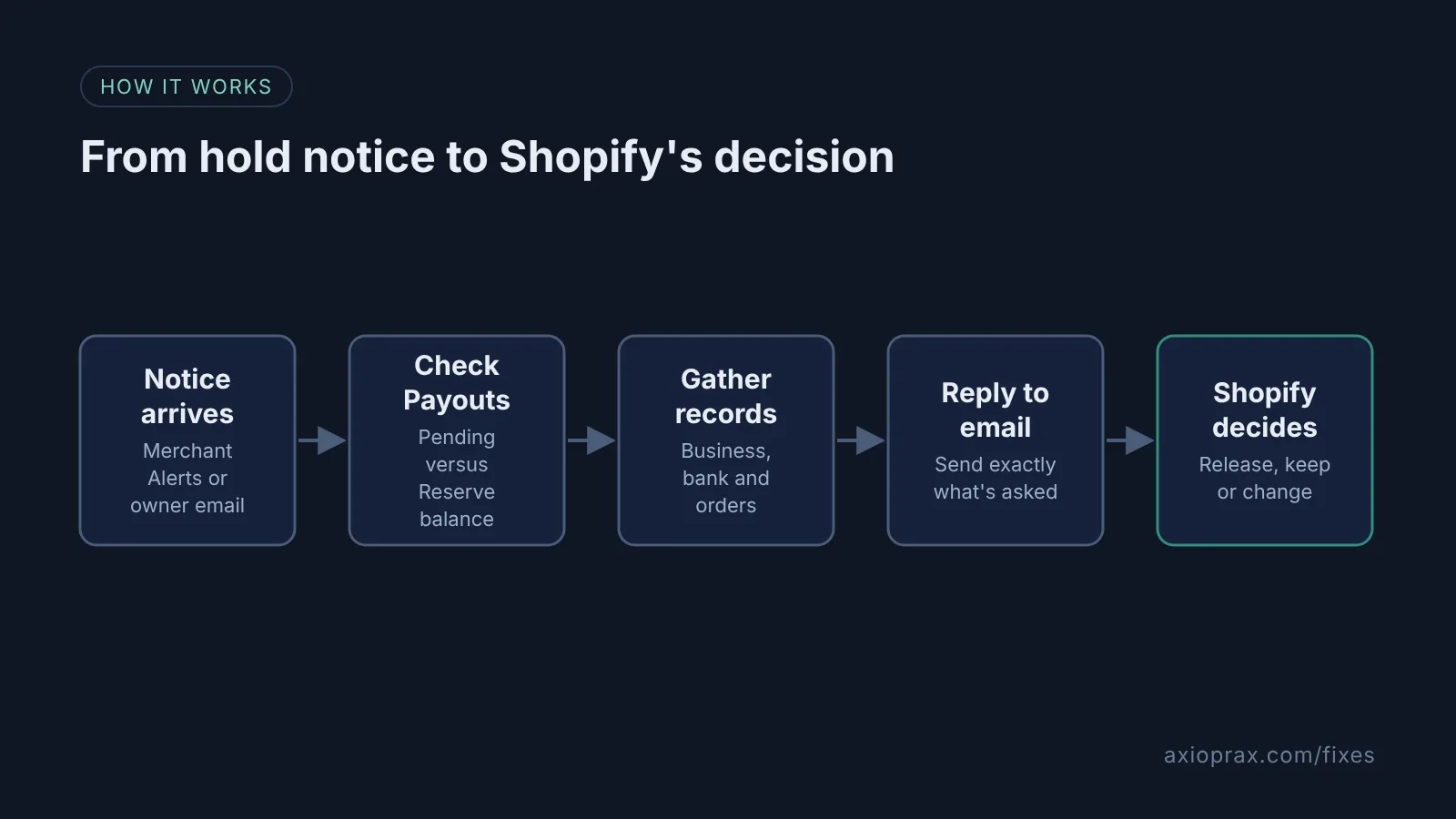
Shopify sends hold notices to Merchant Alerts in your admin and to the store owner's email, and only the store owner can see the account details. To check which email that is, go to Settings > Users and permissions.
Check whether it is a hold or a reserve.
From your Shopify admin, go to Finance, then in the Payout balance section click View payouts. Pending is money due in upcoming payouts. Reserve is money held until the reserve period ends. If your admin shows Money instead of Finance, an early access layout, click See all payouts in its Upcoming section.
Export what is in reserve.
In Finance > Payouts, click Reserve to see each reserve transaction, then use the export icon and choose Export reserve transactions to save a CSV for your records.
Match your bank and business details.
Confirm the bank details in your admin match your bank exactly, then check your legal name, business address and tax ID against Shopify's Shopify Payments requirements page for your country.
Pull the records for the orders in question.
For any orders the notice or a dispute names, save the receipt, carrier name, tracking number, delivery status, proof of delivery and your emails with the customer. These are the records Shopify lists as evidence for chargebacks.
Reply to Shopify's email with what it asks for.
Send the requested information by replying directly to the email, which Shopify calls the fastest way to resolve a hold. If it is a high-value goods review, complete it in your admin before the required date.
Fix what the review looks at.
Shopify's good-standing list includes accurate product descriptions, fulfilling orders within the timeframes you promise, clear subscription terms and prompt replies to customer disputes. Fix any gap before your next review.
Will doing all this get my payout released?
Not necessarily, and we want to be plain about that. Shopify reviews what you send and decides. Doing the steps above means the review is not waiting on you, and that is the part you control. For a high-value goods review, Shopify says your information is reviewed and you are told the outcome by email. Before a reserve ends, Shopify reviews it again and can lift, keep, reduce or increase it.
Only send what the notice asks for. Shopify's help pages do not publish one fixed document list for every hold, so the notice itself is your best guide. Before you click any link or share bank details, make sure the email really is from Shopify.
When is this not the right fix?
If the hold comes from a creditor or legal notice, Shopify says it cannot remove that type of hold. Only the payment processor can, after your creditor sends a release. If your business type is not supported, or your account is declined or deactivated, sending more documents will not change it: Shopify's options are to appeal a deactivation, reapply after a decline, or set up a third-party payment provider.
What does it cost?
Nothing to reply or appeal. The real cost is the money you cannot reach while the hold or reserve runs, so plan your supplier payments and ad spend around it, and keep an eye on refunds and chargebacks, because those can lower your payouts as well.