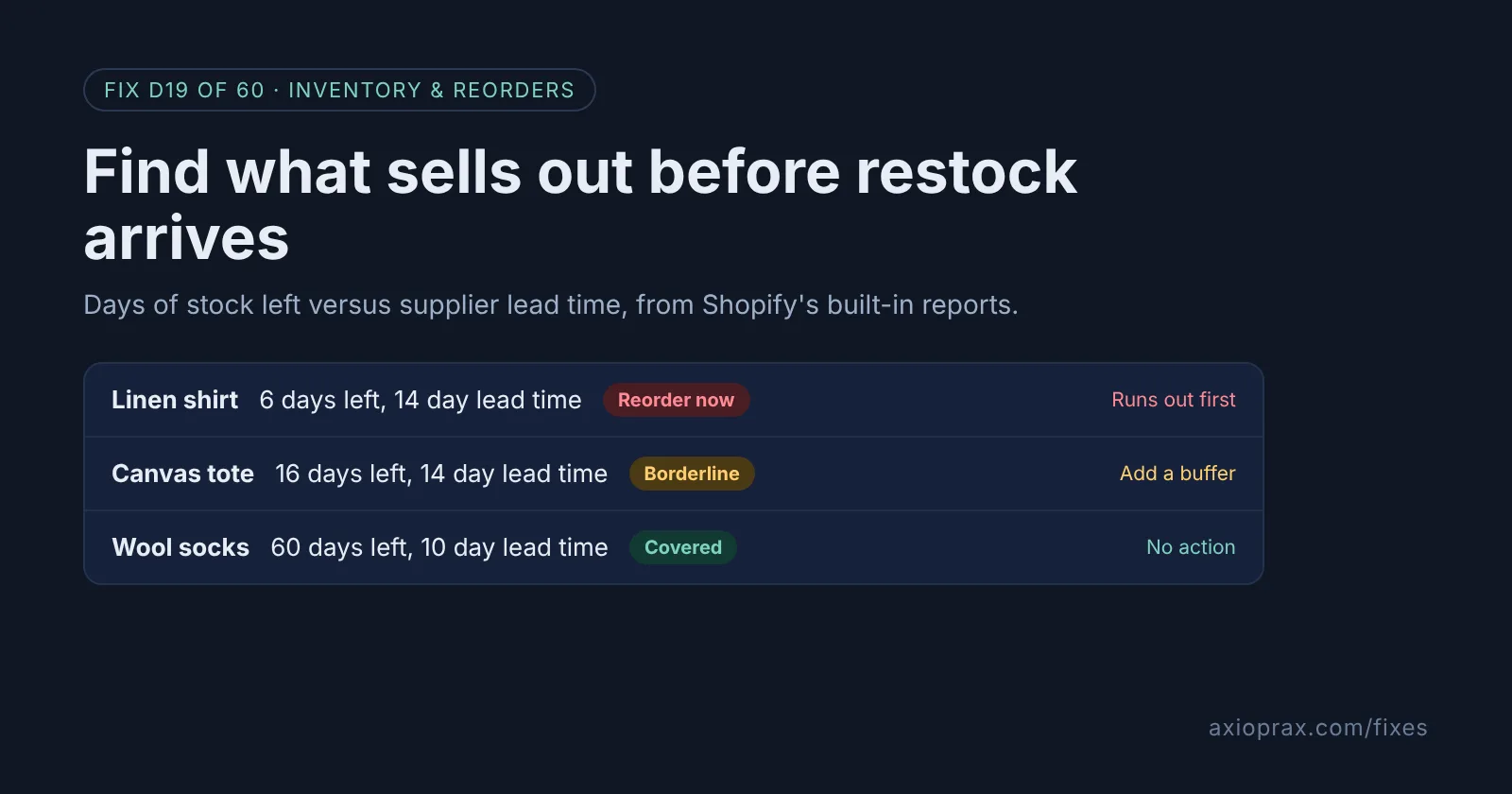
Why is a low-stock alert not enough before Black Friday?
A low-stock alert tells you when a product has already dropped below a number you picked. That works on a normal week. Before a big sale it can come too late: if your supplier needs two weeks and the alert fires with five days of stock left, you will sell out before the new delivery lands.
The better question is time, not units. How many days will this product last, and how many days does my supplier need? Shopify's built-in inventory reports give you the first number. You already know the second.
How do I know which products are at risk?
- A product sells steadily every day, but you reorder it only when someone notices the shelf is thin.
- Your supplier is overseas or makes to order, so restocks take weeks.
- Last year a best seller sold out during the sale and you lost the rest of the weekend.
If any of these sound familiar, run the check below. You only need the products that bring in most of your revenue, so it is a short check.
How do I fix it? (step by step)
Work through it with your Shopify admin open, and tick each step as you go.
0 of 7 done
Open the inventory reports.
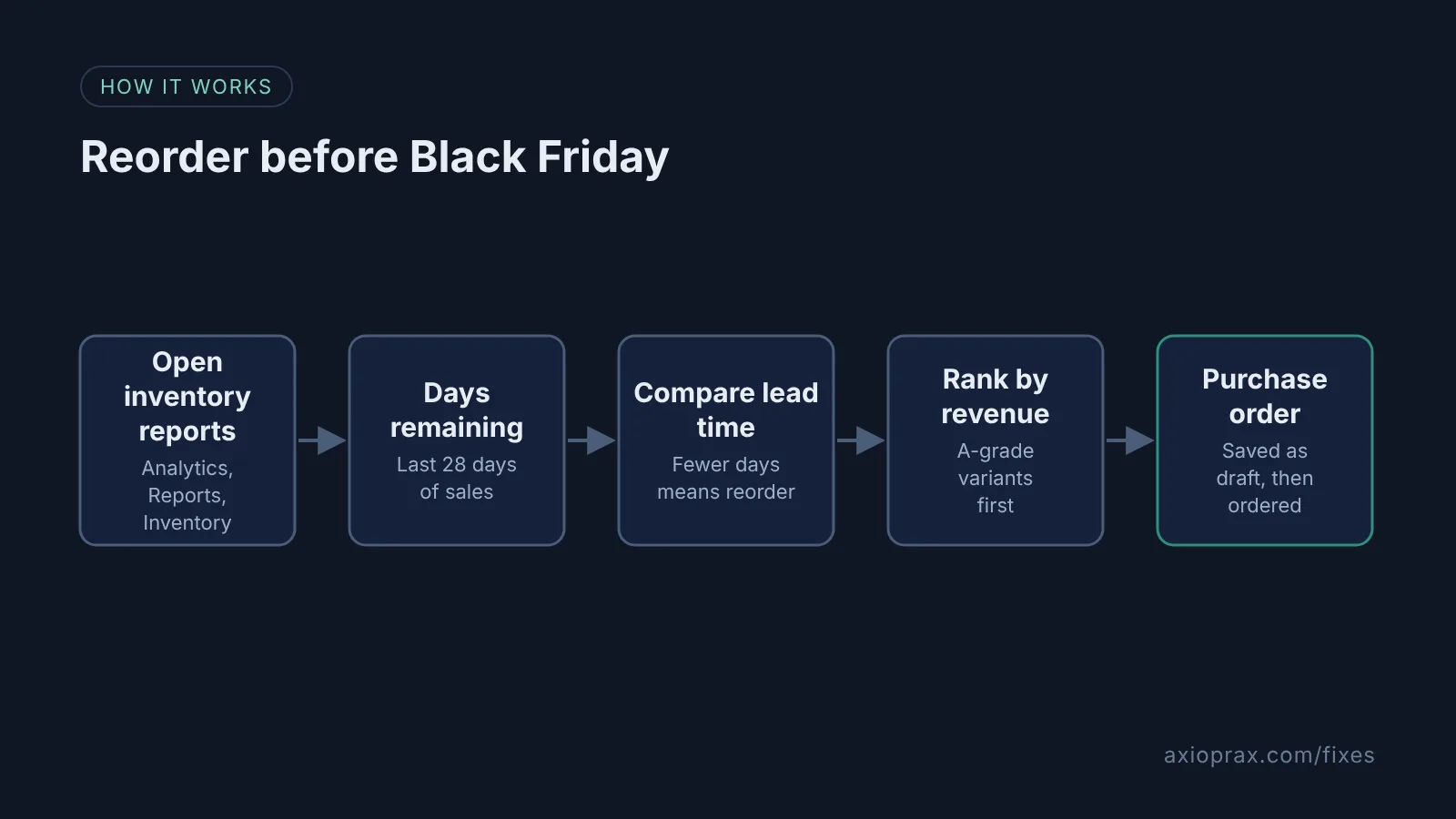
From your Shopify admin, go to Analytics > Reports, click the Category filter and click Inventory. On the mobile app, tap the menu icon, then Analytics > Reports, and filter Category by Inventory.
Open Inventory remaining per product.
Read the Days of inventory remaining column. Shopify works it out as ending quantity divided by the variant's average daily sales over the last 28 days.
Add each supplier's lead time.
Note how many days each supplier takes from order to stock on your shelf. We could not find a lead time field in Shopify's supplier details, so keep it in a simple sheet next to the report.
Flag anything that runs out before restock.
Mark every variant whose days of inventory remaining is lower than its supplier's lead time. Those will sell out before new stock can arrive, even at normal pace.
Rank the flagged list by revenue.
Open ABC product analysis in the same Inventory category and start with A-grade variants, the ones that make up about 80% of your revenue. Use Products by sell-through rate to see which of them have already sold the largest share of their stock.
Raise purchase orders.
Go to Products > Purchase orders, click Create purchase order, select the supplier, add the flagged products and quantities, then click Save as draft. To send it, click More actions > Export PDF and email the PDF to your supplier, then click Mark as ordered once they confirm.
Check again before the sale.
Open Inventory remaining per product again a few days before Black Friday on 27 November, because the 28 day window updates as you sell.
How should I read the sell-through rate?
Products by sell-through rate shows what share of your stock you sold: items sold divided by items sold plus items still in inventory. Shopify uses the most recent 30 day period available, which usually lags by about two days. A high rate on an A-grade product is a good reason to check its days of inventory remaining first. Shopify treats untracked products as having sold 0 units, so turn on tracking for anything you want to see here.
When is this not the right fix?
Be honest about the main limit. Both reports look backwards. Days of inventory remaining uses your last 28 days of sales, so it assumes Black Friday will sell at the same pace as an ordinary week. It will not. If your sale brings a spike, stock runs out faster than the report says, so add your own buffer on top of the lead time for anything you are promoting.
It also cannot help a product with no recent sales, which shows N/A. And since 1 October 2026 the reports count On hand stock, which includes units already committed to orders, so the real days left can be lower than shown. If your counts are wrong to begin with, fix tracking before trusting any of this.
What does it cost?
Nothing extra on top of your plan. The inventory reports are included (Shopify lists them even on the Starter plan), and purchase orders are built into the Shopify admin under Products > Purchase orders. The cost is the time to note each supplier's lead time once. After that, the check is a short read of one report.
Want this set up for you?
Our Stocky Replacement kit includes a supplier sheet and a reorder sheet that work with Shopify's own purchase orders, so lead times live in one place. To see how we rebuilt a weekly reorder routine on our demo store, read the demo build.