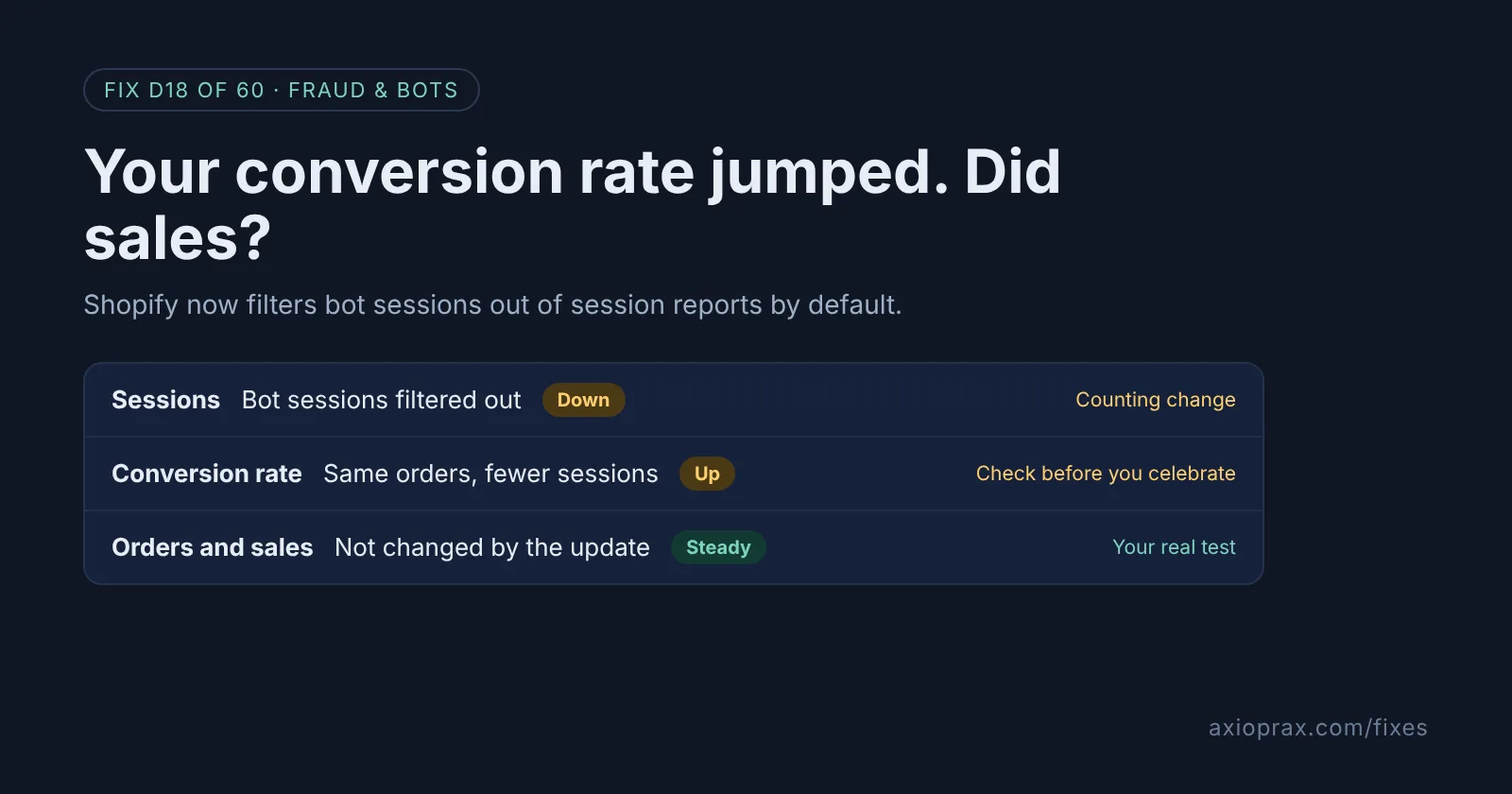
What changed in Shopify's session numbers?
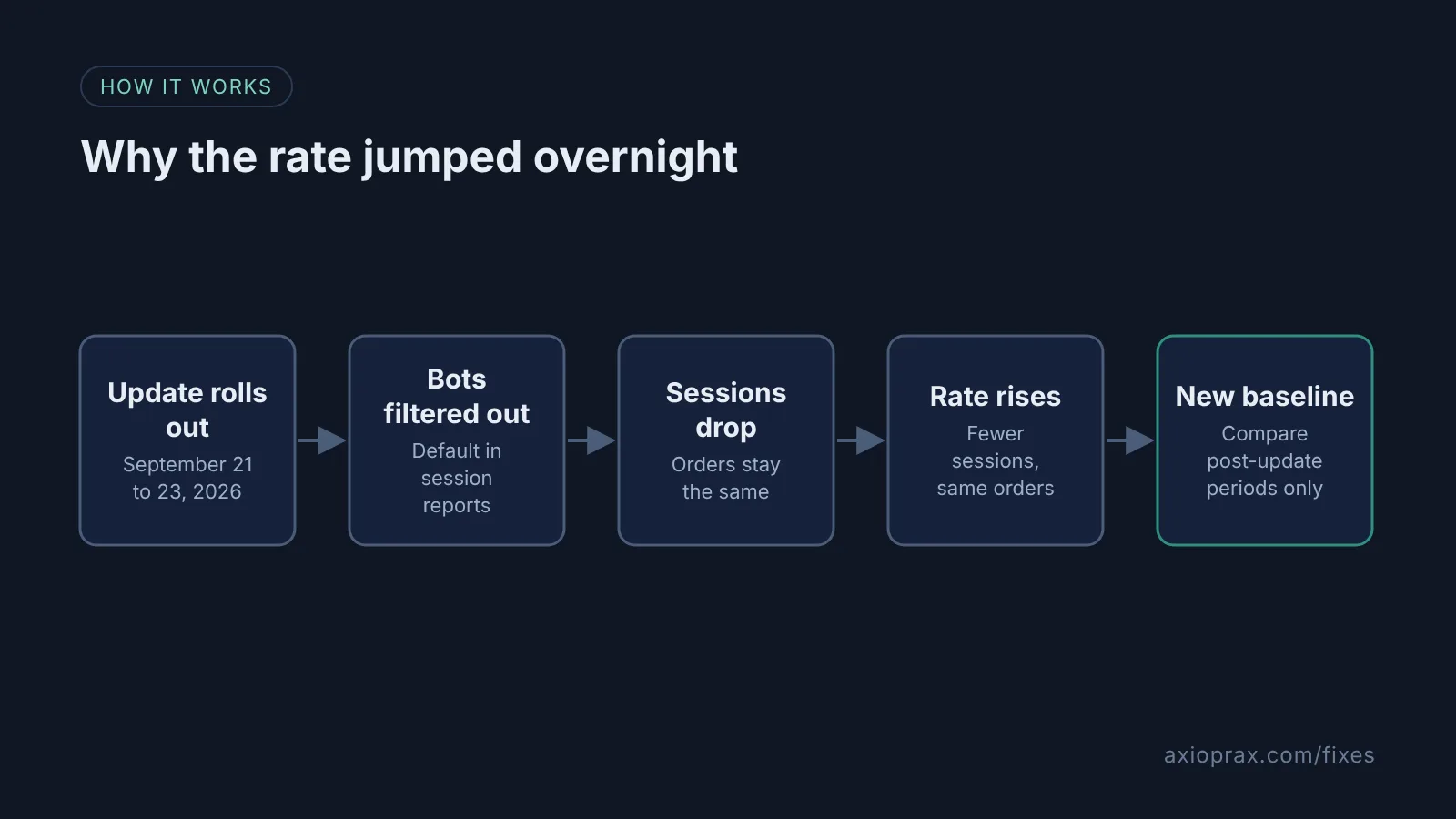
In September 2026 Shopify changed how Analytics measures sessions. The rollout ran from September 21 to 23, 2026. Once it reached your store, identified bot sessions were filtered out of session-related reports by default. Sessions are also now based on continued customer activity, instead of ending at midnight.
Conversion rate is a share of sessions. If bots made up a real part of your sessions, removing them leaves fewer counted sessions for the same orders, so the rate goes up. Shopify lists sessions, conversion rate, add to cart rate, reached checkout rate, bounce rate and online store visitors among the metrics that may look different. In Shopify's words: "This doesn't necessarily mean that your traffic, orders, or customer behavior changed."
How do I know this is what happened?
- The jump started between September 21 and 23, 2026, with no campaign or price change to explain it.
- Sessions fell at the same time, while orders and sales stayed about where they were.
- In your sessions reports, the Human or bot session filter now leaves out bot sessions by default.
If all three are true, you are looking at a counting change. The steps below help you confirm it and set up a fair comparison going forward.
How do I fix it? (step by step)
Work through it with your Shopify admin open, and tick each step as you go.
0 of 7 done
Match the jump to the update dates.
Note the day your conversion rate moved. Shopify's session measurement rollout ran from September 21 to 23, 2026, so a jump in that window points to the update, not your store.
Open a sessions report.
In your Shopify admin, go to Analytics > Reports and click a sessions report. If the configuration panel is hidden, click Controls.
Check the Human or bot session filter.
In the Filters section, find the Human or bot session row. Choose is Human to see only human sessions or is Bot to see only bot sessions. To see the full mix, choose is one of, select Human and Bot, and click Apply.
Split the report by session type.
To see human and bot sessions side by side, add Human or bot session from the Dimensions menu in the configuration panel. Filter changes apply only to the report you are viewing.
Check how far back the filter goes.
Bot filtering applies only to data from October 7, 2025 onward. Shopify cannot classify older sessions, so reports that reach back before that date still include bots.
Compare only periods after the update.
Treat September 21, 2026 as a new baseline, as Shopify suggests. Because the rollout ran until September 23, compare periods that start after September 23 with each other, and be careful comparing session metrics with earlier periods.
Check orders and sales for the same dates.
Open your sales and orders reports in Analytics > Reports for the same date range. These counts are not changed by the update, so they show whether real performance moved.
When is this not the right fix?
If your orders and sales rose too, something real may have changed, and the update only explains part of the jump. Look at your campaigns, prices and traffic sources for the same dates. If the jump happened outside late September 2026, this update is not the cause. Shopify also consolidated marketing reports around the same time, so marketing reports for late September 2026 can reflect both changes. One honest limit: Shopify's bot classification is conservative, so some bots can still be counted as human, and a sudden bot wave can still push sessions around.
What does it cost?
Nothing. The filter is built into Shopify Analytics. Checking it means opening a few reports and lining up the same date ranges.
What should I tell my team or my agency?
Tell them September 21, 2026 is a new baseline. Shopify says to treat it that way when comparing reports before and after the update. Any goal or bonus tied to conversion rate should be reset against post-update numbers. Orders and sales did not change because of this update, so they still compare cleanly with older periods.
Want help with bot traffic?
If bots are hitting your store hard enough to matter, see the Bot Cleanup kit. We also fix one Shopify problem for free for ten stores as part of the Founding 10.