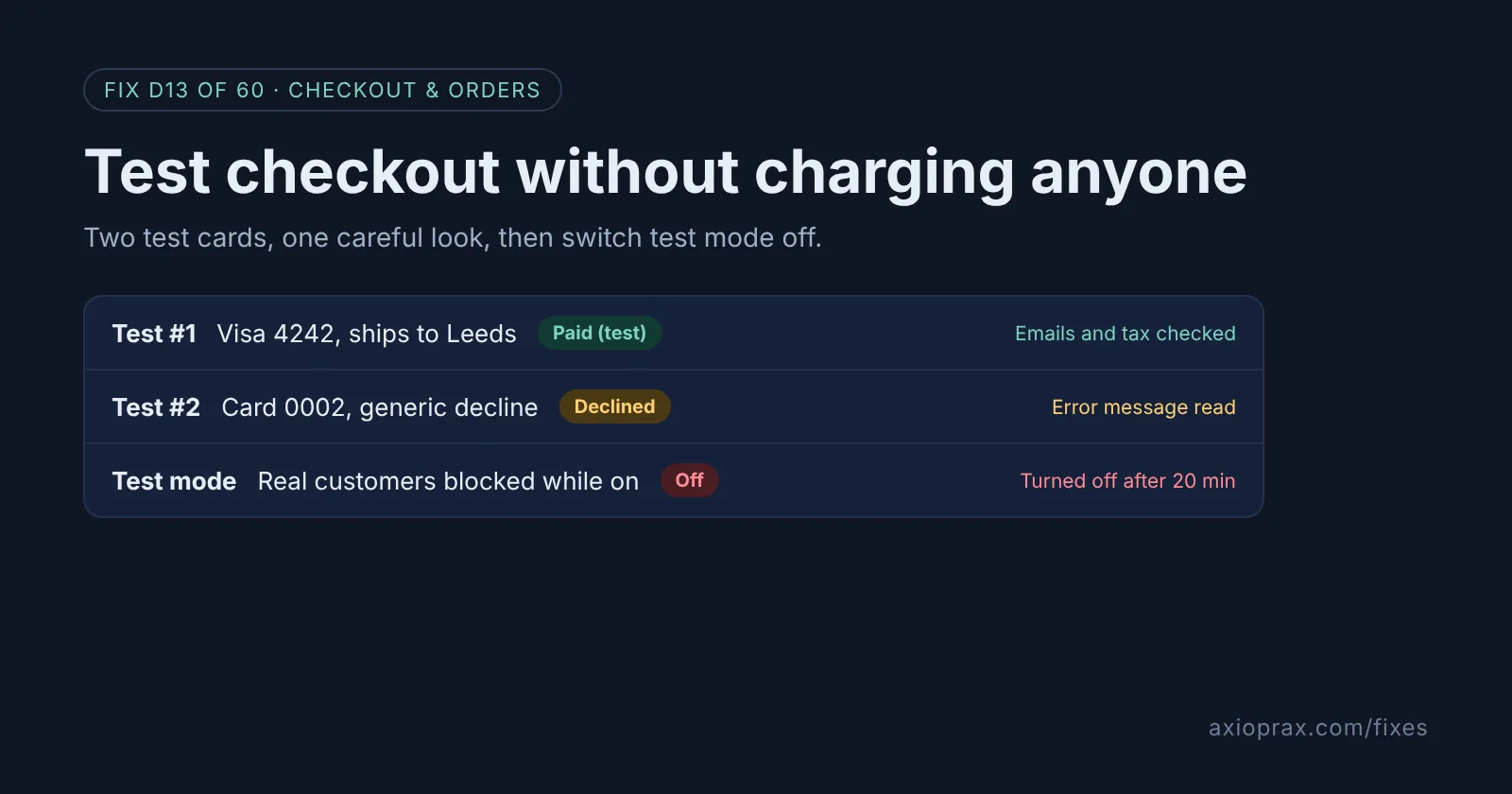
Why test checkout if nothing looks broken?
Checkout is where small changes show up. A new shipping rate, a tax setting, a discount, a payment app or a theme update can each change what a customer pays or sees, and the first person to notice is usually a customer who gives up. A test order shows you exactly what they get, from the cart to the confirmation email.
Shopify recommends placing at least one test order during setup and whenever you change your payment settings. Its own list of what a test order checks is checkout, order processing, inventory, shipping, email notifications and taxes. That is most of what goes wrong.
How do I know I should run one now?
- You changed payments, shipping rates, taxes, markets or discounts since your last test.
- You installed or removed an app that touches checkout, orders or fulfillment.
- A customer told you checkout did something odd and you could not reproduce it.
If you cannot remember your last test order, run one this week.
How do I fix it? (step by step)
Work through it with your Shopify admin open, and tick each step as you go.
0 of 6 done
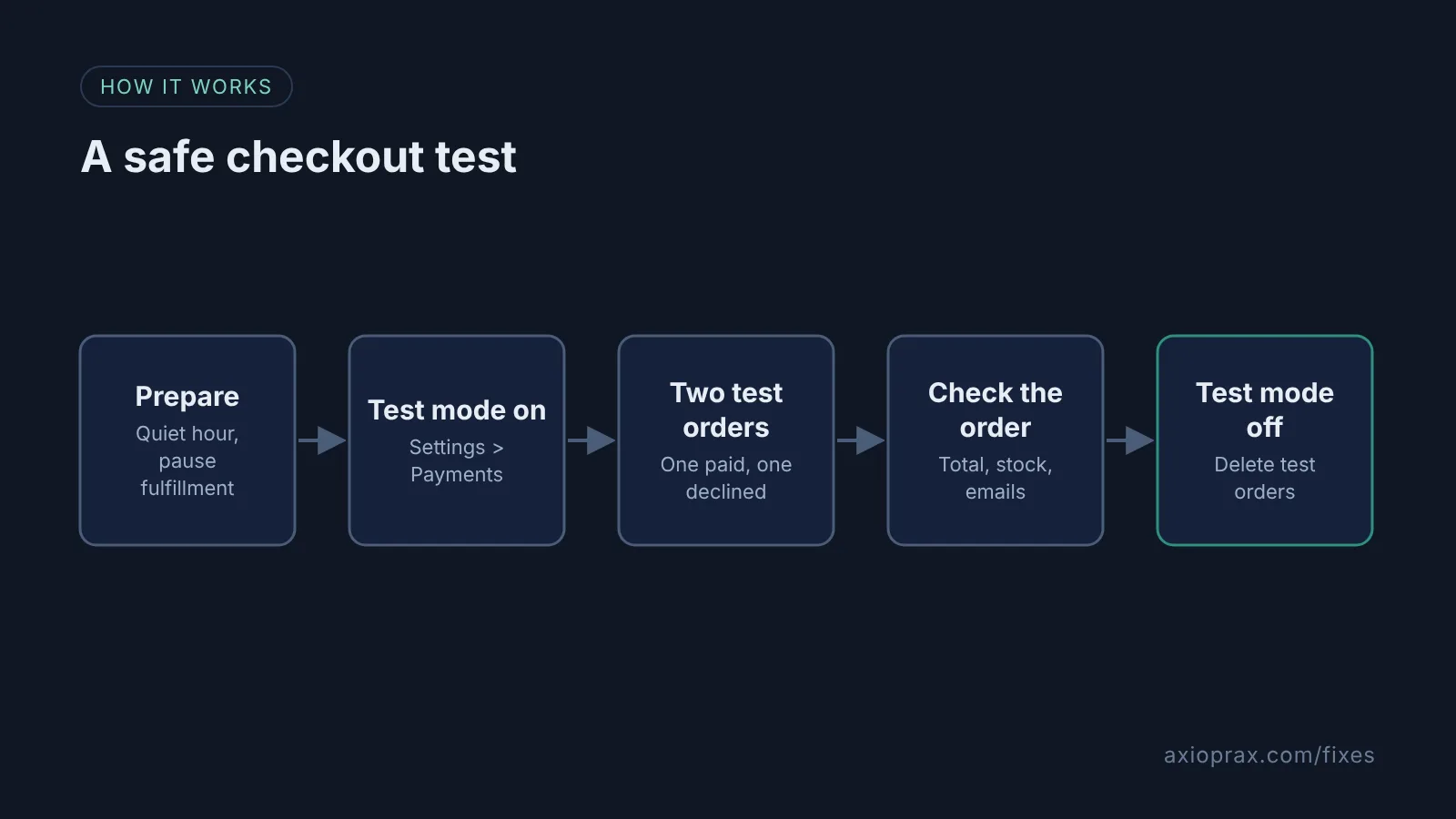
Pick a quiet time and pause auto-fulfillment.
Shopify advises against test mode on a live store, because real customers cannot pay while it is on. If you use it on a live store, keep it to a few minutes at your quietest hour, or place one real order and refund it instead. Either way, pause any fulfillment service or auto-fulfillment app first.
Turn on test mode.
From your Shopify admin, go to Settings > Payments. Under Shopify Payments, click Manage, check Enable test mode in the Test mode section and save.
Place a successful test order.
Check out as a customer with an email ending in @example.com and card 4242 4242 4242 4242, a name of at least two words, any future expiry date and any three digits. The order must be over the equivalent of $1 USD.
Place a declined test order.
Check out again with 4000 0000 0000 0002, Shopify's generic decline card, and read the error message your customer would see.
Check what the order produced.
Open the order and confirm the test mode banner, then check tax, shipping, discounts, stock and the order confirmation email. Add a tracking number to check the shipping email, but do not buy a label.
Turn test mode off and clean up.
Uncheck Enable test mode and save straight away, then delete the test orders and switch auto-fulfillment back on.
What should I check on the test order?
- The total: product price, discount, shipping and tax all match what you expect for that address.
- Stock: the quantity went down for a tracked product.
- Emails: the order confirmation, and the shipping confirmation once you add tracking.
- Your apps: anything that tags, routes or notifies on new orders did its job.
Test one address in each country or region you ship to most. Shipping and tax both change by address, so a single test only proves one route.
When is this not the right fix?
If you take payments through express buttons, be careful. Shopify says Apple Pay and Google Pay use real cards in test mode, though no real charges are processed, and PayPal Wallet does not show at all. If those are most of your payments, also run one real order and refund it. Test mode also needs a paid plan, finished Shopify Payments setup and two-step authentication.
What does it cost?
Nothing, as long as you do not fulfil the test orders. Shopify warns you are charged for any shipping labels you buy. A real-card test costs whatever fees your provider keeps when you refund.
Want this set up for you?
We run a full checkout test across your main markets and write up what we find for free as part of the Founding 10, where we fix one Shopify problem for ten stores. For a broader check of how your store runs, start with the Store Ops Audit.