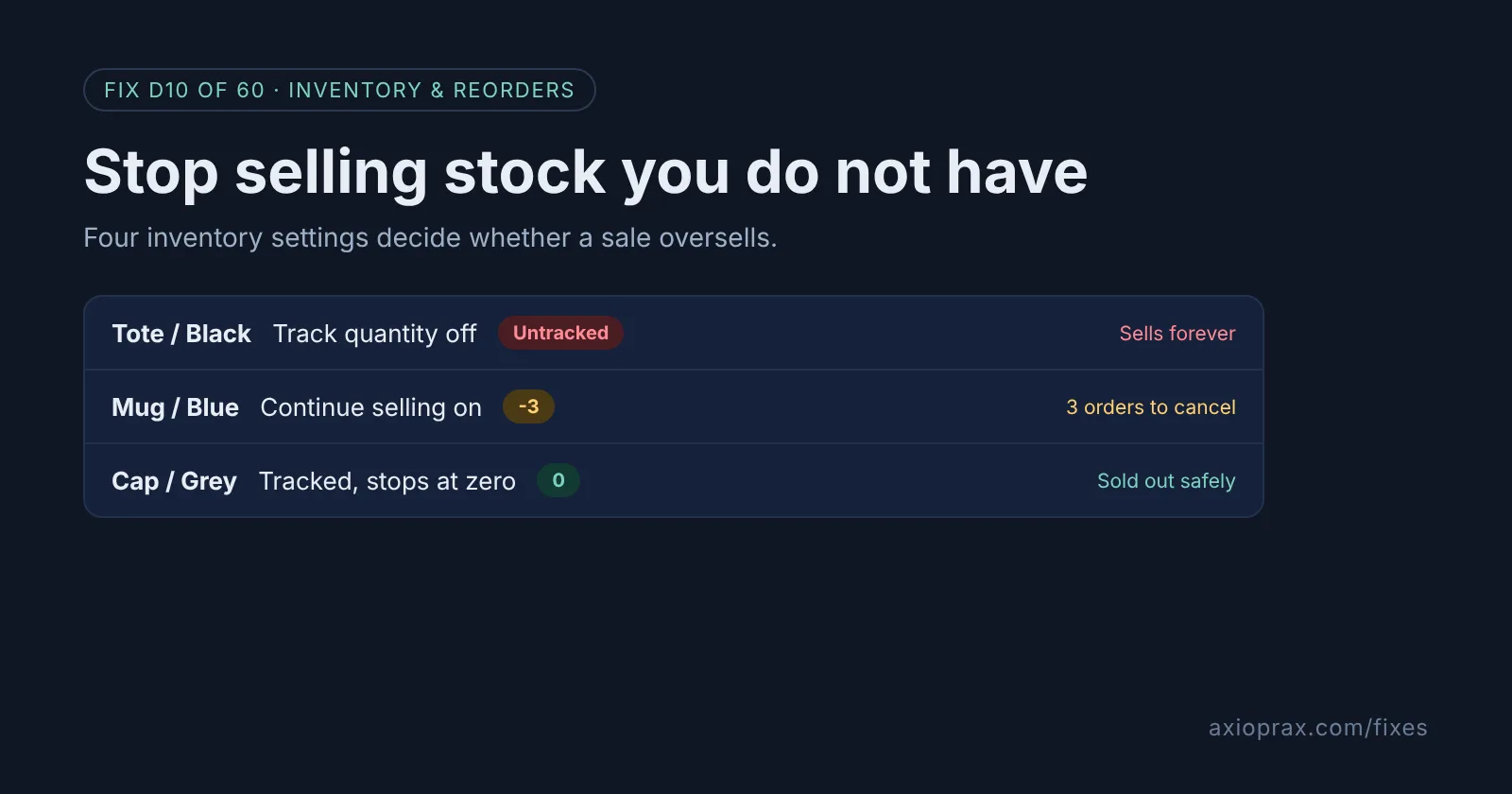
Why does overselling happen most during a sale?
On a quiet day, a setting that is slightly wrong rarely matters. A variant with tracking switched off, or one left on Continue selling when out of stock, might go a little past zero and you restock before anyone notices. During a sale, the same variant can take dozens of orders in an hour, and every one past your real stock is a customer you have to email, refund and apologise to.
Shopify already has everything you need to stop this. By default, Shopify stops selling a tracked product at zero. Overselling comes from the exceptions: products that were never tracked, products someone set to keep selling, stock sitting at the wrong location, and bundles built from parts Shopify cannot count.
How do I know my store is at risk?
- You have cancelled an order before because the item was not on the shelf.
- Products show a negative stock number in Products > Inventory.
- Products were imported from another platform or app and nobody checked their inventory settings.
- You sell bundles or kits made from products you also sell on their own.
Any one of these is worth 45 minutes before your next sale.
How do I fix it? (step by step)
Work through it with your Shopify admin open, and tick each step as you go.
0 of 7 done
Open every variant in the bulk editor.
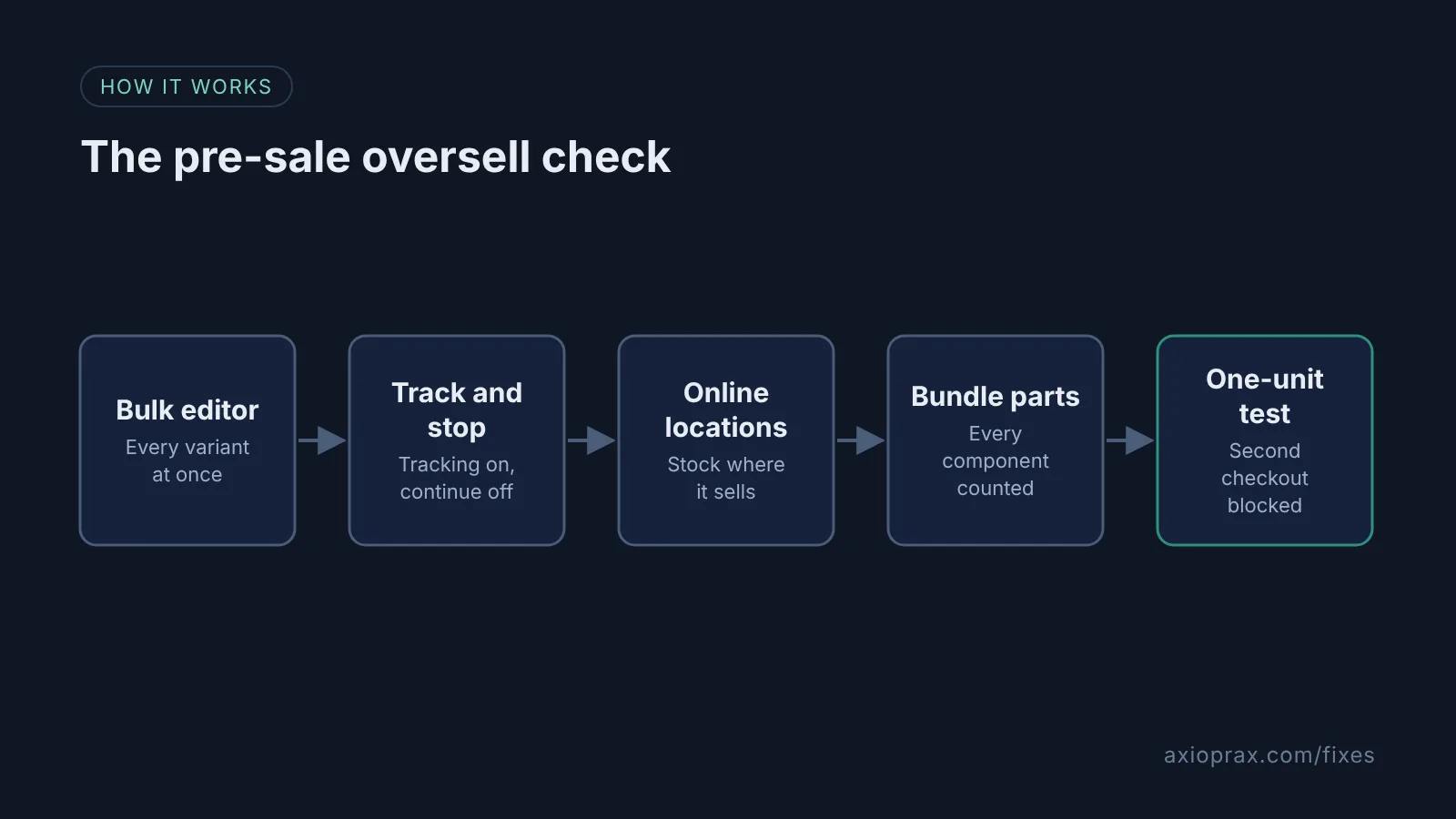
From your Shopify admin, go to Products > Inventory, use the checkboxes to select the products and variants, and click Edit variants.
Show the two columns that matter.
Click Columns and select Track quantity and Continue selling when out of stock, plus Quantities by location if you have more than one location.
Turn on Track quantity.
Switch Track quantity on for every physical product. Leave it off only for things Shopify suggests not tracking, such as digital products, services, made-to-order items and gift cards.
Turn off Continue selling when out of stock.
Uncheck it for every variant you cannot restock quickly, keep it only for deliberate pre-orders, then click Save and Save changes.
Check which locations sell online.
Go to Settings > Locations, open each location, and check the Use inventory at this location to fulfill online orders toggle. Only stock at locations with it on counts toward what online customers can buy.
Check bundle components.
Open each bundle and confirm every product inside it has Track quantity on and Continue selling when out of stock off, because Shopify ignores components that are untracked or set to continue selling.
Test with a quantity of one.
Set a test product to 1 in stock, buy it, then try to buy it again from another browser. The second checkout should be blocked.
What about pre-orders?
Continue selling when out of stock is the right setting for a product you are deliberately taking pre-orders for. The problem is when it is switched on by accident, or left on after the pre-order ends. Keep a short list of the variants that should keep selling, and check the bulk editor against that list after every import.
When is this not the right fix?
If you also sell on a marketplace or another platform that keeps its own stock count, Shopify can only stop overselling on the channels it controls. You need those counts to sync, and that depends on the app or connector you use. If your counts are wrong because nobody has done a stock count in months, these settings will faithfully enforce the wrong number, so count the fast sellers first.
POS is the other gap. Shopify says the setting does not apply to in-person orders, so brief your shop staff during a sale.
What does it cost?
Nothing extra. Inventory tracking, the bulk editor and location settings are built into the Shopify admin, with no app to install. The cost is about 45 minutes in the bulk editor, plus an honest stock count on the products you expect to sell fastest.
Want this set up for you?
We will audit your inventory settings and fix them before your next sale for free as part of the Founding 10, where we fix one Shopify problem for ten stores. If you used Stocky for purchase orders, see the Stocky Replacement kit.