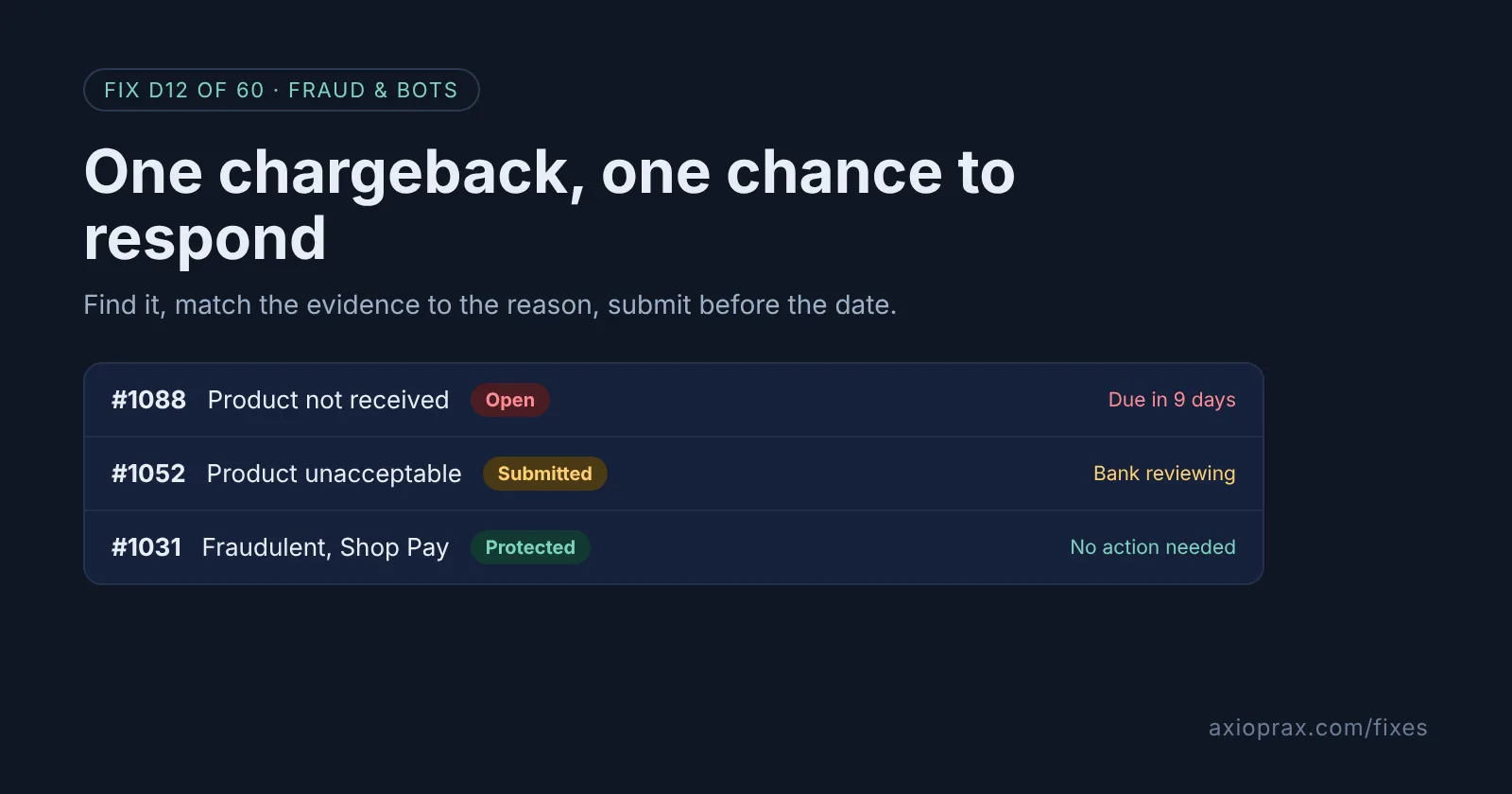
What actually happens when a customer opens a chargeback?
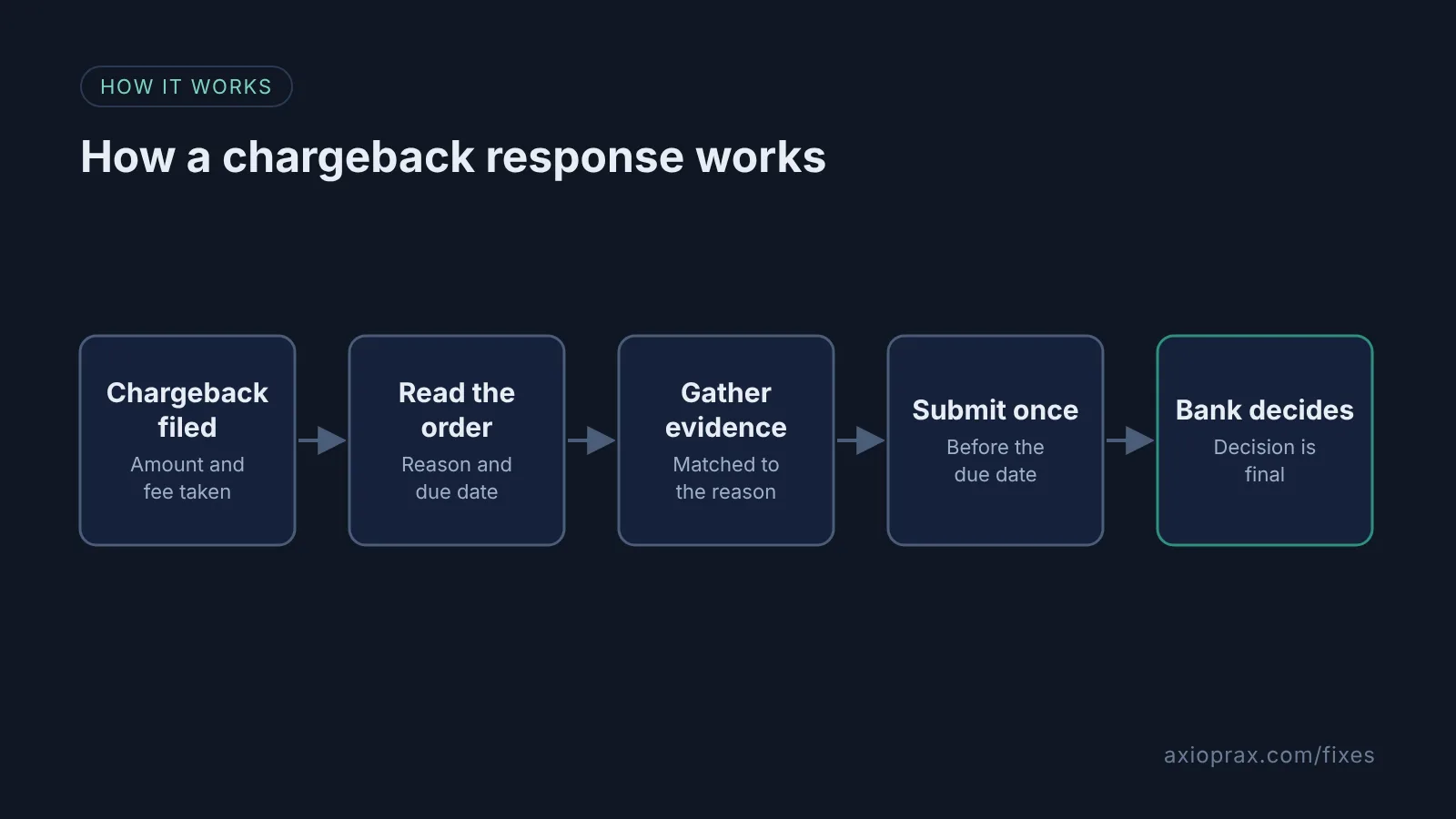
The customer tells their bank they want their money back. With Shopify Payments, the bank takes the disputed amount from you straight away, plus a chargeback fee. You then have a window to send evidence, and the card company decides. An inquiry is the softer version: the bank asks questions first and does not take the money or a fee right away.
The part that catches stores out is timing. Shopify gives the due date as 7 to 21 days after the chargeback is filed, and once you submit, you cannot add anything. After the bank decides, Shopify says the decision is final.
How do I know I have one?
- An email to your store contact email address. Check which address that is in Settings > Store details.
- A chargeback banner at the top of the order.
- The order showing under the Chargeback and inquiry status filter in Orders.
If the store contact email goes to an inbox nobody reads, fix that first. A missed email is the easiest way to lose by default.
How do I fix it? (step by step)
Work through it with your Shopify admin open, and tick each step as you go.
0 of 6 done
Find every open chargeback.
From your Shopify admin, go to Orders, click Search and filter, add the Chargeback and inquiry status filter and select Open.
Read the reason and the due date.
Open the order and read the chargeback banner. Write down the reason and the due date, which Shopify shows in your store's timezone.
Check whether Shopify Protect covers it.
If the order used Shop Pay and was protected by Shopify Protect, and the reason is fraudulent or unrecognized, Shopify says you do not need to take any action.
Contact the customer once.
Email the customer politely. If it was a mistake, ask them to withdraw the chargeback with their bank and send you the bank's withdrawal letter.
Gather evidence that matches the reason.
Collect proof for that specific reason, such as tracking and delivery confirmation, your product page as it looked at purchase, your policies and every customer message. Save each as a PDF, JPEG or PNG under 2 MB.
Add evidence and submit.
In the chargeback banner, click Add evidence, add your summary, upload the files and click Save. Click Submit now when you are done, or Shopify submits it on the due date.
What evidence works best?
Match the evidence to the reason. For item not received, Shopify lists tracking information, delivery confirmation ideally with a signature or photo, proof it went to the checkout address, and carrier notifications. For fraudulent, it lists AVS and CVV matches, past successful orders from the same customer, and delivery to the verified address. Shopify's advice is to put your strongest proof first, label every file clearly, and use screenshots of tracking pages and messages rather than links.
Shopify also says, in its 28 October 2026 Shopify Protect announcement, that new AI tooling now gathers card-network evidence, pulls delivery photos from carriers and drafts dispute responses for Shopify Payments stores. If you see a drafted response, check it and add your own proof, such as photos of the packed box, before you submit.
Will this win the chargeback?
We cannot promise that, and neither does Shopify. The card company decides, and a well-built response simply gives you your best chance. Sometimes accepting is the right call, for example when the customer has a fair point and you have no delivery proof. You accept by not submitting evidence, and you do not get the fee back.
When is this not the right fix?
This guide is for Shopify Payments. If you use another payment provider, disputes are handled in that provider's dashboard with its own deadlines. And if chargebacks keep coming from the same people, responding one by one is not enough. Block them at checkout instead.
What does it cost?
Responding is free. The bank takes a chargeback fee when the case opens. If you win, the amount comes back, and the fee may too depending on your country or region. The real cost is the hour it takes to build a clean evidence file.
Want this set up for you?
Our Fraud Hold kit holds risky orders before they ship, so fewer turn into chargebacks. We can also set up an evidence-ready order process for free as part of the Founding 10.