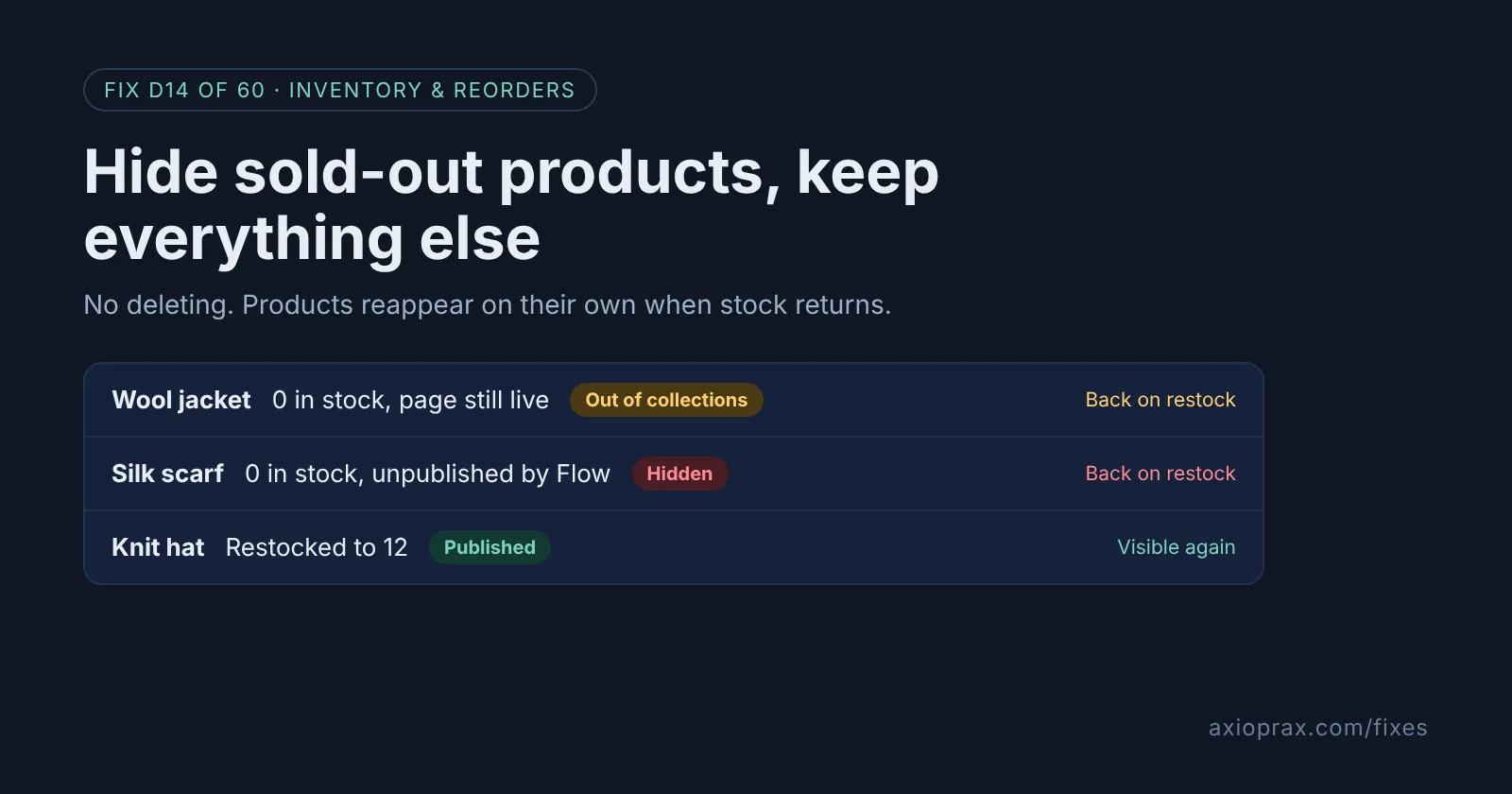
Why not just delete sold-out products?
Deleting a product removes its page, its reviews, its sales history and any link pointing to it. When the stock comes back, you rebuild it from scratch. Leaving it visible is not great either: shoppers scroll past items they cannot buy, and some of them leave.
Shopify has two free in-between options. An automated collection can quietly drop products at zero stock and add them back on restock, while the product page itself stays live. Or Shopify Flow can unpublish the product from the online store at zero and publish it again when stock returns. Both undo themselves, so nobody has to remember.
How do I know I need this?
- Your collection pages open with a row of Sold out badges.
- Someone on your team hides and unhides products by hand after each delivery.
- You have deleted products in the past and later recreated them.
Before you choose, ask one question: do people still land on these product pages from Google, ads or emails? Your answer decides which option fits.
How do I fix it? (step by step)
Work through it with your Shopify admin open, and tick each step as you go.
0 of 6 done
Make sure inventory is tracked.
Both methods only work for products with Track quantity on. Check this in Products > Inventory with the bulk editor before you start.
Option A: add the stock condition to each collection.
Open each automated collection, change the collection conditions to add Inventory stock is greater than 0, and set products to match all conditions. Save.
Replace the default Catalog page if you use it.
The built-in collection at /collections/all shows every product. Override it with your own automated collection that has the same stock condition.
Option B: install the Flow template.
Open the free Shopify Flow app, search the templates for Publish and unpublish products based on inventory level, and install it. Staff accounts, unlike the store owner, also need Shopify's Flow automations permission, set in Settings > Users > Roles.
Set which channels it hides from.
In the Unpublish product and Publish product actions, choose the publications, usually your Online Store, then turn the workflow on.
Test both directions.
Set a test product to 0 and check it disappears, then set it back to 1 or more and check it returns. Shopify's own test advice for the out of stock trigger is to change a variant from above 0 to 0.
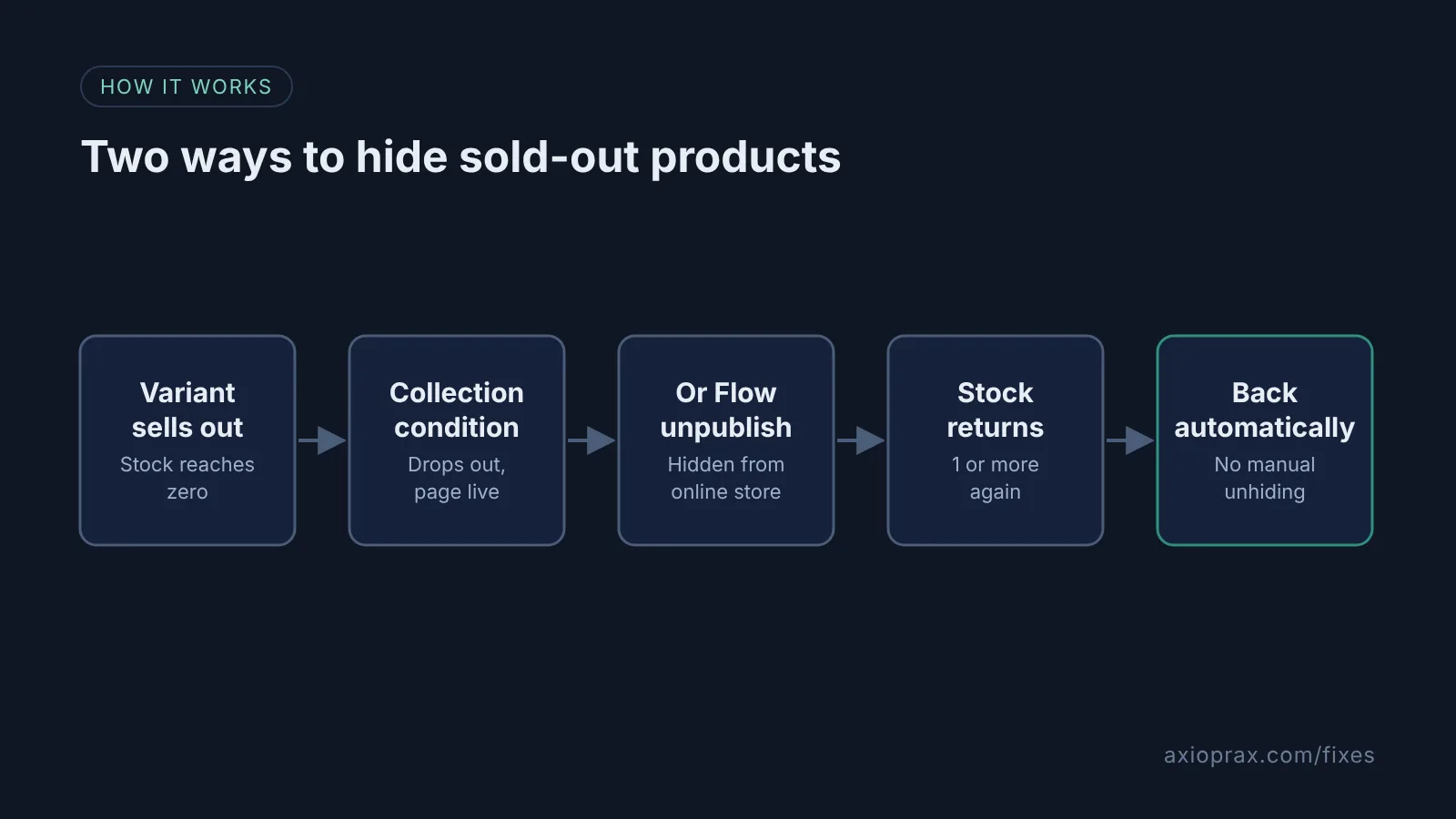
What is the difference for my product page?
With the collection condition, the product is only missing from collections. Its own page still works, so a shopper arriving from search can read about it, and you can offer a back in stock email there. With Flow, the Unpublish product action makes the product unavailable on the sales channels you choose. That is cleaner for browsing, but anyone following an old link reaches a page that is no longer available until the product is published again.
When is this not the right fix?
If a product is discontinued for good, hiding it is just a slower delete. Decide whether to keep the page for search or archive it. If your stock numbers are not reliable, these methods will hide products you actually have, so fix tracking first. And if you use manual collections, the stock condition is not available there, so Flow is your only automatic option.
What does it cost?
Nothing. Automated collections are built into Shopify, and Shopify Flow is a free app on the Basic, Grow, Advanced and Plus plans. Setup takes about half an hour, most of it opening each collection.
Want this set up for you?
We set this up and test it on your collections for free as part of the Founding 10, where we fix one Shopify problem for ten stores. If you used Stocky to manage reorders, see the Stocky Replacement kit.