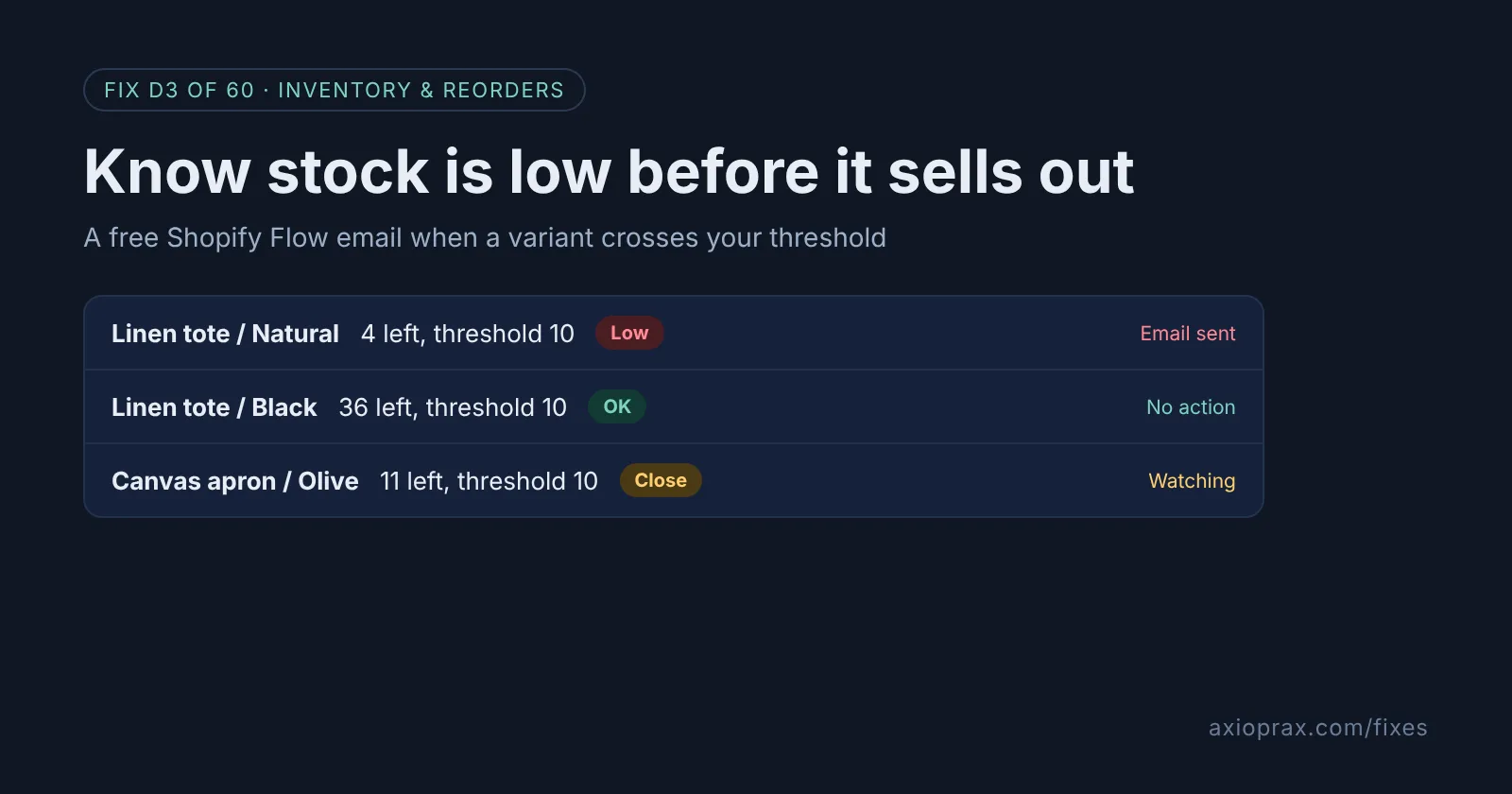
What is a low-stock alert, and why does it matter?
A low-stock alert is an email that tells you a product is running out while you still have time to reorder. Shopify counts your stock for you, but it does not have a settings switch that emails you when a number gets low. So most owners only notice when the product page says sold out, or a customer asks when it is coming back.
That gap costs you twice. You lose the sales while the product is out, and you often pay more to rush the next order from your supplier. Paid apps fill the gap, but Shopify's own free Flow app can do the basic job well.
How do I know I need one?
You probably do if any of these sound familiar:
- You find out a best seller is gone from a customer email, not from your own checks.
- You check stock by scrolling through Products > Inventory every few days.
- Your supplier takes a week or more, so by the time you notice, you are already late.
- Someone else on the team reorders, and they never see the numbers.
How do I fix it? (step by step)
Work through it with your Shopify admin open, and tick each step as you go.
0 of 7 done
Turn on stock tracking for each product.
In Products, open the product (and the variant if it has one), then in the Inventory section activate the Track quantity setting. Without tracking, Shopify does not lower the quantity when you sell, so the alert would never fire on a sale.
Install the free Shopify Flow app.
Install Shopify Flow from the Shopify App Store. Shopify says it is free on the Basic, Grow, Advanced and Plus plans. Staff accounts, unlike the store owner, also need Shopify's Flow automations permission, set in Settings > Users > Roles.
Start from the low-stock email template.
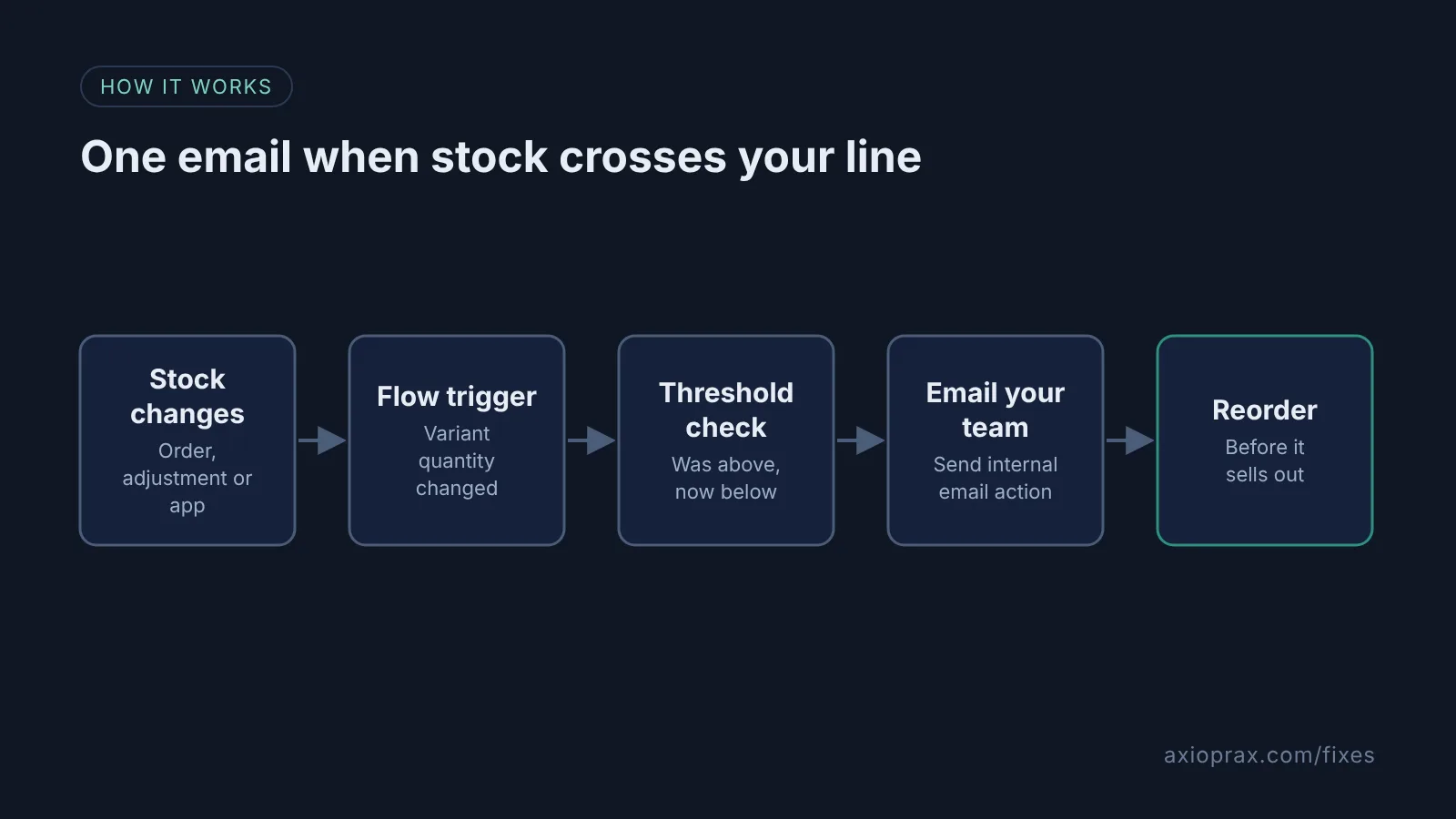
In Flow, open the template "Get notified by email when product variant inventory is low". It runs on the "Product variant inventory quantity changed" trigger, which fires on orders, manual adjustments and app updates.
Set your threshold in both conditions.
Put the same number in the "Product variant inventory quantity" and "Product variant inventory quantity prior" conditions. Checking before and after means you get one email when stock crosses the line, not one per sale.
Add the people who should get the email.
In the Send internal email action, type the addresses in the Email address field, separated by commas. Variables do not work in this field, so use a fixed inbox your team reads.
Turn it on and test it.
Turn the workflow on, then go to Products > Inventory and lower a test variant's available quantity to below your threshold. Check the email arrives, then set the number back.
Check the inventory report once a week.
Go to Analytics > Reports, filter Category by Inventory, and open "Inventory remaining per product". The Days of inventory remaining column shows what runs out next.
What number should I set as my threshold?
This is our advice, not a Shopify rule. Take how many of the item you sell on a normal day, multiply by the number of days your supplier takes to deliver, then add a few days of buffer. If you sell 3 a day and delivery takes 10 days, a threshold around 40 gives you room. The "Inventory remaining per product" report shows your quantity sold per day, based on the last 28 days, so you do not have to guess. If you have no idea yet, start at 5 and adjust after a month.
When is this not the right fix?
The template uses one threshold for every product. That is fine for a small catalogue, but if a slow seller and a best seller need very different numbers, you will either get alerts too early for one or too late for the other. You can copy the workflow per product type or vendor, but past a handful of copies a proper reorder tool is easier to run. Also, the alert only fires when stock changes. A product that is already below the line when you switch it on will not email you at all until it is restocked above the line and drops again, so check the report on day one.
What does it cost?
Nothing extra. Shopify Flow is a free app on the Basic, Grow, Advanced and Plus plans, and the inventory reports sit in Analytics (check your plan shows the report before you rely on it). The real cost is the time to set it up and test it once, plus someone who actually acts on the email.