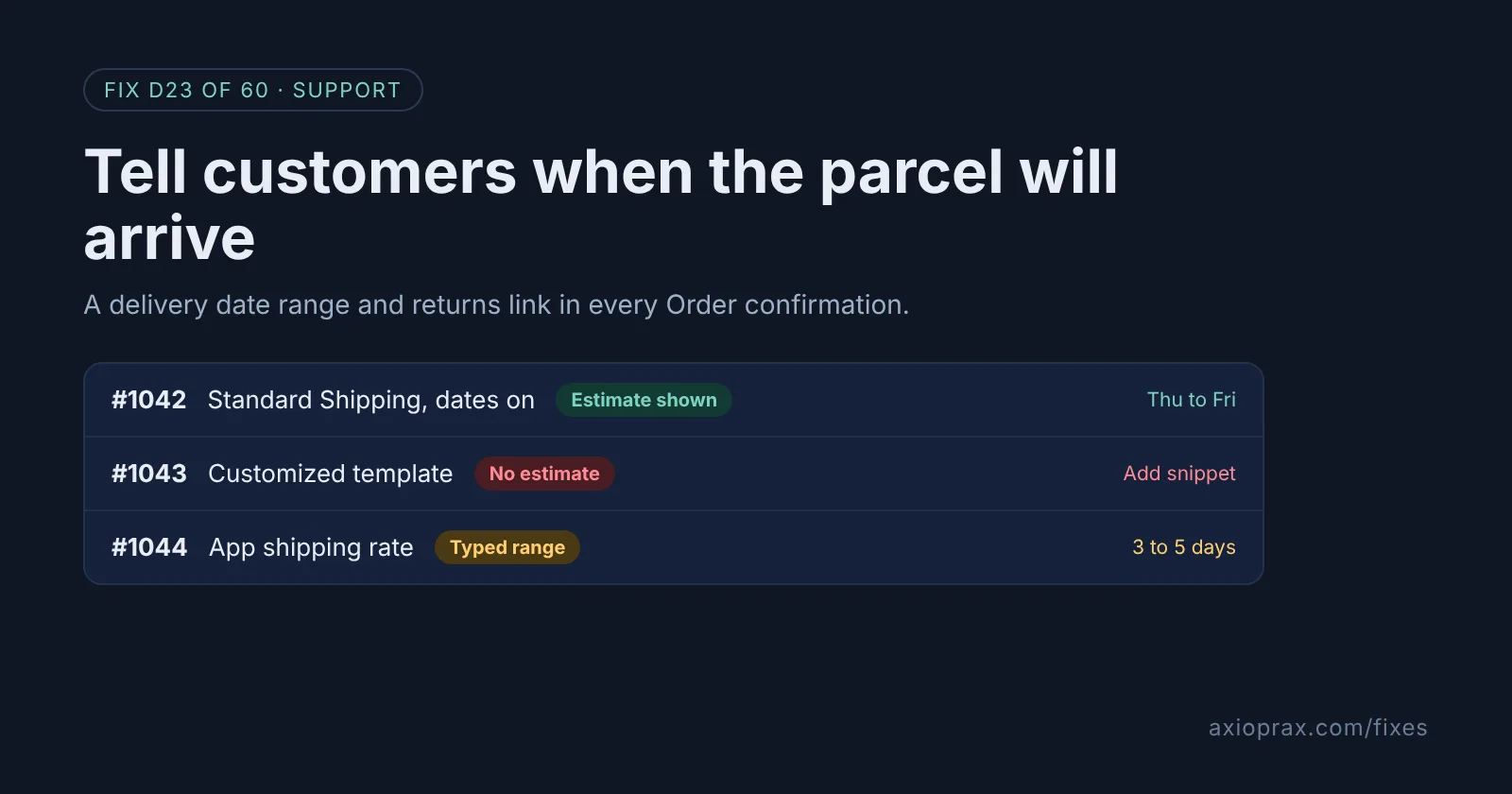
What is a delivery date range, and why put it in the confirmation email?
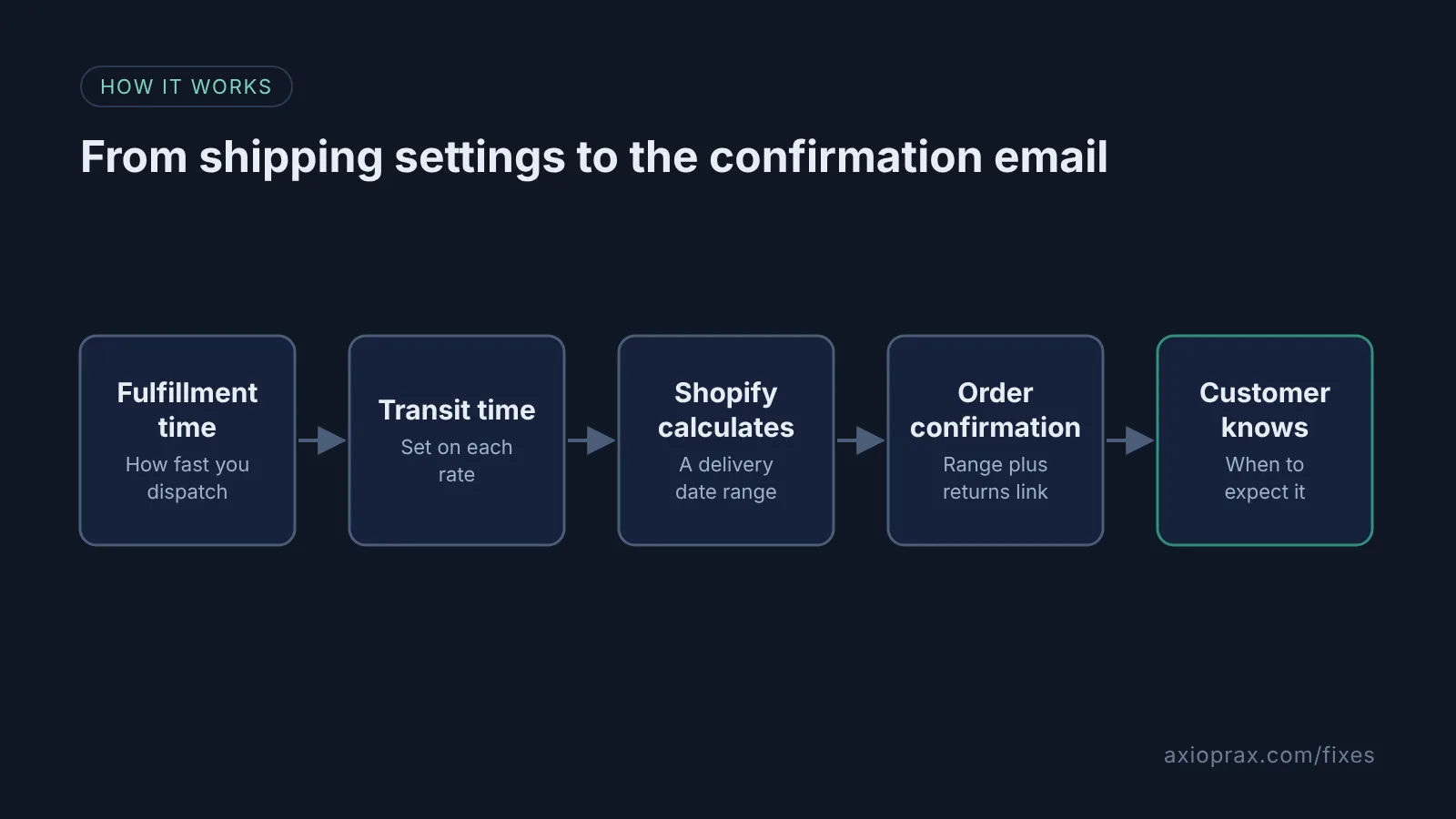
A delivery date range tells the customer when the parcel should arrive, for example Thursday to Friday, rather than a vague "3 to 5 days". Shopify calculates it for you once you set two things: how long you take to fulfill an order, and how long the carrier takes to deliver it. Shopify adds your fulfillment time to the carrier's transit time and shows the result as a date range.
The Order confirmation is the email Shopify sends after a customer places an order. It is the one they search for when they start to wonder where the parcel is. In Fix #5 we covered shipping emails and the order status page, which help once an order has shipped. This fix covers the days before that, when there is no tracking yet and the confirmation email is all the customer has.
How do I know my confirmation email is missing it?
- Place a test order and read the confirmation. If it shows the shipping method name but no "Estimated delivery" line, it is missing.
- You or an app edited the Order confirmation template in the past. Shopify warns that delivery dates might not be included in a customized template by default.
- Checkout shows a transit time like "3 to 4 business days" but never actual dates.
- Most "Where is my order?" emails arrive before the order has shipped.
How do I fix it? (step by step)
Work through it with your Shopify admin open, and tick each step as you go.
0 of 7 done
Turn on estimated delivery dates.
From your Shopify admin, go to Settings > Shipping and delivery > Estimated delivery dates, click Estimated delivery dates and select Manual (or Automated if your store is eligible). Choose your Fulfillment time from the drop-down menu and click Save.
Add transit time to your flat rates.
Go to Settings > Shipping and delivery, open a shipping profile, click the menu next to a shipping option and click Edit shipping option. Pick a Transit time, click Done, then Save; carrier-calculated rates include transit time already.
Open the Order confirmation template.
Go to Settings > Notifications and, in the Orders section, click Order confirmation. Click Edit code to see the Email subject and Email body (HTML).
Put the delivery estimate back if it is missing.
If you customized this template, search the body for consolidated_estimated_delivery_time. If it is not there, paste the snippet from Shopify's manual delivery dates guide after the {% if requires_shipping %} line. For Automated dates, Shopify gives a separate snippet that replaces the shipping_method.title line.
Type a range for rates without dates.
For shipping rates where Shopify shows no date, such as rates from a third-party app, add your own sentence per rate using a condition on shipping_method.title. Use the rate names exactly as they appear in your shipping settings.
Add a link to your return policy.
Under the delivery estimate, add a link to {{ shop.url }}/policies/refund-policy, the direct address Shopify gives for your return policy. Check the policy itself first in Settings > Policies.
Preview, test and save.
Click Preview to check your unsaved changes, then Send test email, which goes to the account you are logged in with. If it looks right, close the preview and click Save.
What if Shopify cannot show a date for my rates?
Then the range is text you type yourself. Shopify's estimate comes from your delivery date settings, so for those rates you write a sentence for each shipping rate name. Here is a simple shape, with your own rate names and times:
{% if shipping_method.title == 'Standard Shipping' %}
  Usually delivered 3 to 5 business days after we dispatch.
{% elsif shipping_method.title == 'Express' %}
  Usually delivered 1 to 2 business days after we dispatch.
{% endif %}
<a href="{{ shop.url }}/policies/refund-policy">Our return policy</a>
One honest limitation: Shopify translates the rate name in customer-facing notifications when the customer checked out in another language, so a condition written in English may not match. If you sell in several languages, test an order in each one.
When is this not the right fix?
If your real problem is slow dispatch, a date in an email will only make the delay more visible. Fix the fulfillment time first. Shopify's own policy guidance says not to promise delivery or shipping times you cannot provide, and that applies to typed ranges too. Also, delivery dates depend on your origin country and rate type, so check Shopify's availability table before you plan around them.
What does it cost?
Shopify lists manual delivery dates as available on all plans. Automated delivery dates need the Basic plan or higher and at least one fulfilled domestic order. Editing notification templates is part of your Shopify admin, though you first need to confirm your sender email address. The time cost is a careful test order for each shipping rate you offer.