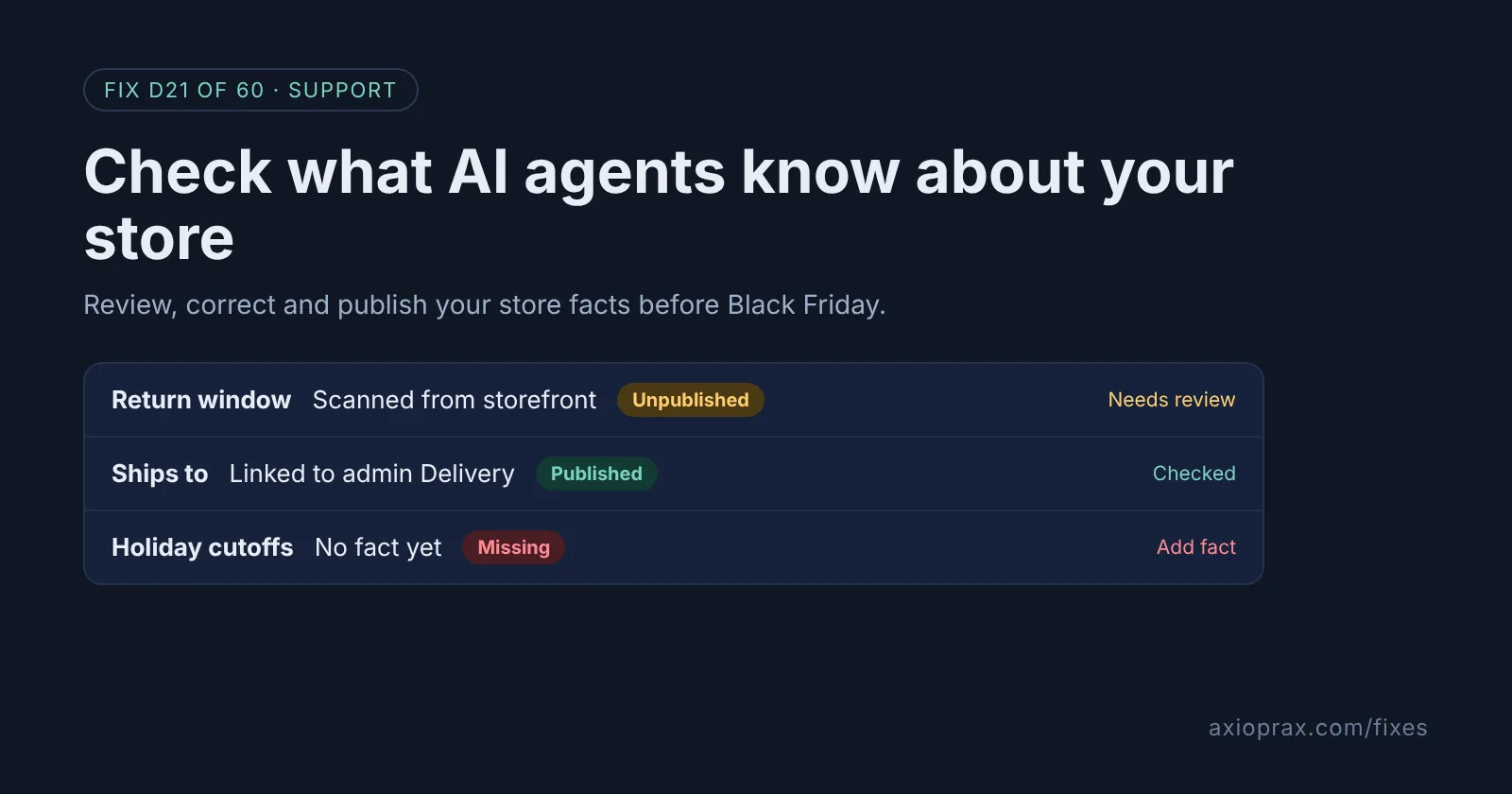
What is Shopify's knowledge base, and why should I care?
Shoppers can ask an AI agent questions like "Can I return this after Christmas?" or "Do they ship to Ireland?" before they ever open your site. Shopify keeps a knowledge base of facts about your store for exactly these questions, and says: "These facts are the source of truth for AI agents for all non-product information about your store."
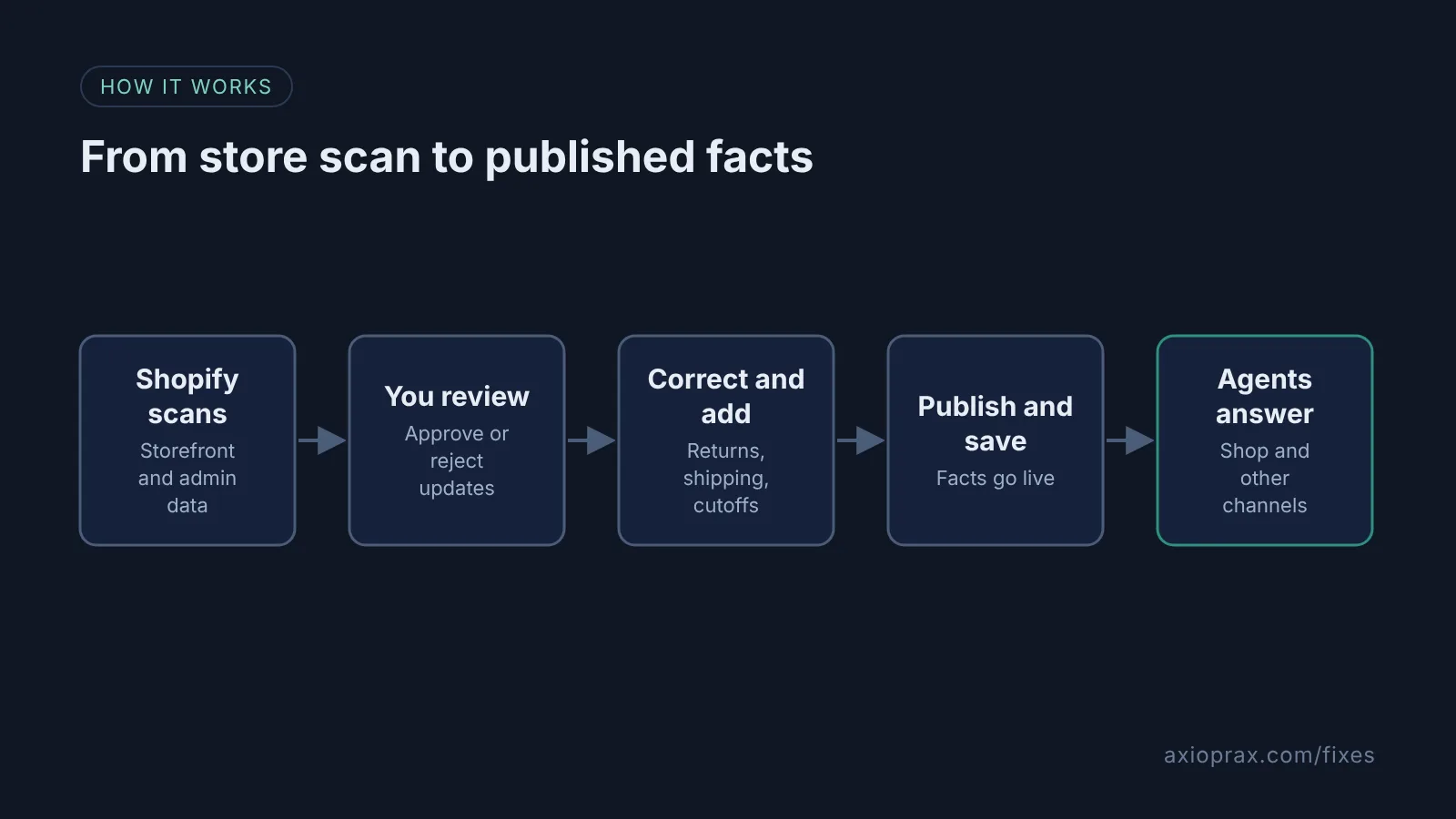
Shopify builds most of it for you. It scans your public storefront and pulls in admin data such as your policies and delivery settings. The catch is the scan. Facts Shopify generates from your storefront "are unpublished until you publish them", and a scan can pick up an old FAQ page or a banner from last year. If nobody reviews them, agents may be working from gaps or stale details during your busiest weeks.
This used to be a separate app called Shopify Knowledge Base. It now lives in the admin under Sales channels > Agentic.
How do I know my store facts need attention?
- You have never opened the Knowledge base page, so scanned facts may still be unpublished.
- You changed your return window or shipping countries this year.
- Customers ask about holiday delivery dates and nothing on your store states them in one place.
- You used the old Knowledge Base app and have not checked what moved across.
If any of these sound like your store, set aside time for a full review before Black Friday.
How do I fix it? (step by step)
Work through it with your Shopify admin open, and tick each step as you go.
0 of 6 done
Open your knowledge base.
From your Shopify admin, go to Sales channels > Agentic and, in the Sources section, click Knowledge Base. You need to be the store owner, or a staff member with the App and sales channel > Agentic permission or the App development > View apps developed by staff and collaborators permission.
Work through the suggested updates.
For each suggested update from a store scan, click Approve & publish if it is right. If it is wrong, click the thumbs-down icon, choose a reason, click Submit, then click Save.
Correct your return window.
Open the Returns & warranty category and read the return window and refund details. If the source icon points to your admin, such as Policies, fix it there; otherwise change the source to Manual, edit the field and click Save.
Check where you ship.
Open the Fulfillment category, which covers the types of shipping and delivery your store offers. Make sure the countries you ship to, and any you do not, are stated clearly.
Add your holiday cutoff dates.
In the Additional facts section, click Add fact, give it a clear title such as Holiday order cutoff dates and choose Paragraph. Enter your last order dates per shipping method, hover over Unpublished, click Publish, then click Save.
Publish what you have checked.
Scanned facts stay unpublished until you publish them. Click Publish all on each category you have checked, or use Status > Published facts for everything, then click Save.
How much control do I really have?
You control the facts, not the final sentence. Shopify says knowledge base content "is never changed without your approval", and you choose what is published. But the agent still writes its own answer, so you cannot script its exact words. Keep facts short and plain: one return window, one list of countries, one set of dates. That leaves the least room for a muddled answer.
After the holidays, unpublish the cutoff fact or update it, so agents are not quoting December dates in February.
When is this not the right fix?
If your store is password-protected, Shopify says the knowledge base cannot access your online store, so it only shows admin data. Custom storefronts and stores on the Agentic plan can add only additional facts. And if the problem is a product's size, price or description, the knowledge base will not help, because it covers non-product information. Fix the product listing instead. There is also a ceiling: the knowledge base holds a total of 1,000 facts, counting both the facts Shopify generates and the additional facts you add.
What does it cost?
Shopify's knowledge base help page does not list a charge, and the Knowledge Base app it replaces was listed as free in the Shopify App Store. The real cost is time: a first review takes the longest, then a quick check whenever your policies or delivery change.