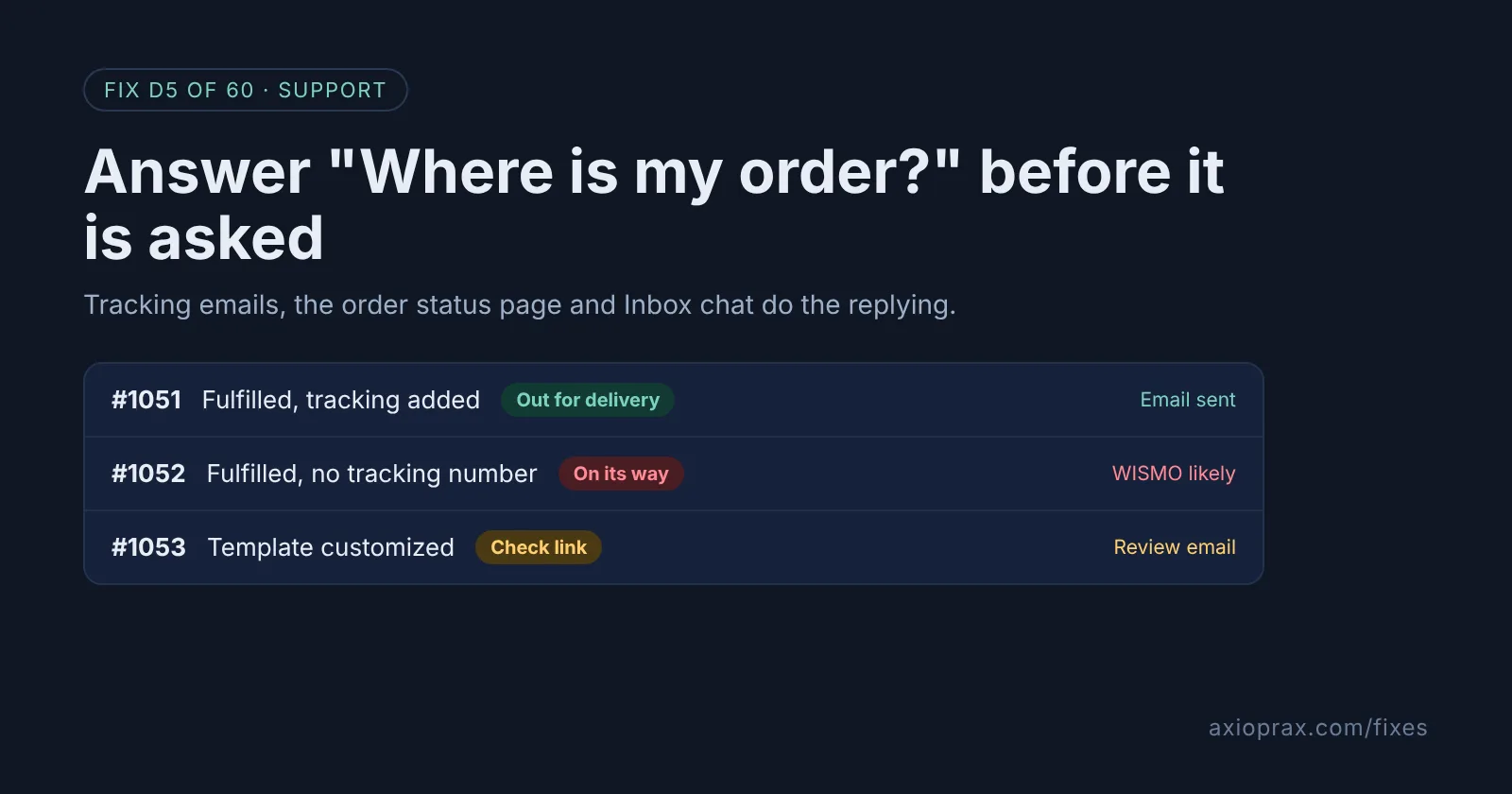
What is a "Where is my order?" email, and why should a store owner care?
It is one of the most common support emails a store gets: a customer has paid, the parcel has not arrived, and they cannot see where it is. Support teams often shorten it to WISMO.
Each one takes time to answer, and almost every answer is the same: here is your tracking link. Shopify already sends that link in its shipping emails and shows it on the order status page. When customers still write in, something in that chain is broken or hard to find.
How do I know where my WISMO emails are coming from?
Pick ten recent ones and open each order in your admin. Look for these:
- Orders fulfilled with no tracking number. Shopify keeps these "On its way" until you mark them delivered, so the customer sees no progress.
- A shipping email that went out without a working order status link, often after someone customized the template.
- Customers who cannot find their order number to look the order up.
- Questions asked before the order shipped, which means your handling time is not written anywhere they look.
How do I fix it? (step by step)
Work through it with your Shopify admin open, and tick each step as you go.
0 of 7 done
Add tracking to every fulfillment.
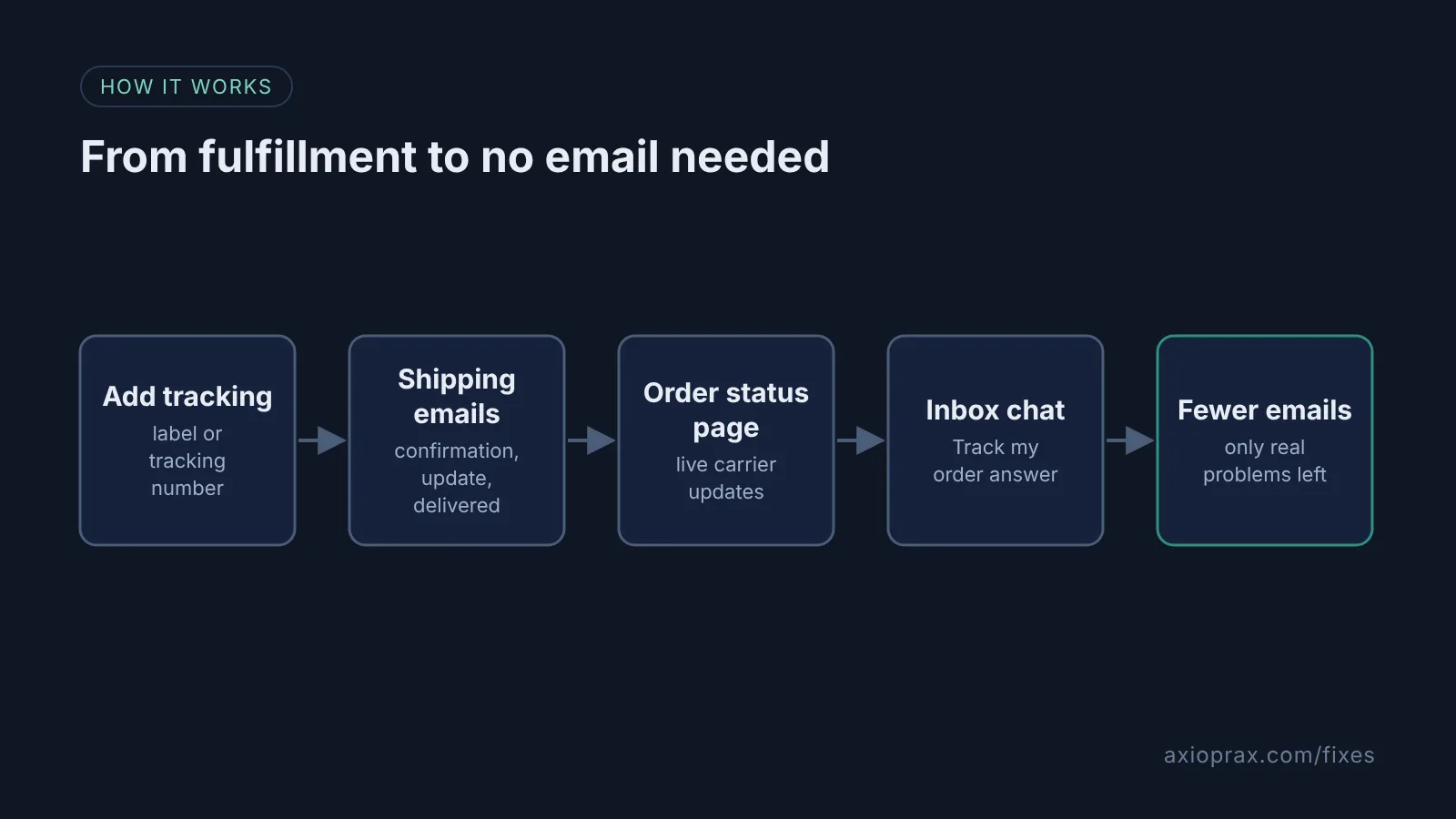
Buy the label in Shopify, which adds the carrier and tracking number for you, or enter the number when you fulfill. Leave "Send a notification to the customer" ticked so the Shipping confirmation goes out.
Check your shipping emails still link to the order status page.
Go to Settings > Notifications > Customer notifications and open Shipping confirmation and Shipping update. If either template has been customized, Shopify cannot add the order status link for you. Click Revert to default (this erases your other changes to that template) or add the order status link to the template yourself.
Keep Out for delivery and Delivered switched on.
In Settings > Notifications > Customer notifications, check the "Shipping updated" section. These two emails are triggered by carrier tracking events, so customers hear from you on the last day too.
Turn on customer account sign-in.
Go to Settings > Customer accounts and, under Sign-in links, turn on Show sign-in links, then click Save. Signed-in customers can see every order and open its order status page.
Install Shopify Inbox and keep "Track my order" on.
Install Shopify Inbox from the Shopify App Store, then go to Sales channels > Inbox > Chat settings and check the Instant answers section. "Track my order" is there by default and lets customers look up an order with the order number and email.
Add an instant answer about shipping times.
In the same Instant answers section, click Create instant answer and write the question you get most, such as when orders ship. Use your real handling times, then click Save.
Offer tracking in the Shop app.
Go to Settings > Checkout and, in the Customer contact method section, select Show a link for customers to track their order with Shop, then click Save. Customers can then follow the order in the Shop app or on shop.com.
What about the emails that still come in?
We will be straight with you: Shopify does not auto-reply to emails sent to your support address, and we could not find a setting that does. What it automates is the shipping emails and the chat. So for the emails that still arrive, keep one saved reply in your email tool that points customers to the sign-in link on your store and the order status link in their shipping email. Then check that order for a missing tracking number, because that is usually why they wrote.
When is this not the right fix?
If parcels are genuinely late, better notifications will not fix that, and customers will write in anyway. Look at your carrier or your handling time first. Out for delivery and Delivered emails depend on carrier tracking events, and Shopify says timing and accuracy vary by carrier. They also do not apply to local delivery orders. If you ship without tracking, most of this setup has nothing to show the customer.
What does it cost?
Nothing extra. Shipping notifications, the order status page and customer accounts are settings in your Shopify admin, and Shopify Inbox is listed as free on the Shopify App Store. Inbox also has an optional AI agent you can turn on. Check its terms before you do, as this fix only uses the free instant answers.