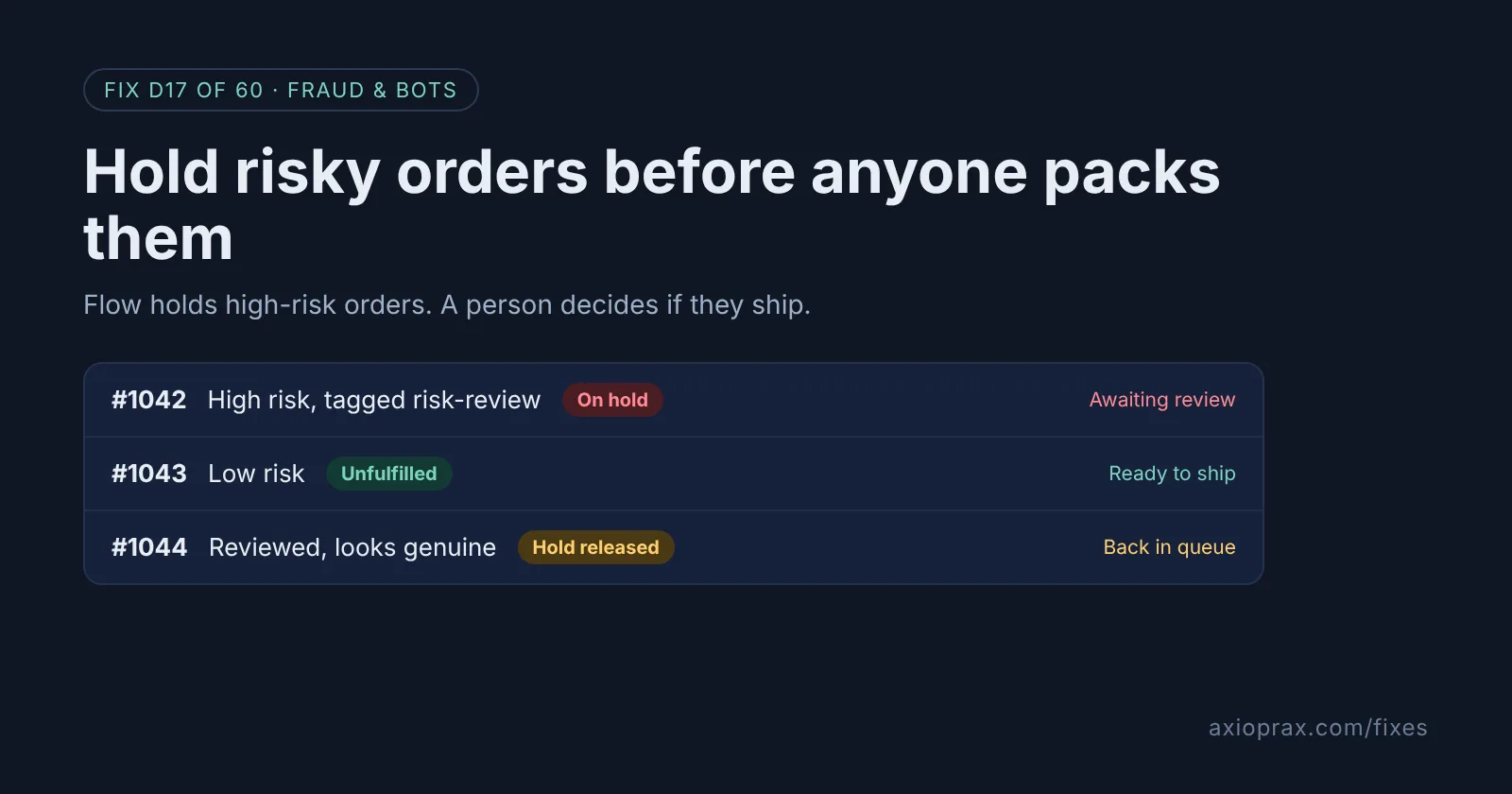
What is a fulfillment hold, and why use one for risky orders?
Shopify puts it simply: "If there's an issue that prevents you from fulfilling an order, then you can mark your order as on hold." While an order is on hold, its stock can stay reserved, but it cannot be shipped until someone releases the hold. High fraud risk is one of the reasons Shopify gives for using it.
That matters because the expensive part of a fraudulent order is usually the parcel. Once it leaves, you have lost the goods and the postage, and a chargeback may follow anyway. A hold buys you time to look before anything is packed, without cancelling an order that might turn out to be a real customer.
You can place holds by hand, but on a busy day nobody checks every order's risk level. Shopify Flow, which Shopify describes as a free ecommerce automation platform, can do it for you as soon as the fraud analysis is done.
How do I know I need this?
- You have shipped an order that later turned into a fraud chargeback.
- Your team packs orders straight from the Unfulfilled list without opening each one.
- You use automatic payment capture and do not want to change it, but still want a check before shipping.
- You find out an order was high risk only after it has gone.
How do I fix it? (step by step)
Work through it with your Shopify admin open, and tick each step as you go.
0 of 7 done
Look for the template first.
In your Shopify admin, go to Apps > Flow, click Create workflow, then Browse templates and search for Hold fulfillments based on risk level. If it is not in your library, start from a blank workflow and follow the next steps.
Start with Order risk analyzed.
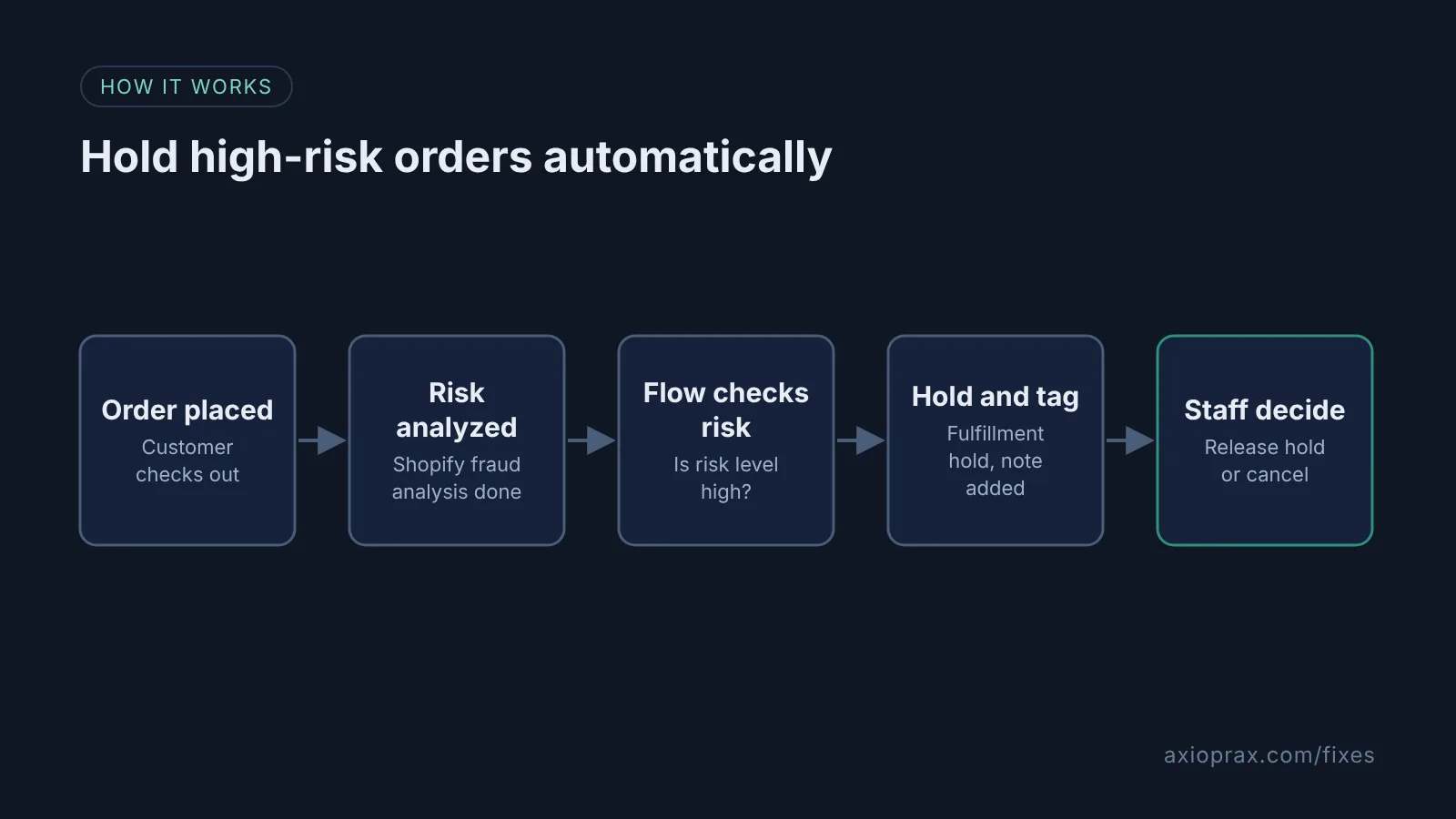
Choose the Order risk analyzed trigger, not Order created. It starts the workflow when the order's fraud analysis is complete, so the risk level actually exists when Flow checks it.
Add a high-risk condition.
Add a condition on the order's risk assessment risk level being High (in Shopify's Admin API this is OrderRiskAssessment.riskLevel with the value HIGH). Do not use the older order risk level field, which Shopify has deprecated. Everything else ships as normal.
Hold the fulfillment.
On the true branch, add the Hold fulfillment order action. Pick a Reason, write Reason notes such as Check fraud analysis before release, and select Notify merchant.
Tag and note the order.
Add the Add order tags action with one tag, for example risk-review, then Update order note. Start the note text with {{order.note}} so any note the customer left stays on the order, then add your own line.
Review, then release or cancel.
Open the order from Orders, read its fraud analysis, and in the On hold section click Release hold if it looks genuine. If it does not, cancel the order instead.
Test, then turn it on.
Turn the workflow on, then place a test order. Shopify says the test order has to trigger its fraud analysis. Check the workflow's run history to see which branch it took, and if it was scored high risk, confirm the hold, tag and note appear, then release the hold.
How should we review held orders each day?
Held orders drop out of the Unfulfilled list, which is good for packing and bad for remembering. Pick one person and one time of day. They search orders for the review tag, open each one, read the fraud analysis, and make a decision. If the order looks genuine, release the hold and it returns to Unfulfilled. If it does not, cancel it. Shopify Flow also has a Release fulfillment order holds action and a Cancel order action, but we suggest a human makes this call until you trust the pattern.
When is this not the right fix?
The honest limit: the Order risk analyzed trigger only runs for Shopify's own risk assessments, not third-party fraud apps. If you rely on another provider's scores, you need that app's own Flow trigger or settings. A hold also does nothing about payment. If you want to avoid capturing money on risky orders as well, pair this with manual capture as in our card-testing fix. And if you sell instant digital downloads, a fulfillment hold may not help, because many download apps deliver the file as soon as the order is paid.
What does it cost?
Nothing extra. Shopify describes Flow as a free ecommerce automation platform. The real cost is a few minutes a day reviewing held orders, plus the occasional delay for a genuine customer whose order was flagged.
Want this set up for you?
We set this up and test it on your store as part of the Founding 10. If you want a named reviewer and a full hold routine, see the Fraud Hold kit.