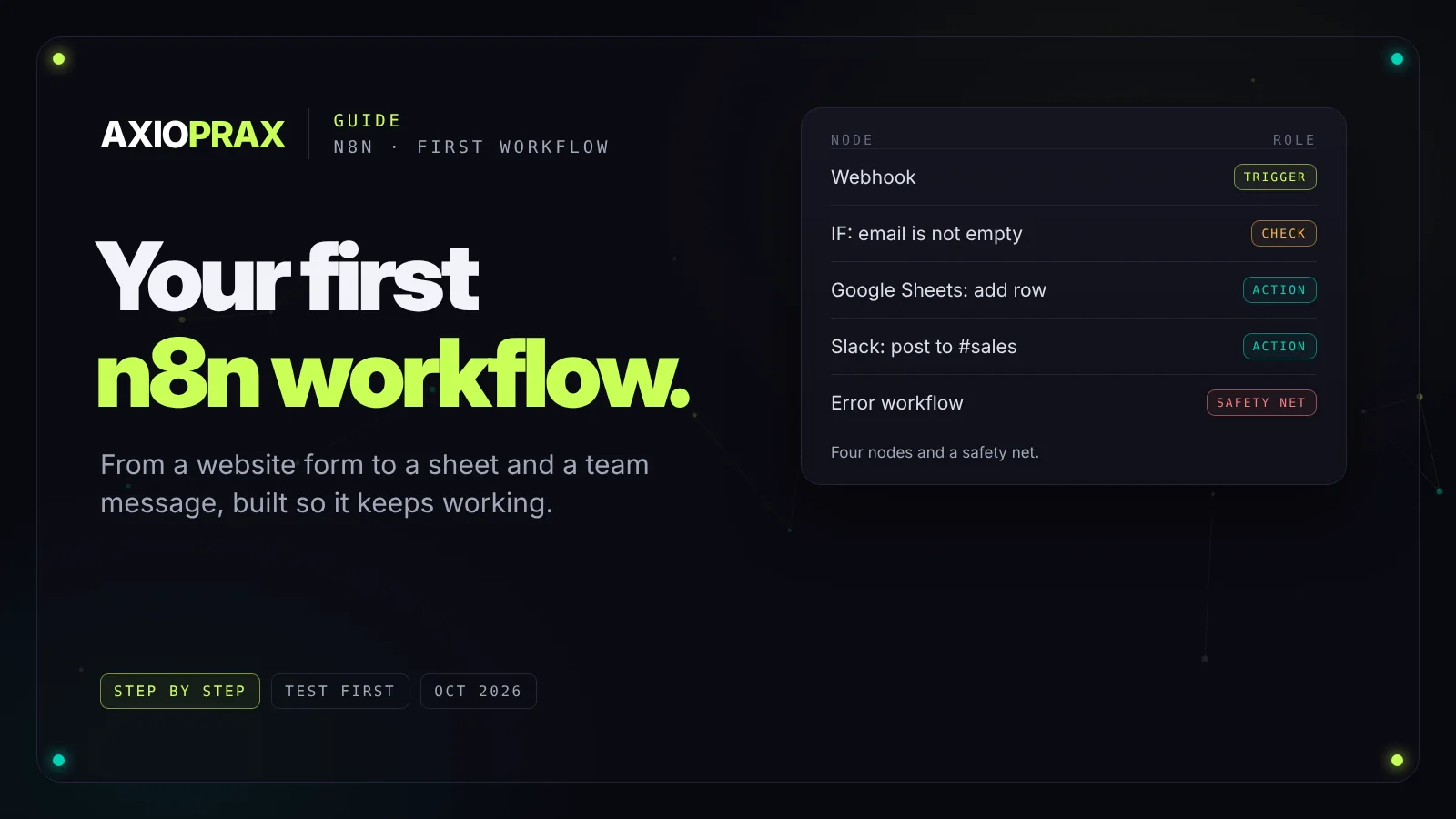
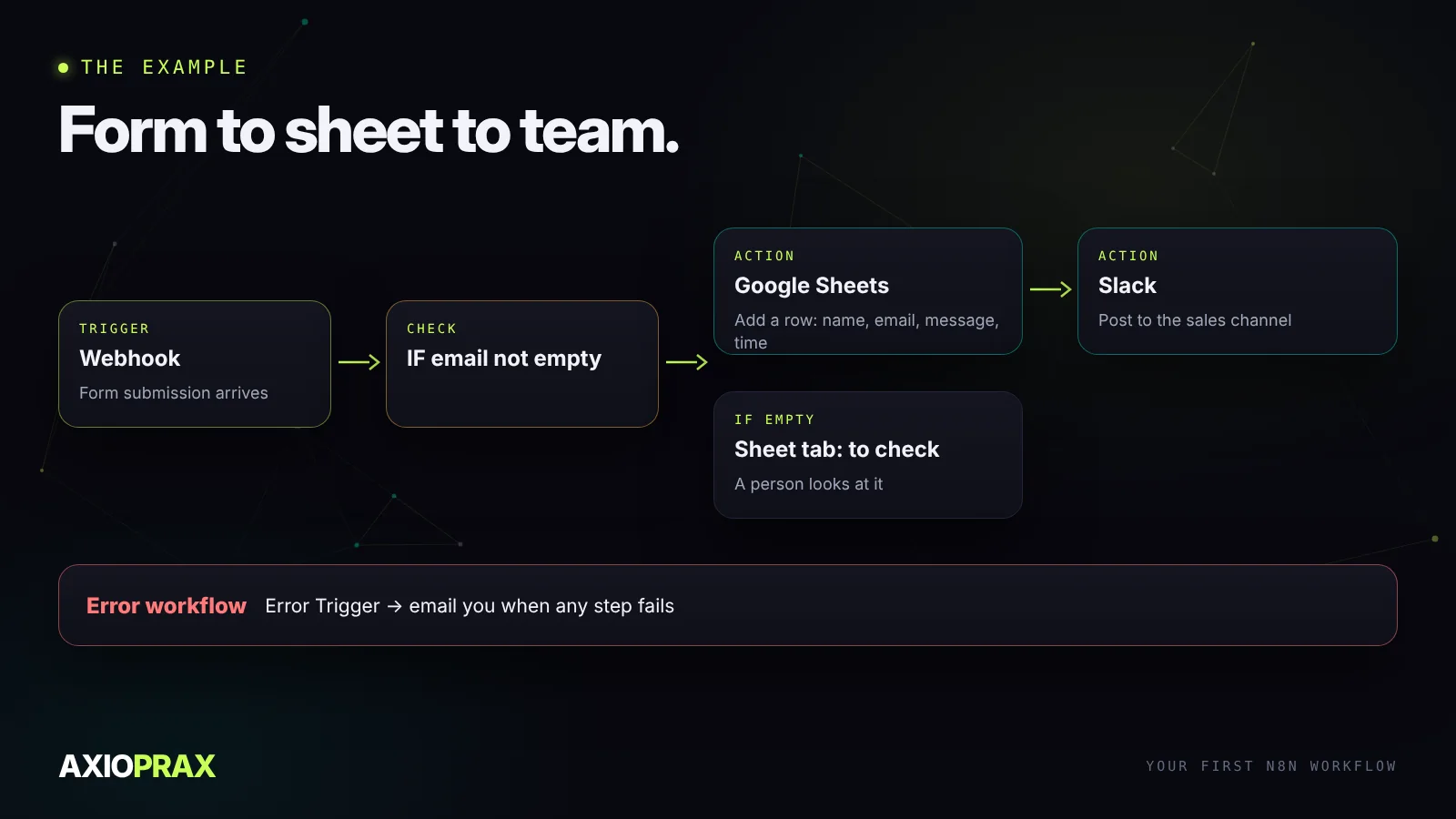
Your first n8n workflow is easier than it looks, as long as you build it in the right order. This guide walks through one small, useful example from start to finish: when someone fills in your website form, add them to a Google Sheet and post a message to your team. Along the way it covers the habits that keep workflows working after the first week.
Before you start
You need somewhere to run n8n. n8n Cloud is the quickest start, and n8n also publishes a free self-hosted version you can run on your own server. On 18 September 2026, n8n's Starter cloud plan was 20 EUR a month billed annually with 2,500 workflow executions included (n8n pricing). Plans change, so check the page before you sign up. If self-hosting appeals, decide that separately, because you take on updates, backups and security yourself.
Then gather access to the apps you'll connect. For this example that's your Google account for Sheets and your Slack workspace or email. Having these ready before you build saves breaking off halfway to hunt for logins.
The example we'll build
1. Pick the trigger
Every workflow starts with a trigger: the event that makes it run. There are three you'll use most.
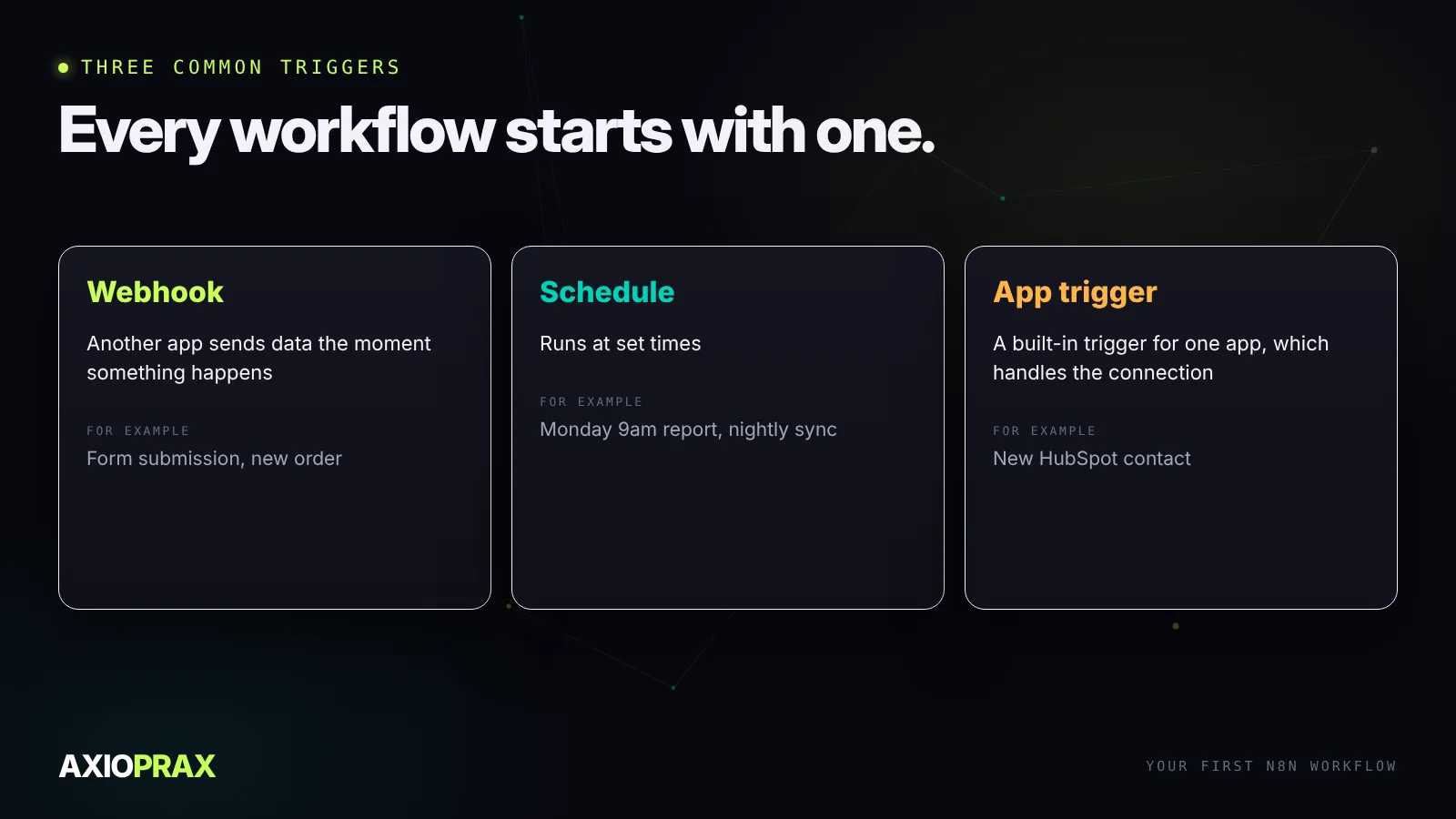
For a form, use a Webhook trigger if your form tool can send one, which most can. n8n gives you a test URL and a production URL. Point the form at the test URL while you build, and switch to the production URL when you go live. Forgetting that switch is the most common reason a first workflow "works in testing" and then never runs.
2. Build one node at a time
Send one real test submission through the form so the webhook has data to show. Then add the next node, the Google Sheet, and run just that node. Check the row appeared. Then add Slack and run that.
Testing each node as you add it turns debugging into a short question: which node did the last thing I expected? You can also pin the test data on the trigger, so you don't have to submit the form again every time you change something further down.
Data passes from node to node as fields. When you fill in the Sheet node, use the expression editor to pick fields from the webhook, such as the name and email, rather than typing their names by hand. Its suggestions show exactly what's available, which avoids the most common beginner mistake: referring to a field that doesn't exist.
3. Handle the messy cases
Real forms arrive with blank fields, spam and odd characters. Add an IF node after the trigger that checks the email isn't empty. Send good submissions down the main path, and send the rest to a separate tab in the sheet so a person can look at them. Nothing is lost, and the team channel doesn't fill with junk.
4. Test with three different inputs
Run the whole workflow with at least three test submissions: a normal one, one with a blank email, and one with a long message full of punctuation. Look at each node's output for empty fields, error messages and anything that ran when it shouldn't have. Problems usually show up on the second or third test, not the first.
5. Go live, and set a safety net
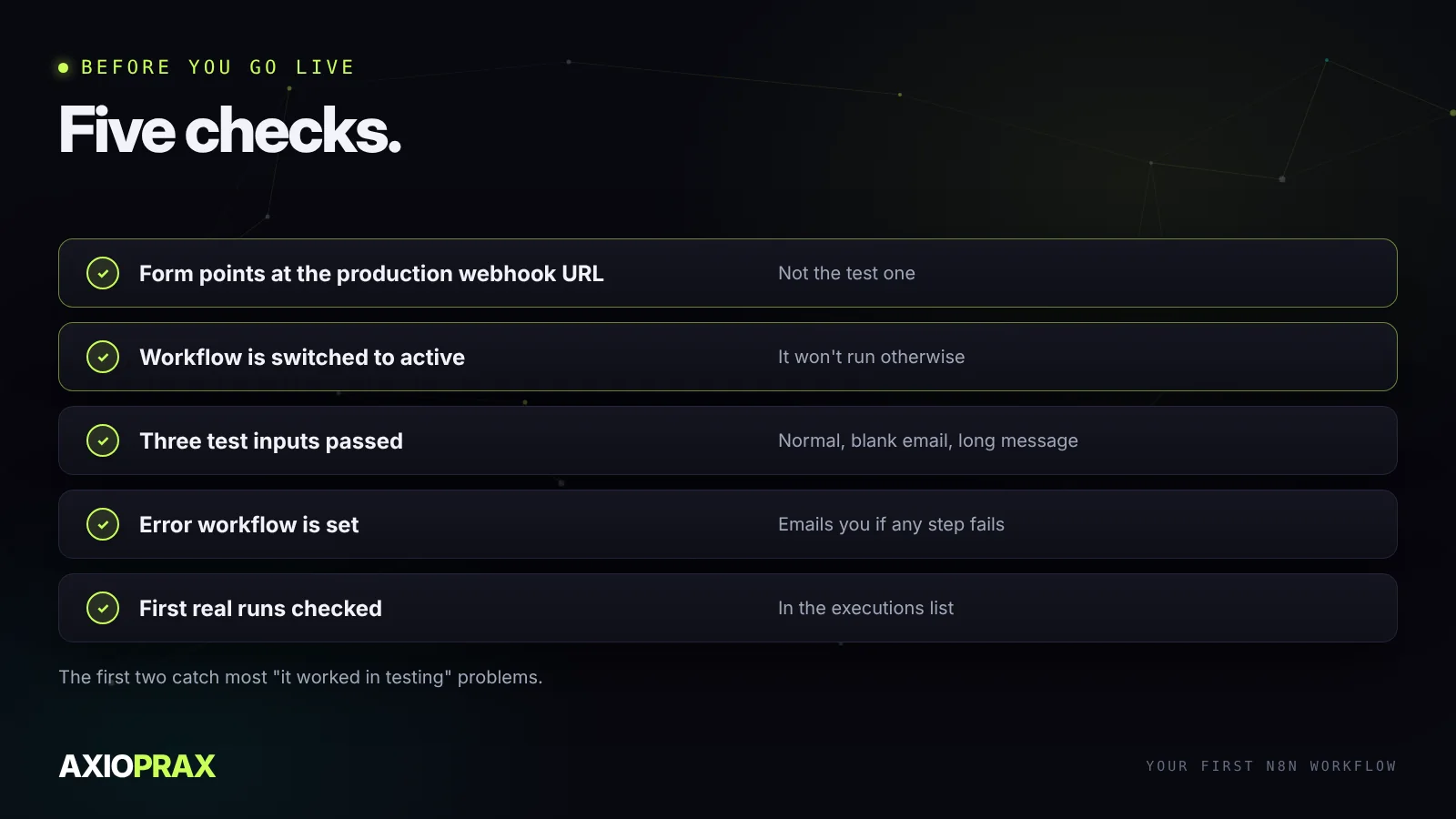
Switch the form to the production URL and turn the workflow on. Then set up an error workflow: a second, small workflow that starts with n8n's Error Trigger node and sends you an email or Slack message whenever another workflow fails. Without it, a broken workflow stops quietly and you find out from a customer.
Check the list of executions after the first few real submissions to confirm they ran as expected. After that, the error workflow does the watching.
What to build next
Once the first one works, the second goes much faster, because the patterns repeat: a trigger, a check, an action, a safety net. For store ideas, see five n8n e-commerce automations. For what this example looks like as a full enquiry process, with an owner and a follow-up, see what happens between the form and the first follow up. And if you're still choosing a platform, n8n vs Zapier compares them honestly.