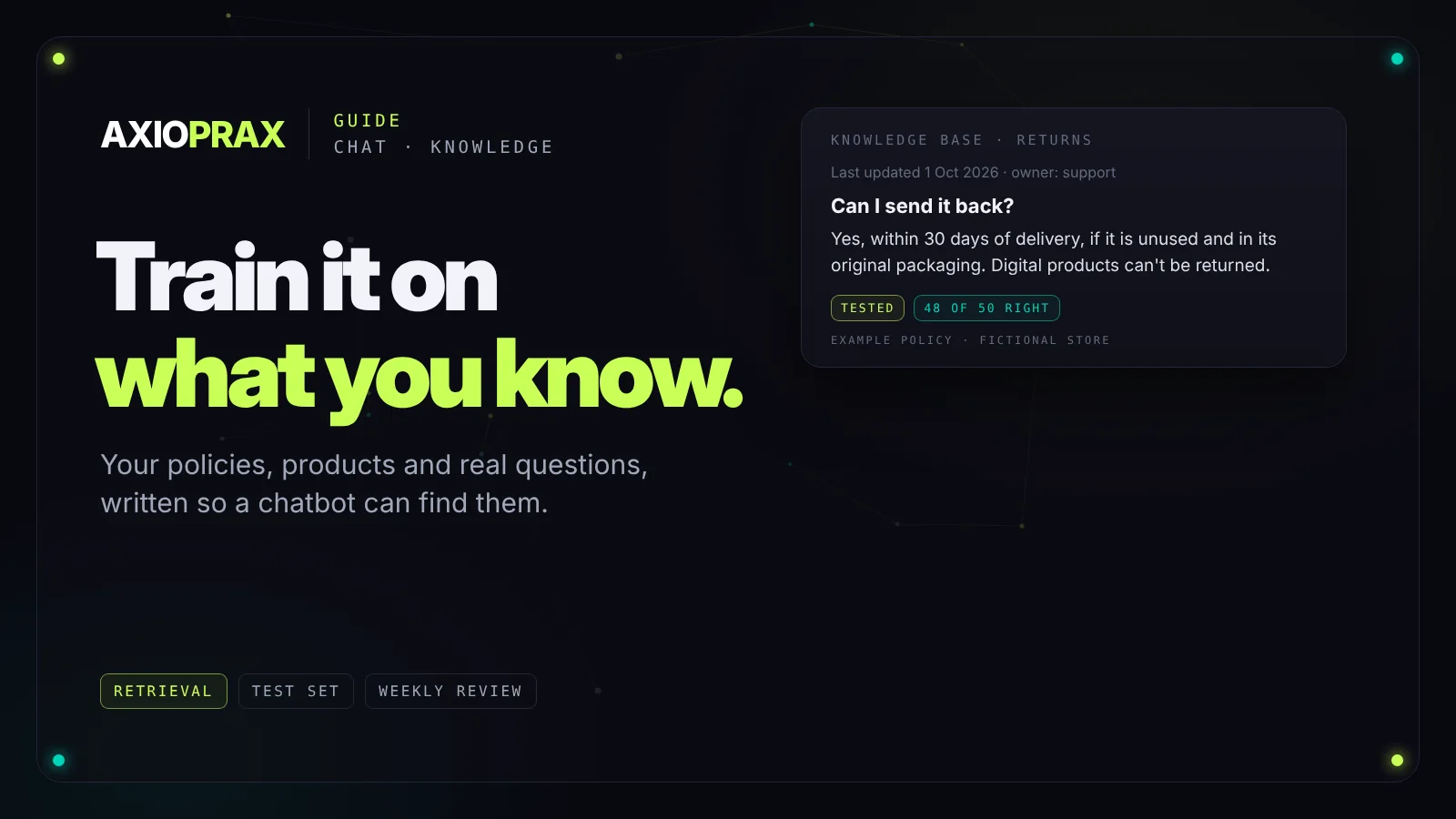
When a business chatbot gives a wrong answer, the model is rarely the problem. The problem is what it was given to work from: a thin FAQ, a returns policy from two years ago, and nothing about the questions customers actually ask. The bot either guesses or says "I don't know" to something it should have known.
"Training" a chatbot for a business almost never means retraining the AI model. It means giving it a well-organised set of your own information to look things up in before it answers. Here's how to build that, test it and keep it current.
What "training" actually means
Most business chatbots work by retrieval. When a customer asks something, the system searches your knowledge for the most relevant passages and gives them to the AI model along with the question. The model writes the answer from those passages. If the right passage isn't there, the answer can't be right either.
Think of it as the briefing pack for a new team member who starts answering customers on their first morning. The better the pack, the better the answers.
Where the knowledge comes from
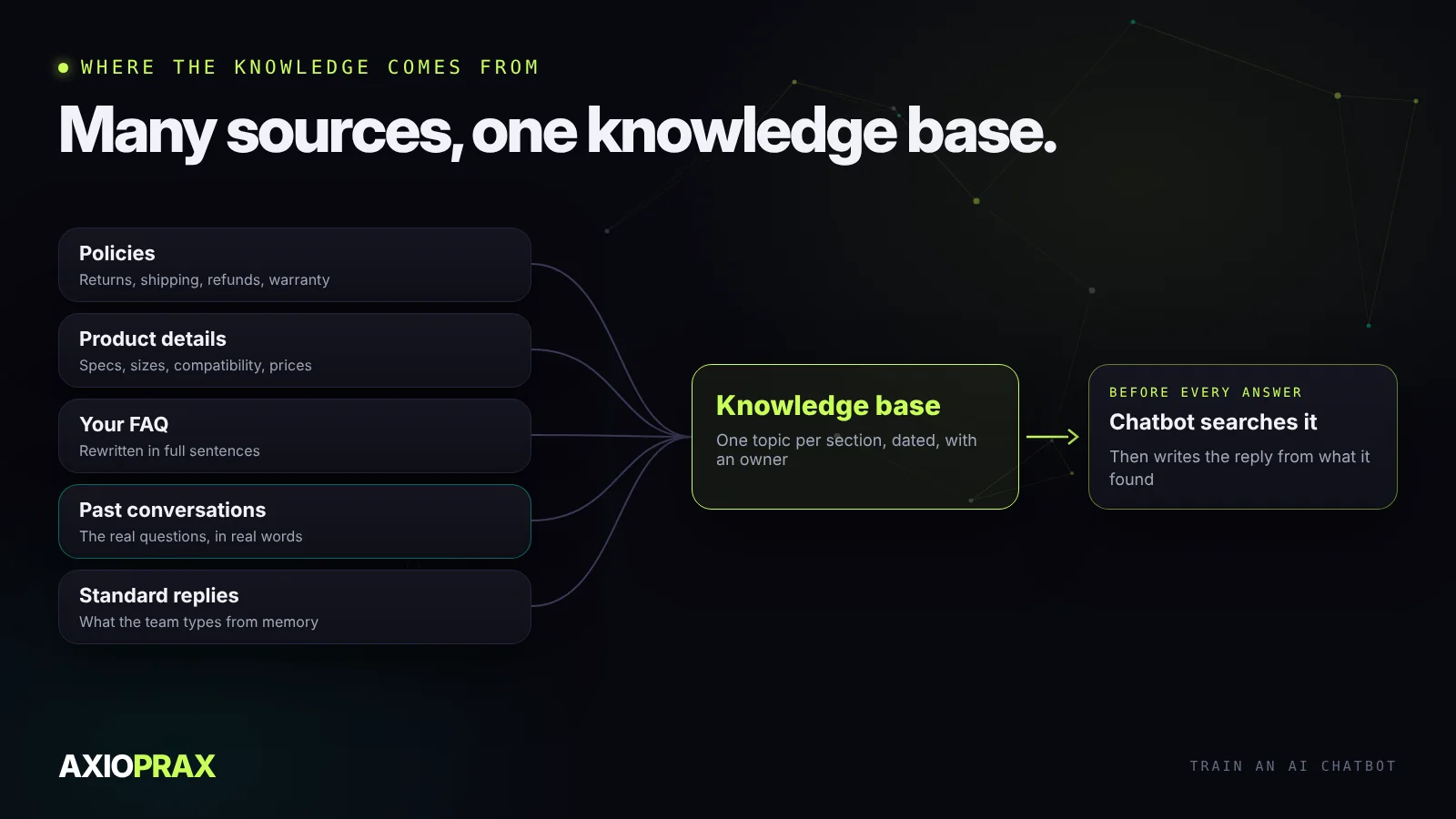
- Your policies. Returns, shipping, refunds, warranty and privacy, in plain language.
- Product or service details. Specifications, sizes, compatibility, ingredients, what's included in each package.
- Your FAQ, with every vague answer expanded into full sentences.
- Past support conversations. The best source of the questions people really ask, in the words they really use.
- Your team's standard replies. The answers people already type from memory.
Start with the last three months of support emails or chats. Group the questions by topic and count them. A small number of topics usually covers most of the volume. Make sure each one has a complete, current answer before you worry about the long tail.
Write it so it can be found
The way you write the knowledge matters as much as what's in it. Keep each topic in its own section with a clear heading. Put the answer in the first sentence and the conditions after it. Use the words customers use: if they say "send it back", don't only write "return merchandise authorisation".
Three things cause most wrong answers:
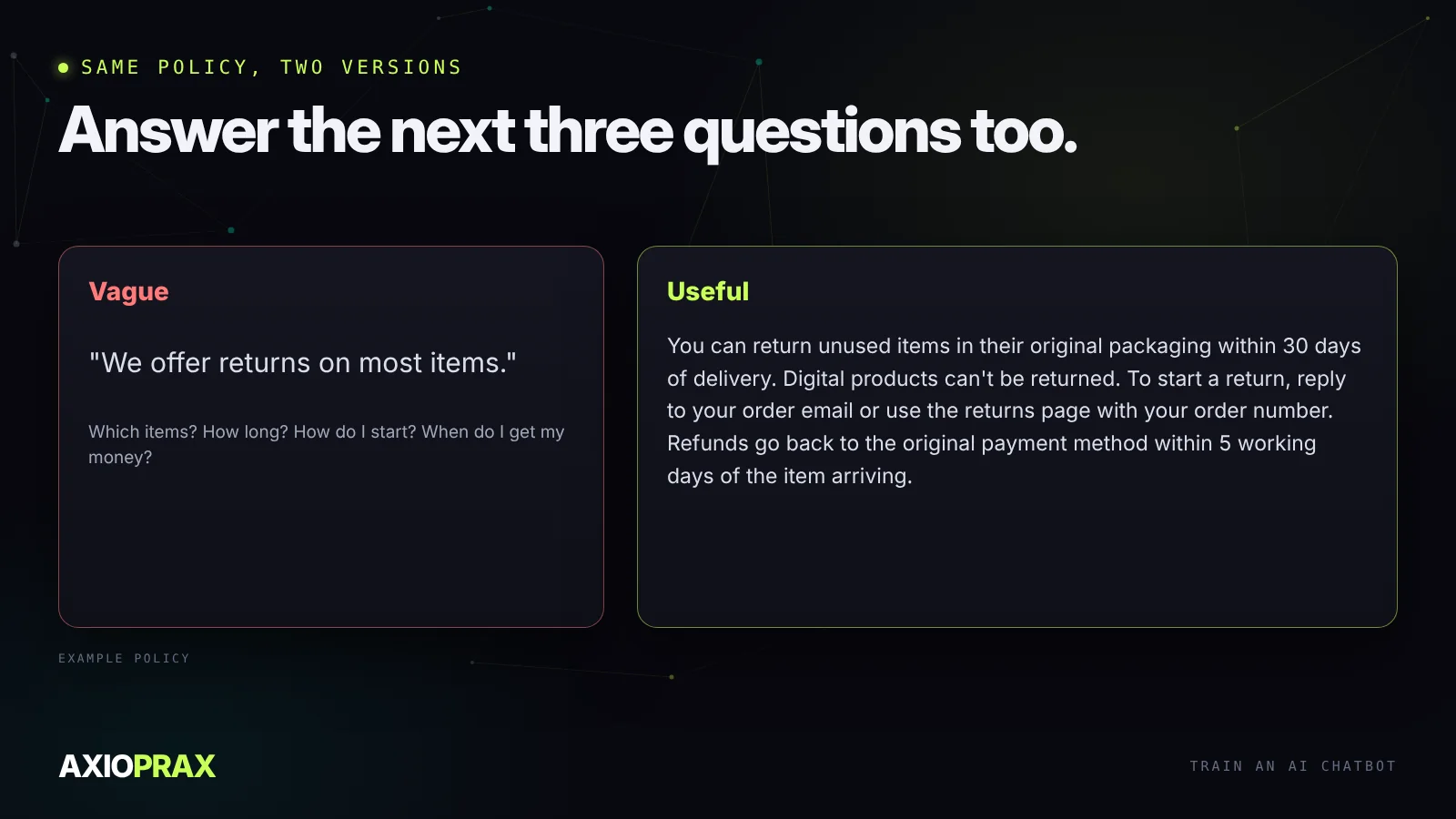
- Vague policies. "Returns on most items" invites the bot to fill in the gaps.
- Missing edge cases. Damaged on arrival, wrong size, missed the return window. These generate a lot of messages, so write them down.
- Old versions. If last year's policy is still in there next to this year's, the bot may quote either. Delete old versions, and put a "last updated" date on each policy.
Test it with real questions before launch
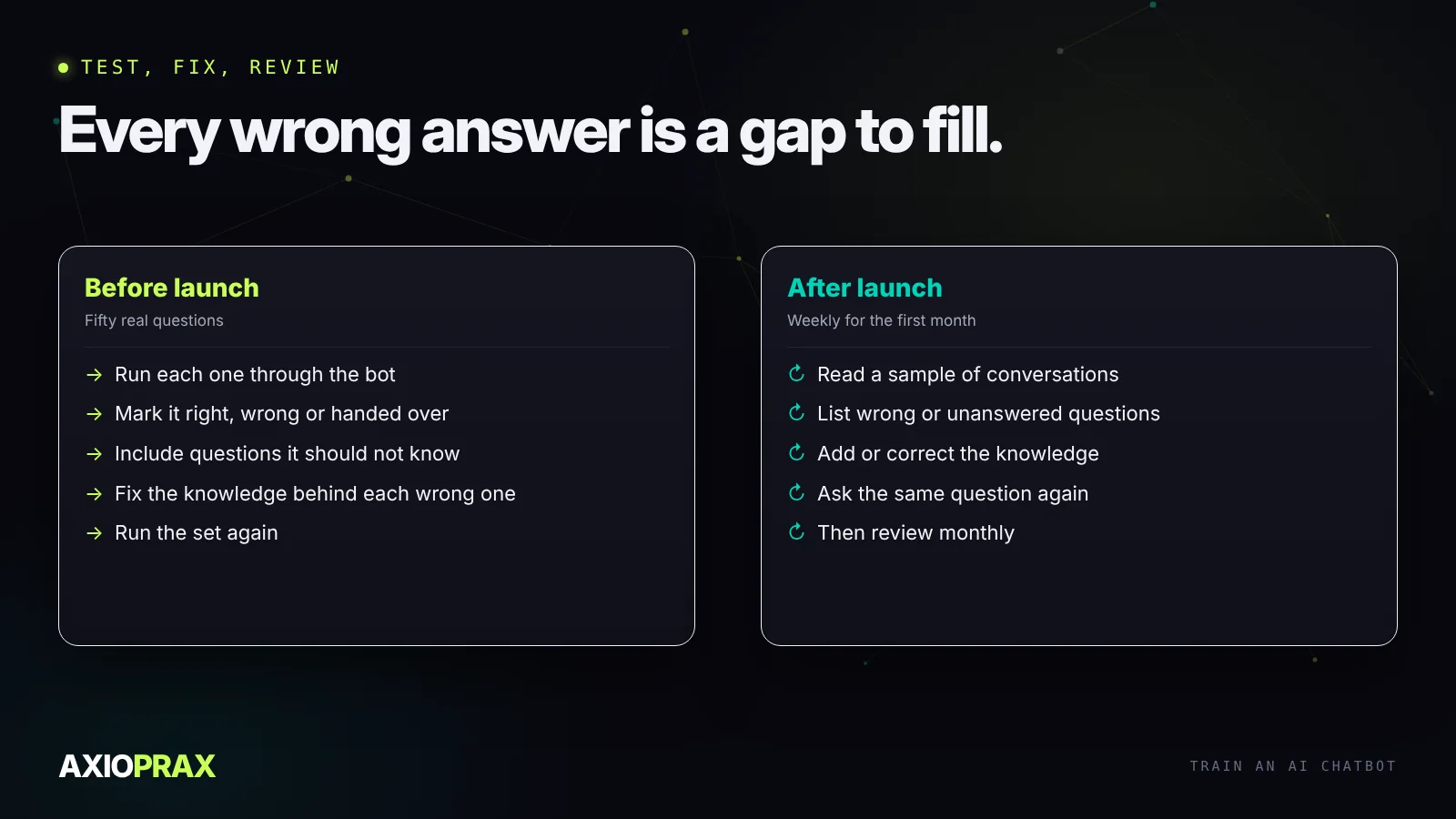
Take fifty real questions from your support history, including awkward ones and a few that your knowledge deliberately doesn't cover. Run each through the bot and mark the answer: right, wrong, or handed over to a person.
The questions it shouldn't be able to answer matter most. A good bot says it doesn't know and offers a person. A bad one makes up something plausible. If yours invents answers, tighten its instructions so it answers only from your knowledge, and run the set again.
Keep it current after launch
For the first month, read a sample of conversations every week. List the questions it got wrong or couldn't answer, fix the knowledge behind each one, and check the fix by asking the same question again. After that, a monthly review is usually enough.
Give the knowledge an owner. When a policy changes, a product launches or prices move, updating the bot should be on the same checklist as updating the website. Most bots that "got worse" simply fell out of date.
If you're still deciding whether a bot is right for you, see AI chatbot vs live chat. For a store, our Shopify chatbot guide covers order questions and the options available today, and the same knowledge principles apply on WhatsApp, as our WhatsApp automation guide explains.