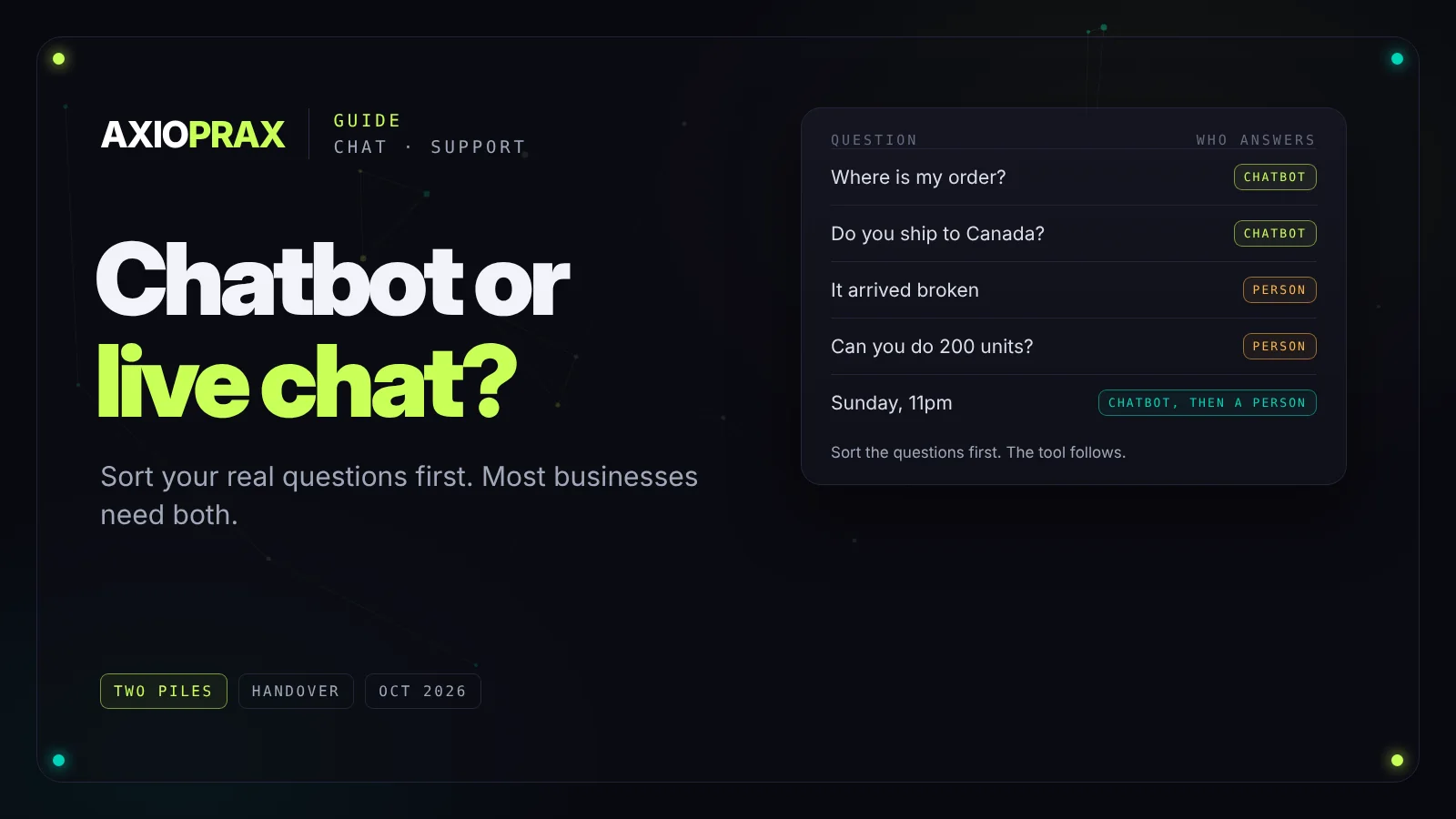
Both promise the same thing: customers get answers without waiting for an email reply. They're not interchangeable, though. An AI chatbot is good at answering the same questions all day. A person on live chat is good at everything that needs judgement. Pick the wrong one for your mix of questions and you either frustrate customers or pay for people to type the same answer fifty times a day.
Here's how to decide, starting with the questions you actually get.
Start with your questions, not the tool
Pull a month of chats or support emails and sort them into two piles. The first pile is predictable: order status, delivery times, returns, opening hours, pricing, how to do something in your product. The second needs judgement: a complaint, a product comparison with unusual requirements, a custom order, a refund outside the rules.
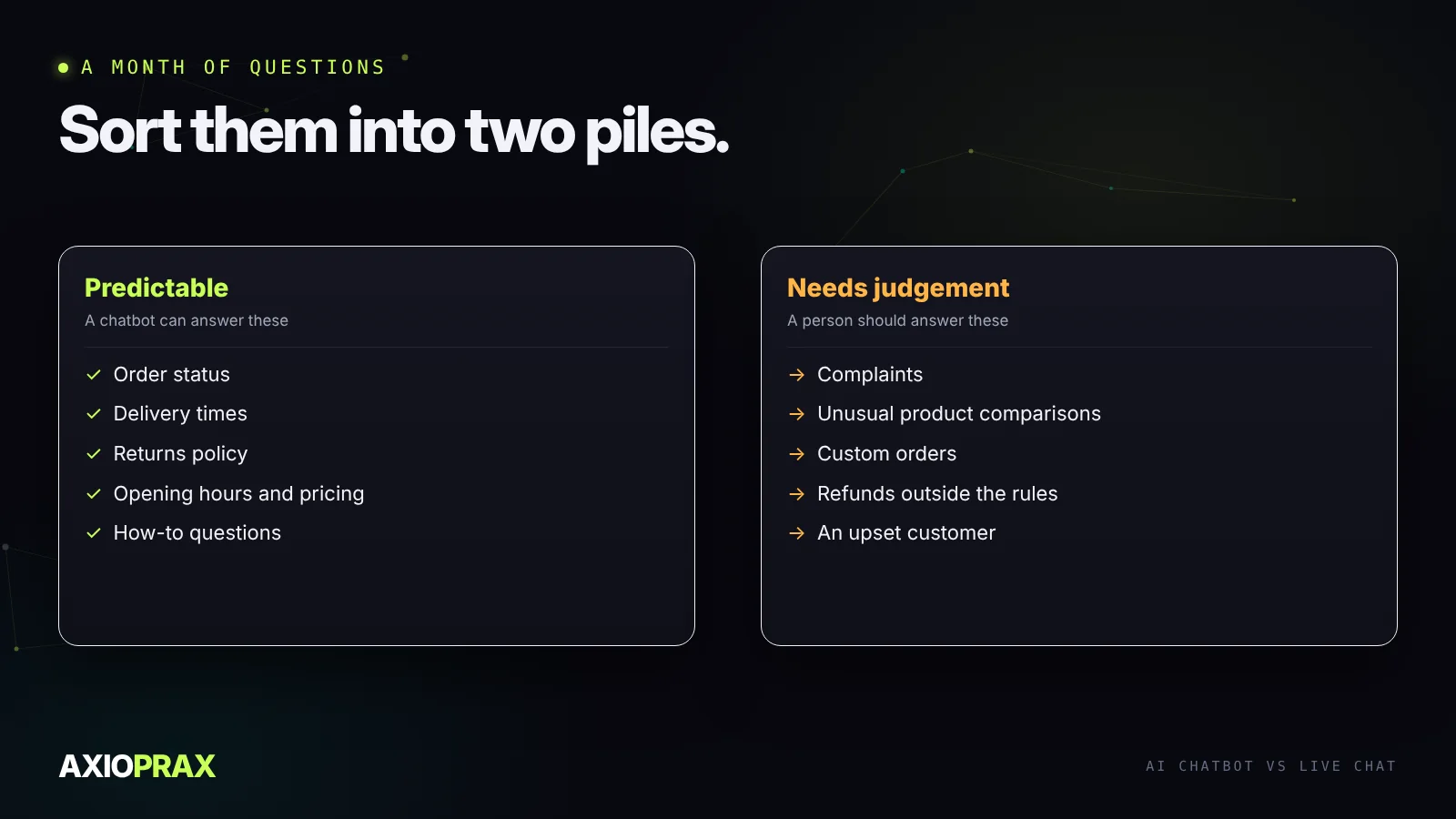
If most of your volume is in the first pile, a chatbot will take real work off your team. If most is in the second, a chatbot mostly gets in the way, and live chat staffed by someone who knows the product is the better spend.
What each one is good at
An AI chatbot answers at any hour, gives the same answer every time, and costs roughly the same whether it handles ten conversations or a thousand. It's only as good as what you've written down for it, and it should hand over the moment it's out of its depth.
Live chat with a person handles the conversations that decide whether someone buys or comes back: the hesitant buyer, the unhappy customer, the unusual request. It costs staff time, and it only works during the hours someone is there to answer.
What each one costs
Live chat costs people's time. As a rough guide, the US Bureau of Labor Statistics put the median wage for customer service representatives at $21.53 an hour in May 2025 (BLS). Covering chat for a 40-hour week at that rate is about $3,700 a month in wages alone, before benefits, management or evening cover.
A chatbot costs a build or a subscription, plus usage that grows with the number and length of conversations. The bigger cost people forget is upkeep: someone has to keep its knowledge current and read a sample of its conversations every week. Budget for that time, or the bot slowly drifts out of date.
Usually the answer is both
For most businesses the right setup is a chatbot first and a person behind it. The bot answers the predictable questions. Anything it can't answer, or anything where the customer is upset, goes to a person with the conversation attached, so nobody has to repeat themselves.
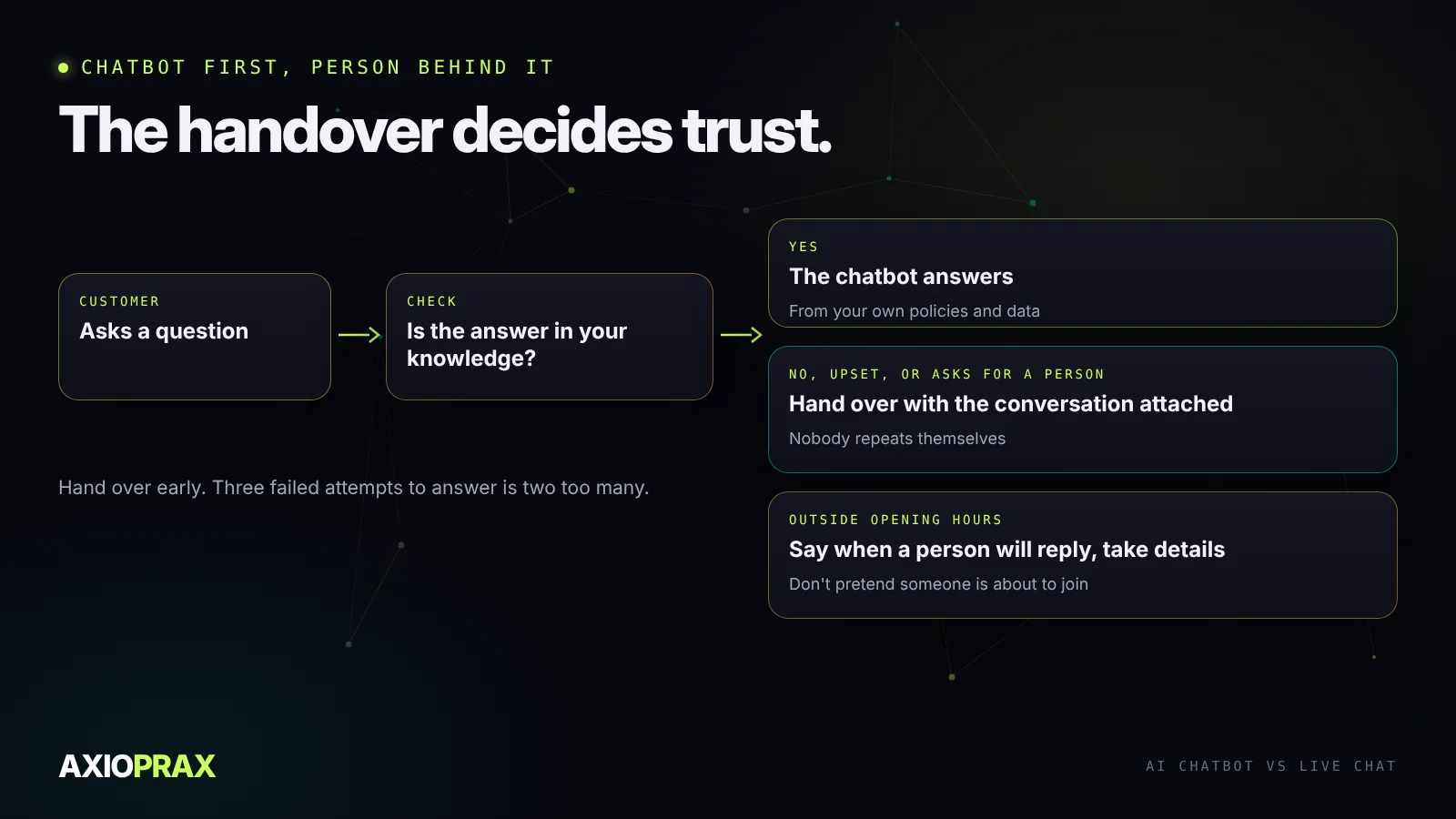
Two details make this work. First, the bot should hand over early rather than late; three failed attempts to answer is two too many. Second, outside your opening hours it should say plainly when a person will reply and take the details, instead of pretending someone is about to join.
By type of business
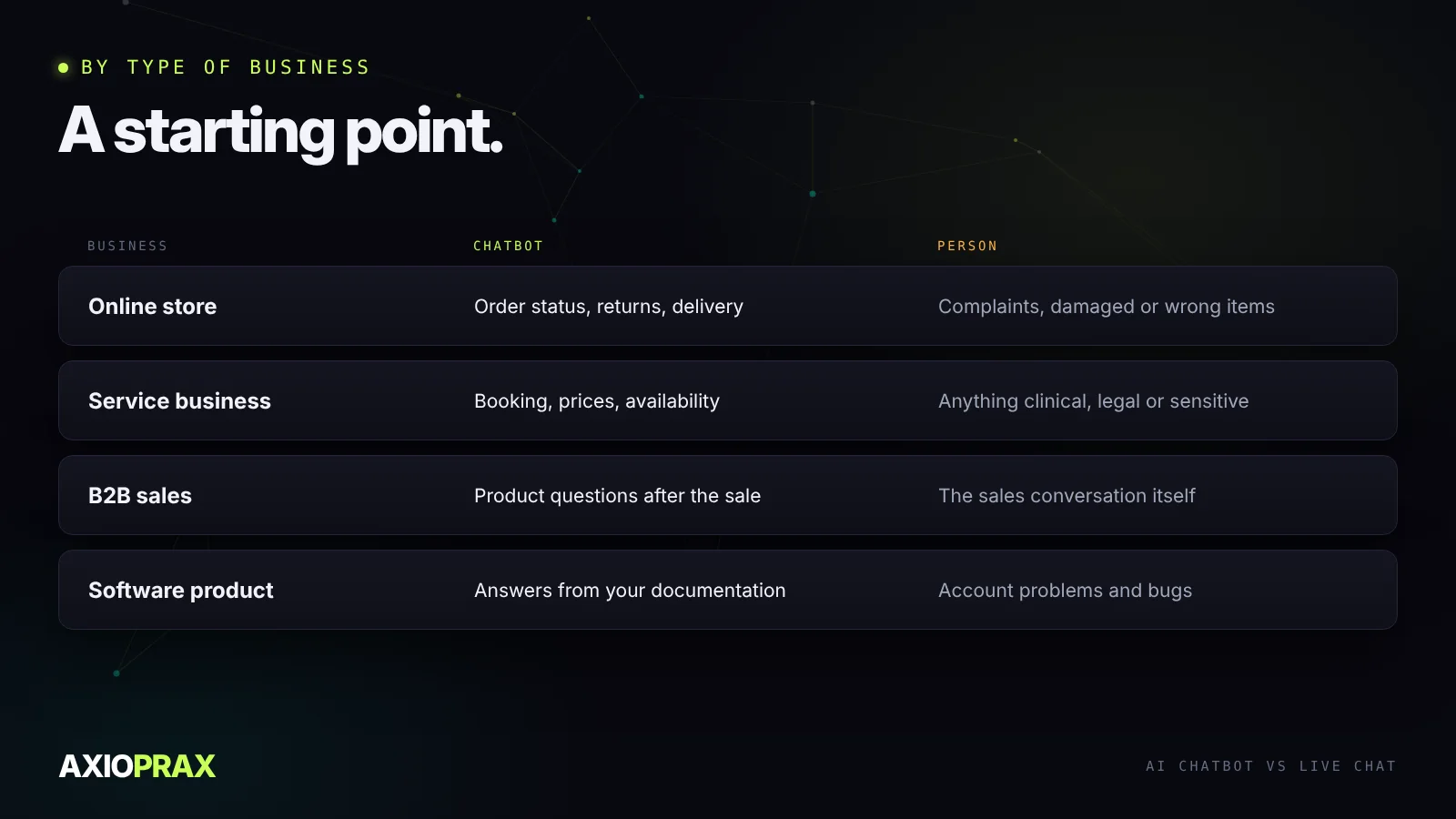
- Online store. Chatbot for order status, returns and delivery questions. A person for complaints and damaged or wrong items.
- Service business, such as a clinic, salon or consultancy. Chatbot for booking, prices and availability. A person for anything clinical, legal or sensitive.
- B2B sales. A person for the sales conversation itself. A chatbot can answer product questions after the sale.
- Software product. A chatbot that answers from your documentation. A person for account problems and bugs.
How to tell if it's working
Whichever you choose, measure three things for the first two months: how long customers wait for a first reply, how many conversations end with the question answered, and how many complaints mention the chat itself. For a chatbot, also read a sample of transcripts every week. Most bad answers trace back to something missing from its knowledge, which our guide to training a chatbot on your business covers. For Shopify stores, our Shopify chatbot guide shows the options and how to answer order questions safely.