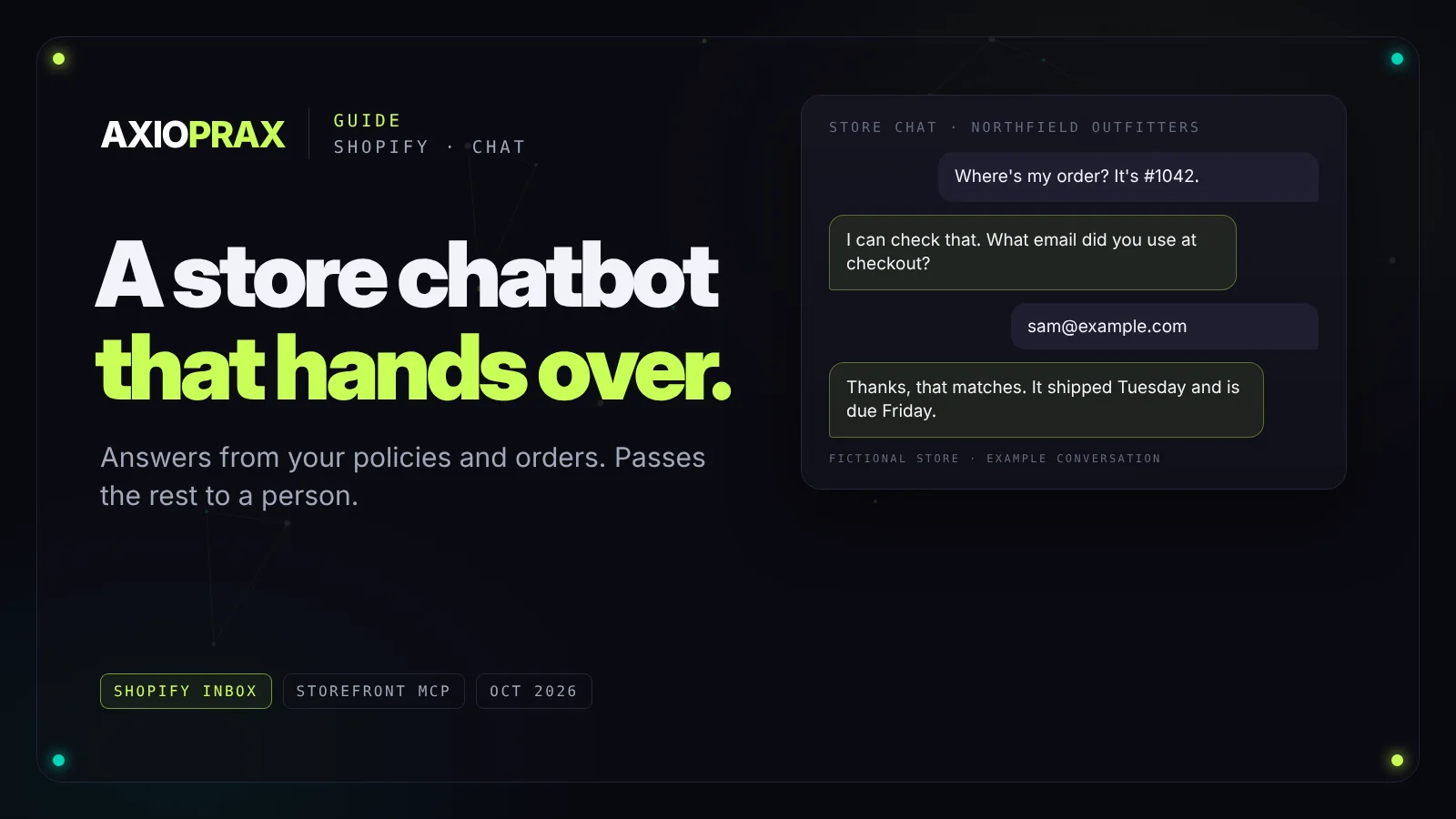
Look through a month of customer messages in most Shopify stores and the same handful of questions come up again and again. Where is my order? Can I return this? Do you ship to my country? Which size should I get? Nearly all of them can be answered from two places: things you've already written down, and the customer's own order.
That's what a chatbot for a Shopify store has to do well. Here's what it should answer and what it should pass to a person, the three ways to add one today, and how to handle order questions without giving away anyone's details.
What it should answer, and what it should hand over
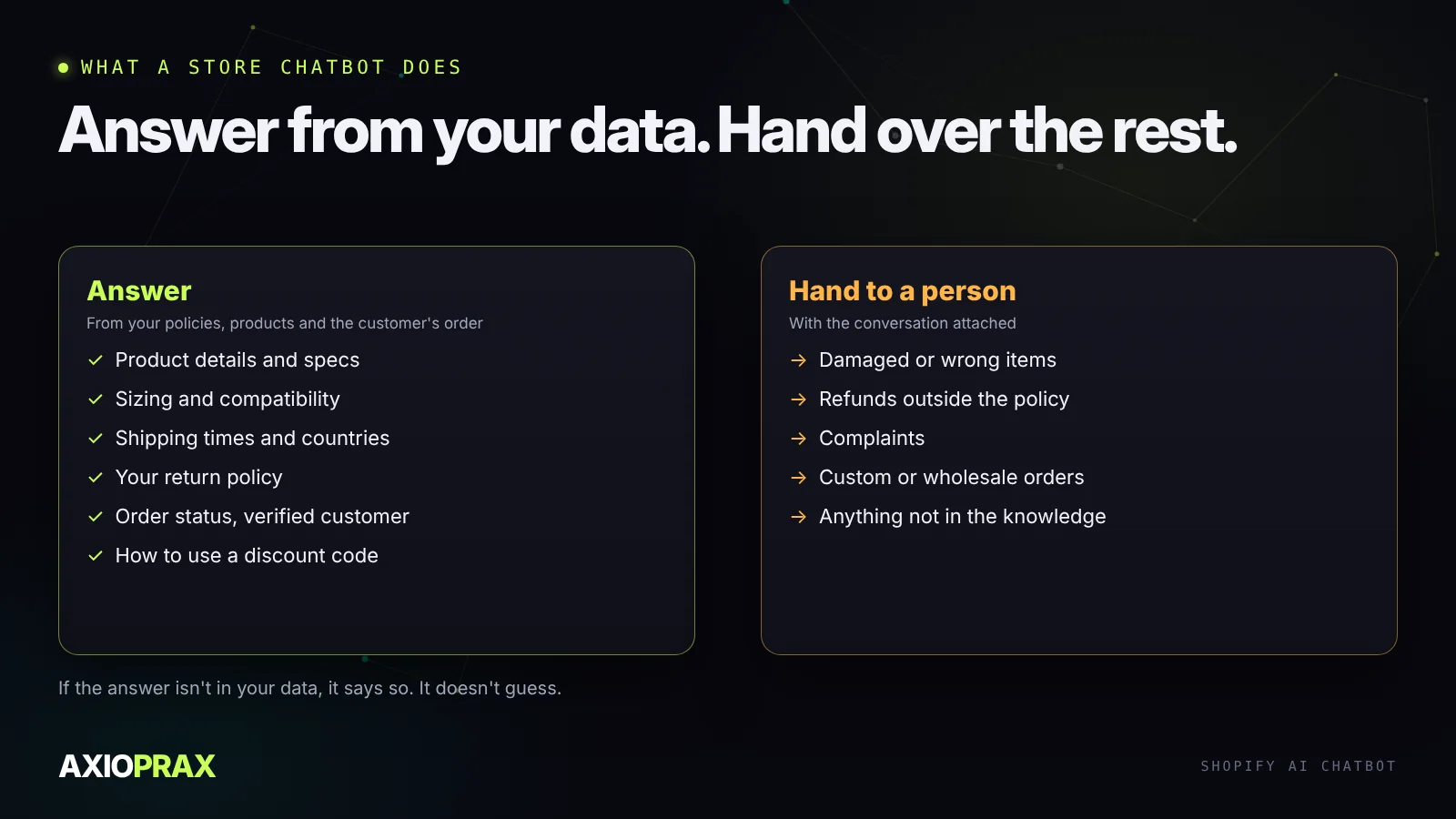
A good store chatbot answers questions about your products, your policies and the customer's order, and says plainly when it doesn't know. It hands over anything that needs a decision: a damaged item, a refund outside your rules, an angry customer, a wholesale enquiry.
Three ways to add one
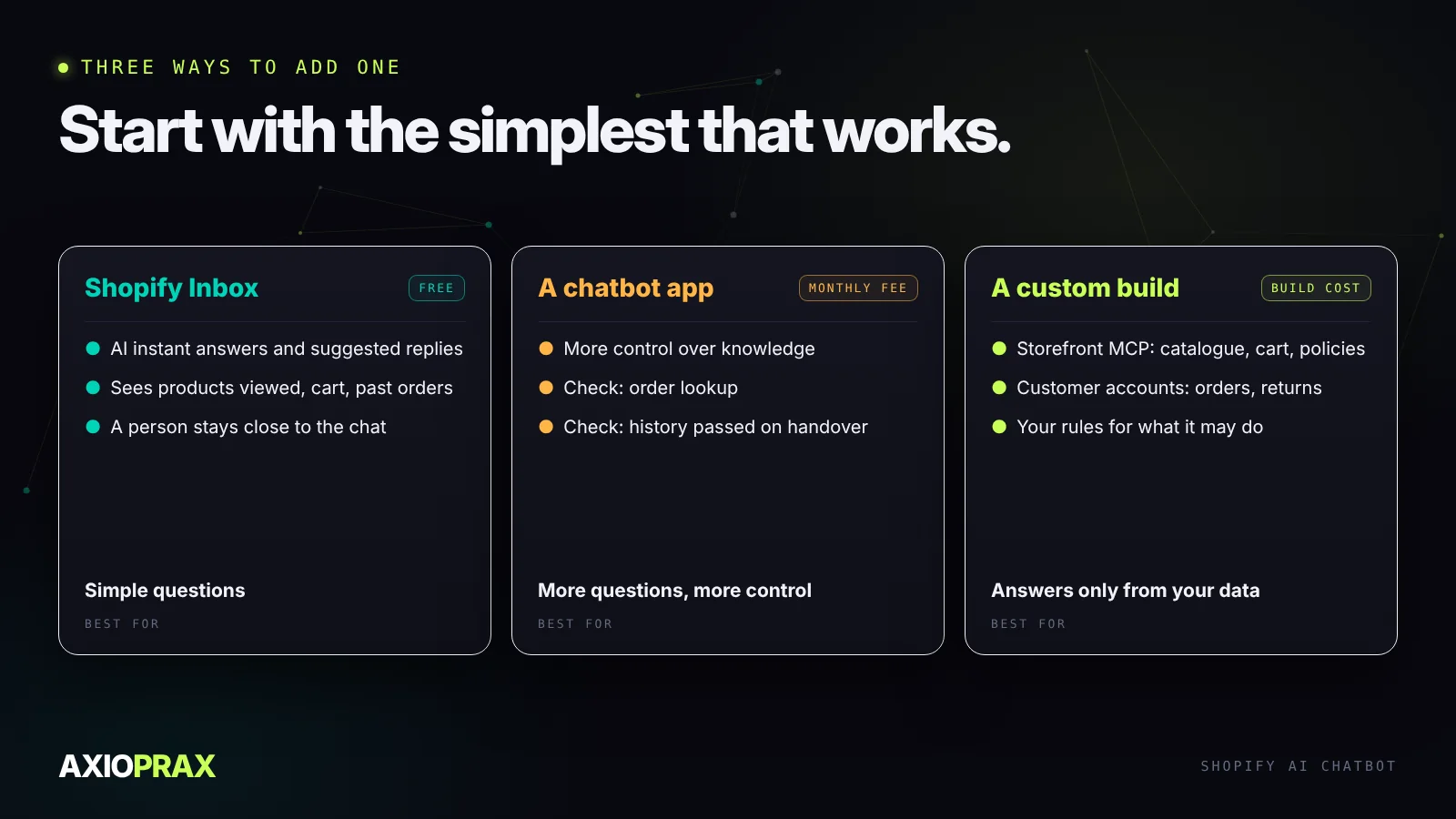
Shopify Inbox. Shopify's own chat app is free. It offers AI instant answers and suggested replies, and a chat can draw on what the customer viewed, what's in their cart and their past orders (Shopify App Store). It's the place to start if most of your questions are simple and you want a person to stay close to the conversation.
A chatbot app. Dedicated apps give you more control over what the bot knows and how it hands over, usually for a monthly fee. Before you pick one, check three things: can it read order status, can it hand a conversation to your email or helpdesk with the history attached, and can you see every conversation afterwards?
A custom build. Shopify now publishes Storefront MCP, which lets an AI assistant search your catalogue, build a cart and answer questions about your policies, shipping and returns. A separate customer accounts server is for tracking orders and managing returns (Shopify.dev). A custom build makes sense when you need answers grounded only in your own data, with your rules for what it may and may not do.
Write the knowledge down first
Whichever route you take, the bot can only be as good as what you give it. Before you switch anything on, collect your shipping and returns policies, your FAQ, size guides and product details, and the twenty questions your team answers most. Then read them as a stranger would.
Look for gaps and contradictions. If your returns page says 30 days and an old FAQ says 14, the bot will quote whichever it finds, and the customer will hold you to it. Date your policies, delete the old versions, and write answers in full sentences rather than notes. Our guide to training a chatbot on your business goes through this step by step.
Order status without leaking orders
"Where is my order?" is usually the most common question, and the one most often handled badly. An order number on its own is not proof of who's asking. Order numbers are short, often sequential, and printed on packing slips and in forwarded emails.
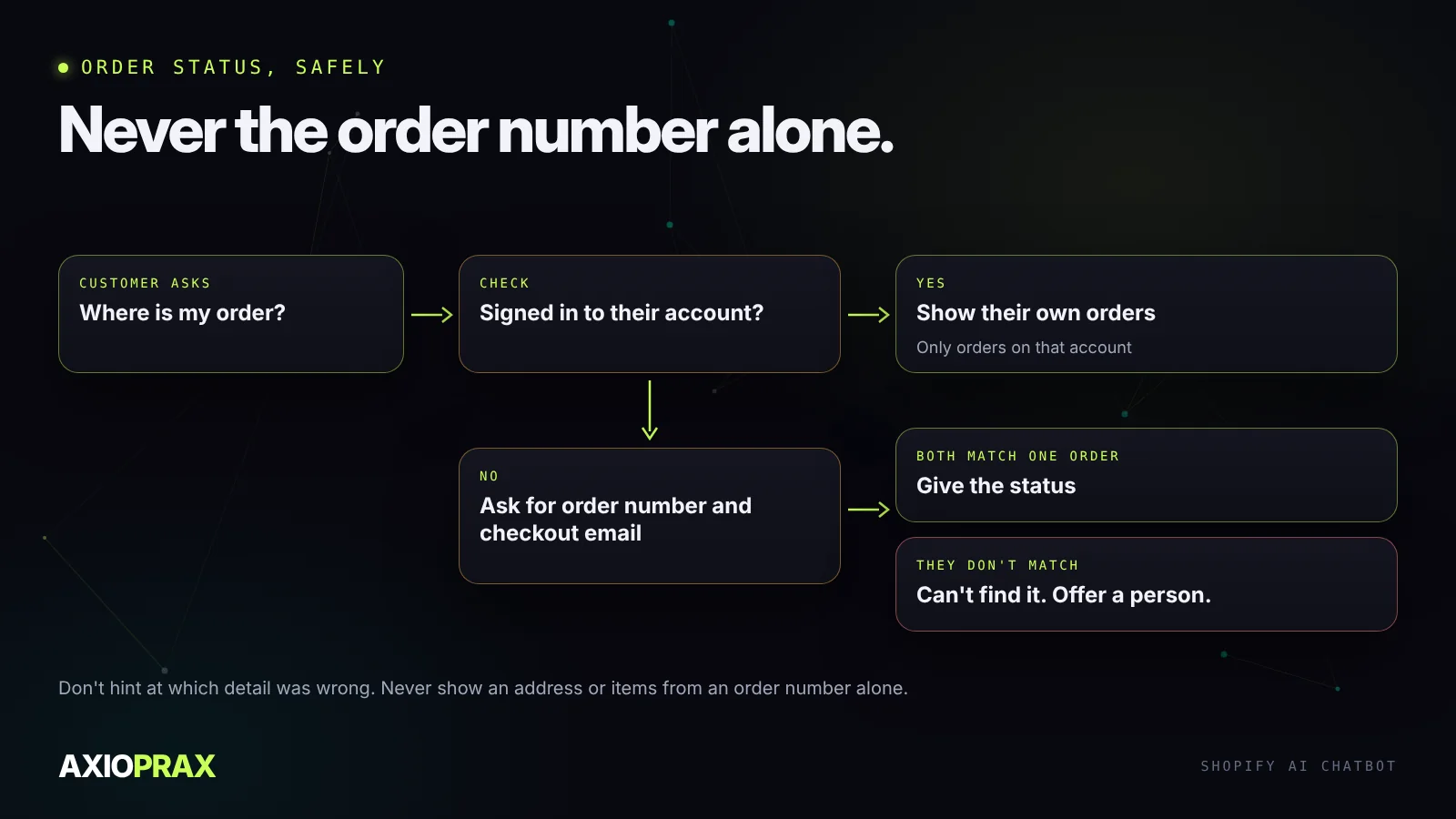
Either the customer is signed in and sees only their own orders, or they give the order number and the email used at checkout and both must match. If they don't match, the bot says it can't find the order and offers a person. It shouldn't hint at why.
Make the handover smooth
Customers don't mind being passed to a person. They mind repeating themselves. When the bot hands over, the conversation so far should go with it, and the customer should be told when to expect a reply. If nobody is online, say so and give the hours, rather than leaving them waiting in a chat window.
Measure it with real conversations
Before launch, take fifty real questions from your inbox and run them through the bot. Mark each answer right, wrong or handed over, and fix the knowledge behind every wrong one before going live.
After launch, watch three things: how many conversations end without a person, how many get handed over, and how many answers were wrong when someone reads the transcripts. Read a sample every week for the first month. Most wrong answers trace back to something missing or out of date in the knowledge, not to the bot itself.
If you're still deciding whether a bot is right for your store at all, our comparison of AI chatbots and live chat covers when each one fits.