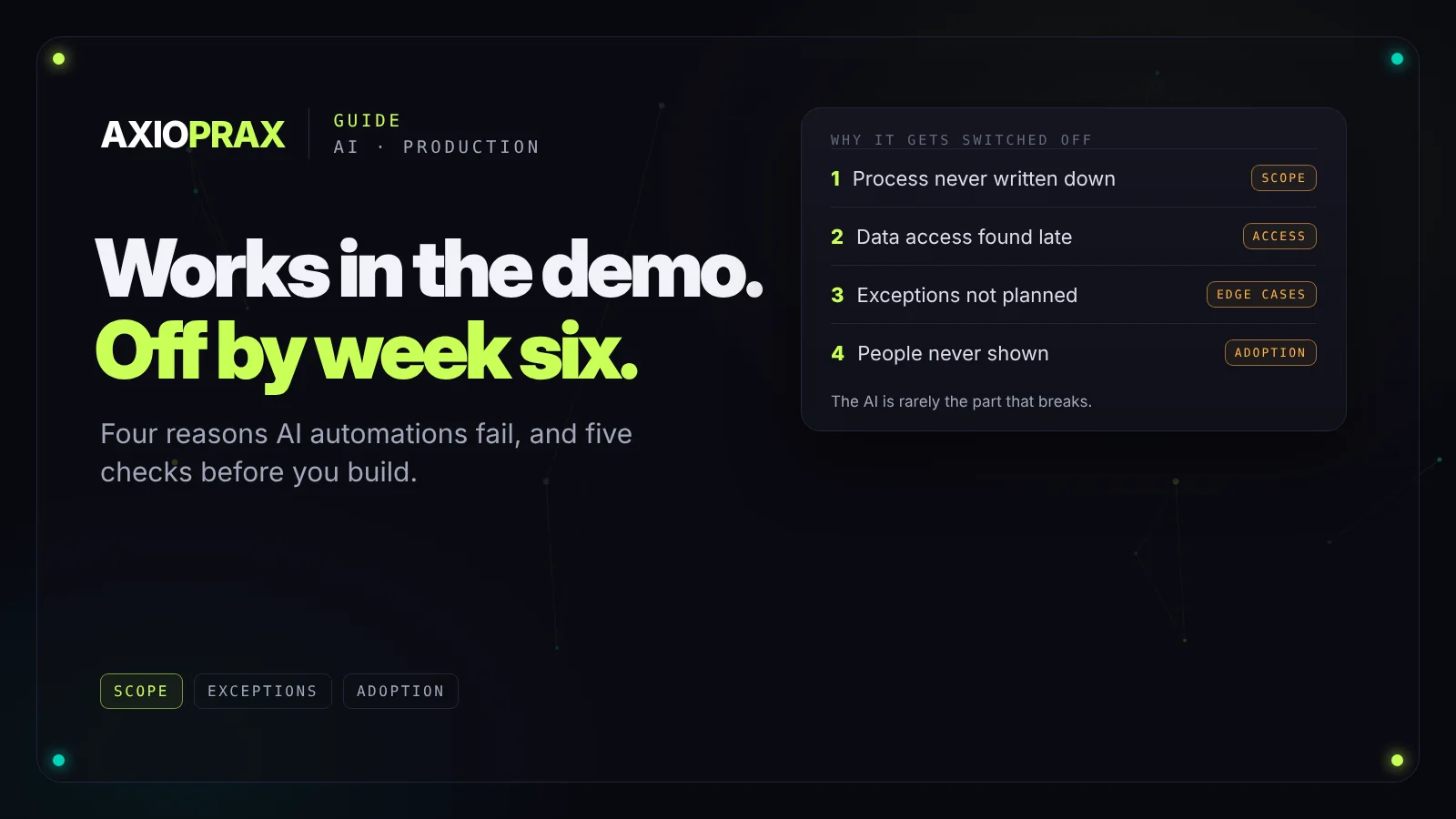
The demo goes well. Data flows in, the AI makes sensible decisions, the right emails go out. Six weeks after launch the workflow is switched off, and nobody can quite say why.
We see this pattern more than any other. The technology usually works. What fails is everything around it: a process nobody fully wrote down, data the automation couldn't reach, cases nobody planned for, and people who were never shown what changed. Here are the four causes, how to spot each one early, and the checks to run before you build.
Why the demo isn't the test
A demo is built to succeed. The sample data is clean, the steps run in order, and the awkward cases have quietly been left out. Real operations aren't like that.
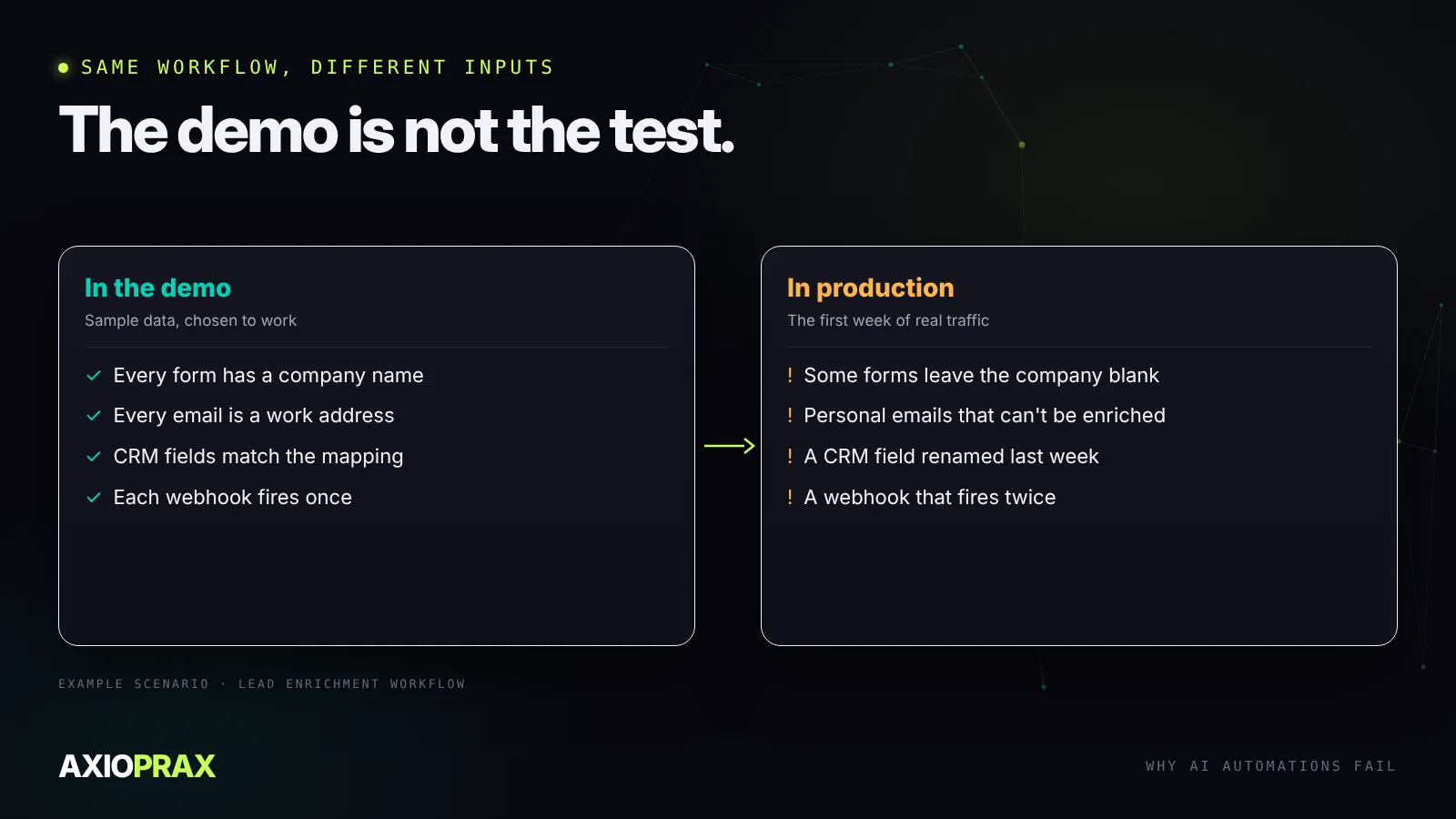
Take a typical lead workflow: a form submission is enriched with company data, written to the CRM and followed by a personalised email. The demo never shows the forms where the company field is blank, the leads from personal email addresses that can't be enriched, the CRM field someone renamed last week, or the email that went out twice because a webhook fired twice. Production shows all of them in the first week.
1. The process was never written down
The most common cause has nothing to do with AI. The automation was built for a process nobody fully understood, so it was built on assumptions, and assumptions break.
Before anyone configures a single step, write the process down as it actually runs today, not as it's supposed to run. Who does what, in which tool, and what they do when something looks wrong. The workarounds matter most, because they're where the real rules live. If the team can't agree on the steps, you've found the first job, and it isn't automation.
2. Data access turned up late
Automations live on access. An enrichment step needs an account with a data provider. Invoice processing needs readable documents, not scans of scans. A triage agent needs permission to read the support inbox.
In a demo all of this is already set up. In a real business, API keys have limits, IT has approval steps, documents arrive in a dozen formats, and a permission request can sit for weeks. List every system the automation will read or write before building starts, test the access with real records, and start any approval on day one.
3. Nobody planned for the exceptions
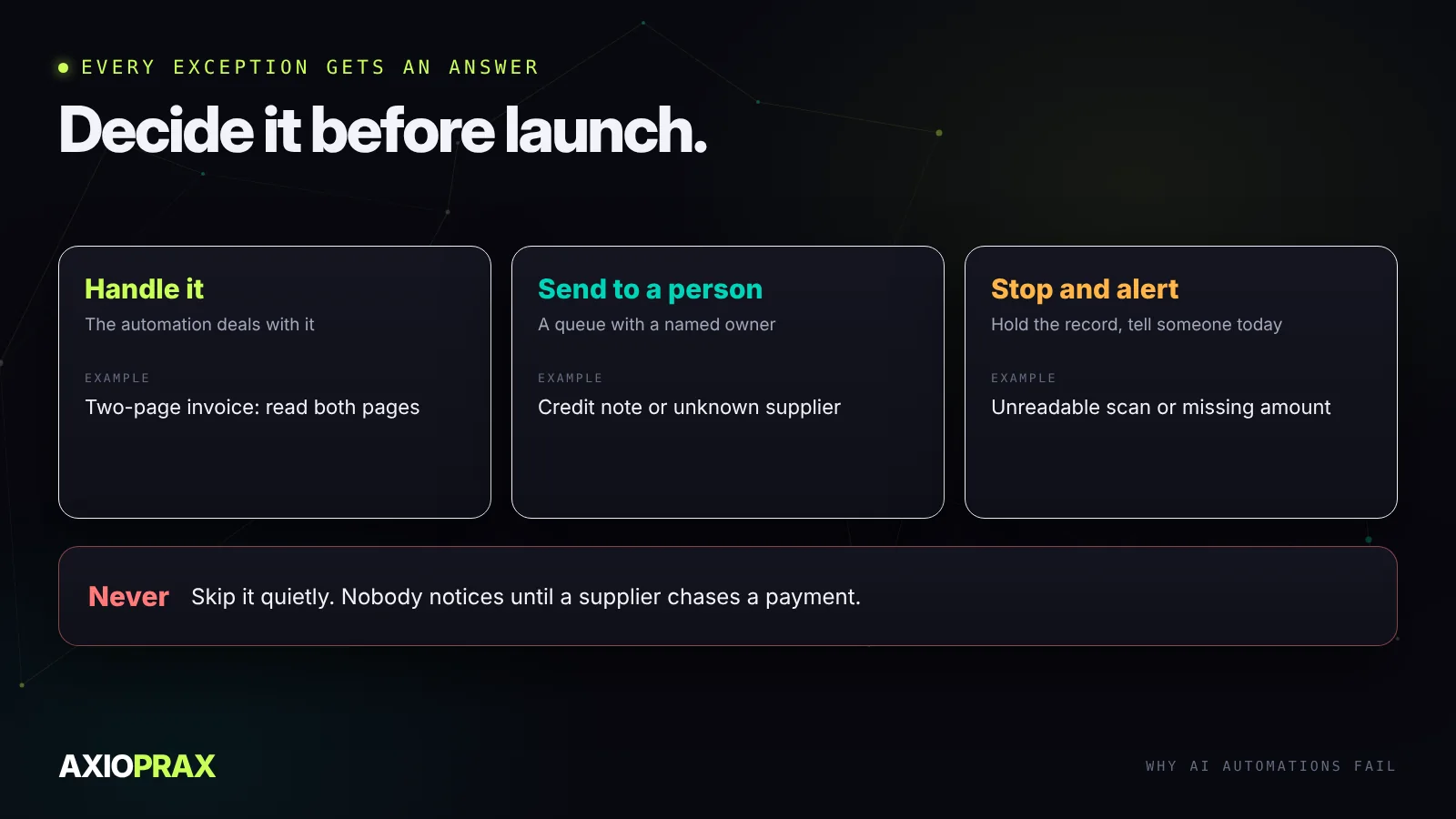
A process that looks like five steps usually has dozens once you count the exceptions. An invoice workflow handles standard invoices well. Then a two-page invoice arrives, or a credit note, or one in another currency, or a photo of a crumpled receipt.
An automation without a plan for these doesn't stop politely. It skips the record, or worse, processes it wrongly, and nobody notices until a supplier chases a payment. Go through the exceptions the team handles today and give each one an explicit answer.
4. Nobody showed the people
Automation changes what people do. The person who used to type invoices into a spreadsheet now reviews the ones the automation couldn't read. The salesperson who used to research every lead now gets a filled-in record and needs to know where the data came from.
When nobody explains the change, people fall back on the old way. The automation runs in parallel and doubles the work, or someone switches it off after it does something surprising and nobody switches it back on. Treat the handover as part of the build: who uses the output, what they need to trust it, and who owns the queue of things it couldn't do.
Five checks before you build
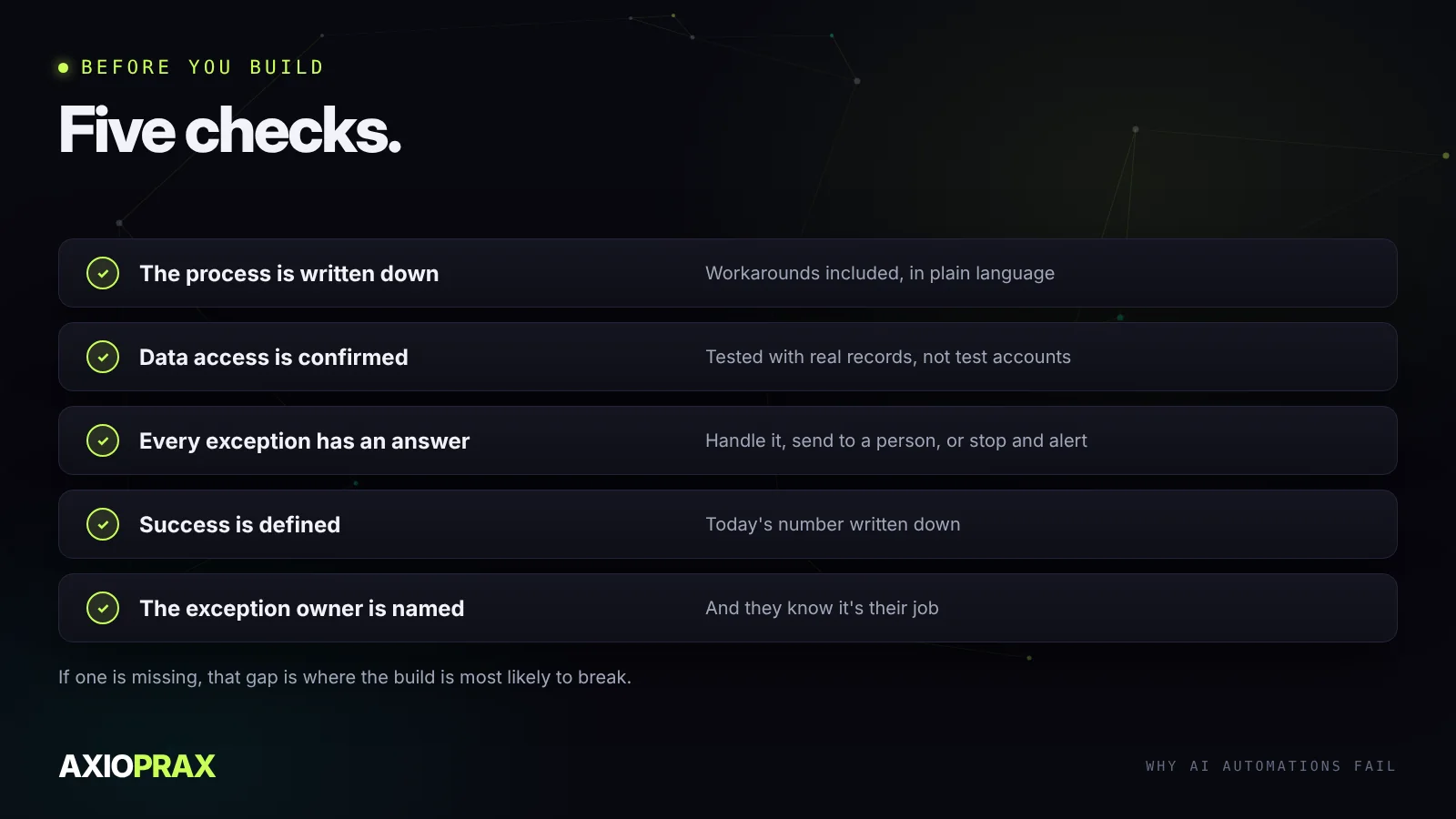
- The process is written down, workarounds included, in plain language.
- Data access is confirmed with real records, not test accounts.
- Every exception has an answer: handle it, send it to a person, or stop and alert.
- Success is defined, and today's number is written down, whether that's hours spent, error rate or time to respond.
- The exception owner is named, and they know it's their job.
Check all five before you build. If one is missing, that gap is the most likely place for the automation to break once real data and real users reach it.
After launch
Run the automation alongside the manual process for the first two weeks and compare the results. Switch the manual process off only when they match. After that, set an alert for runs that fail and a weekly look at the exception queue, because an automation that stops quietly looks exactly like one that has nothing to do.
If you're still choosing what to automate first, our guide to automation ROI shows how to pick by payback. For systems where an AI makes its own decisions, building AI agents that work in production covers the extra guardrails they need.