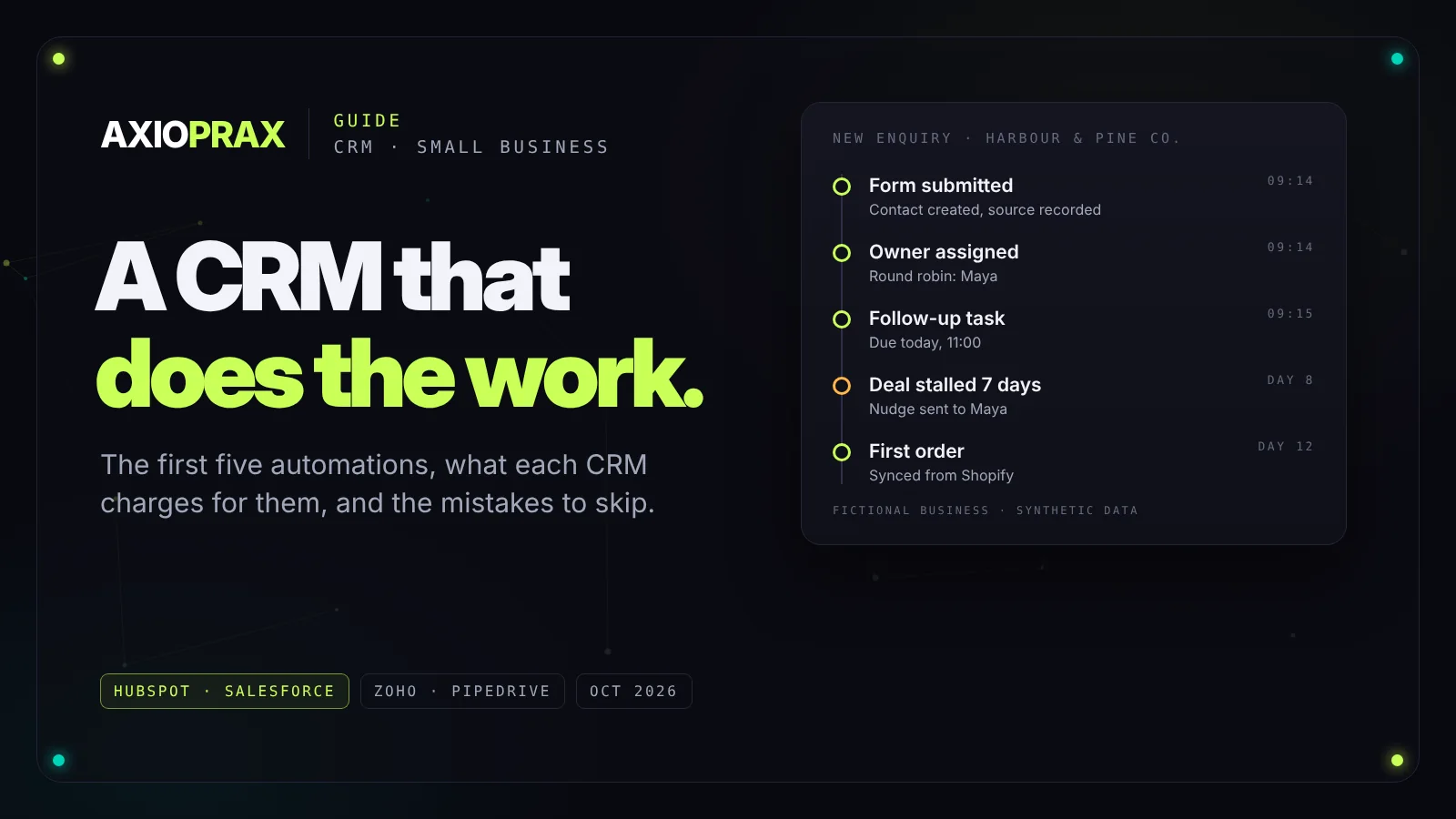
Most small businesses buy a CRM, import their contacts, and then use it as a slightly more expensive spreadsheet. Nobody updates the deal stages, follow-ups live in someone's head, and six months later the data is too messy to trust. Automation is what turns a CRM from a list into something that does work for you.
This guide covers what CRM automation actually is, the first five automations we'd build in almost any small business, what HubSpot, Salesforce, Zoho and Pipedrive charge before you can automate anything, and the mistakes that make it backfire. Prices were read on each vendor's own pricing page on 20 October 2026.
What CRM automation actually means
Strip away the jargon and it's this: when something happens in your CRM, something else happens without anyone having to remember. It comes in three kinds.
- Data. Records fill themselves in. A form submission becomes a contact, an order becomes a purchase on that contact, a company name gets matched to the right account.
- Process. Work moves along. A new lead gets an owner, a deal that hasn't moved in a week gets flagged, a won deal creates the onboarding tasks.
- Communication. The right message goes out at the right time. A welcome email, a reminder before a quote expires, a check-in after the first month.
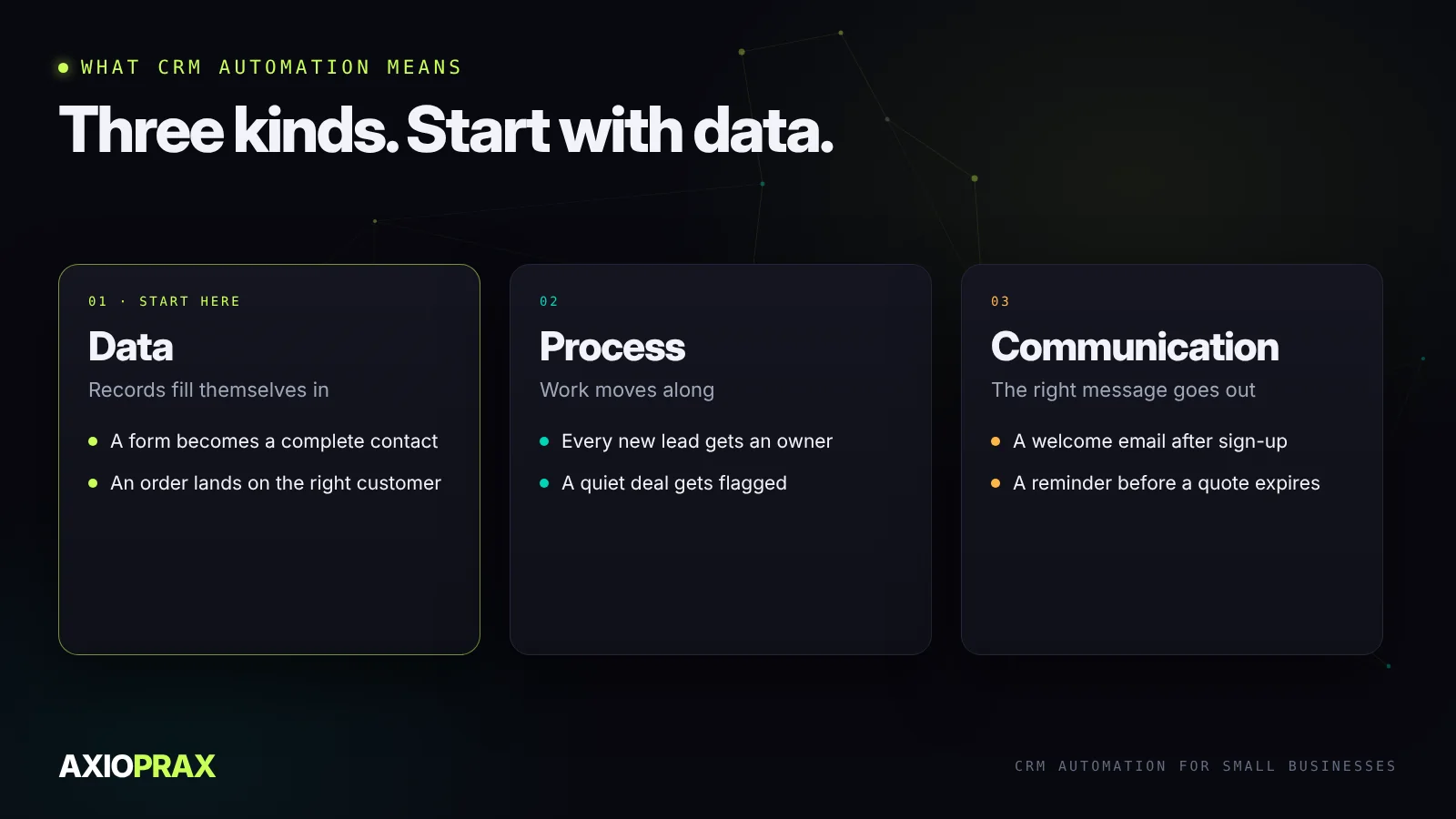
Most businesses start with communication because it's the most visible. We'd start with data. If the records are wrong, every email and every report built on them is wrong too.
The first five automations we'd build
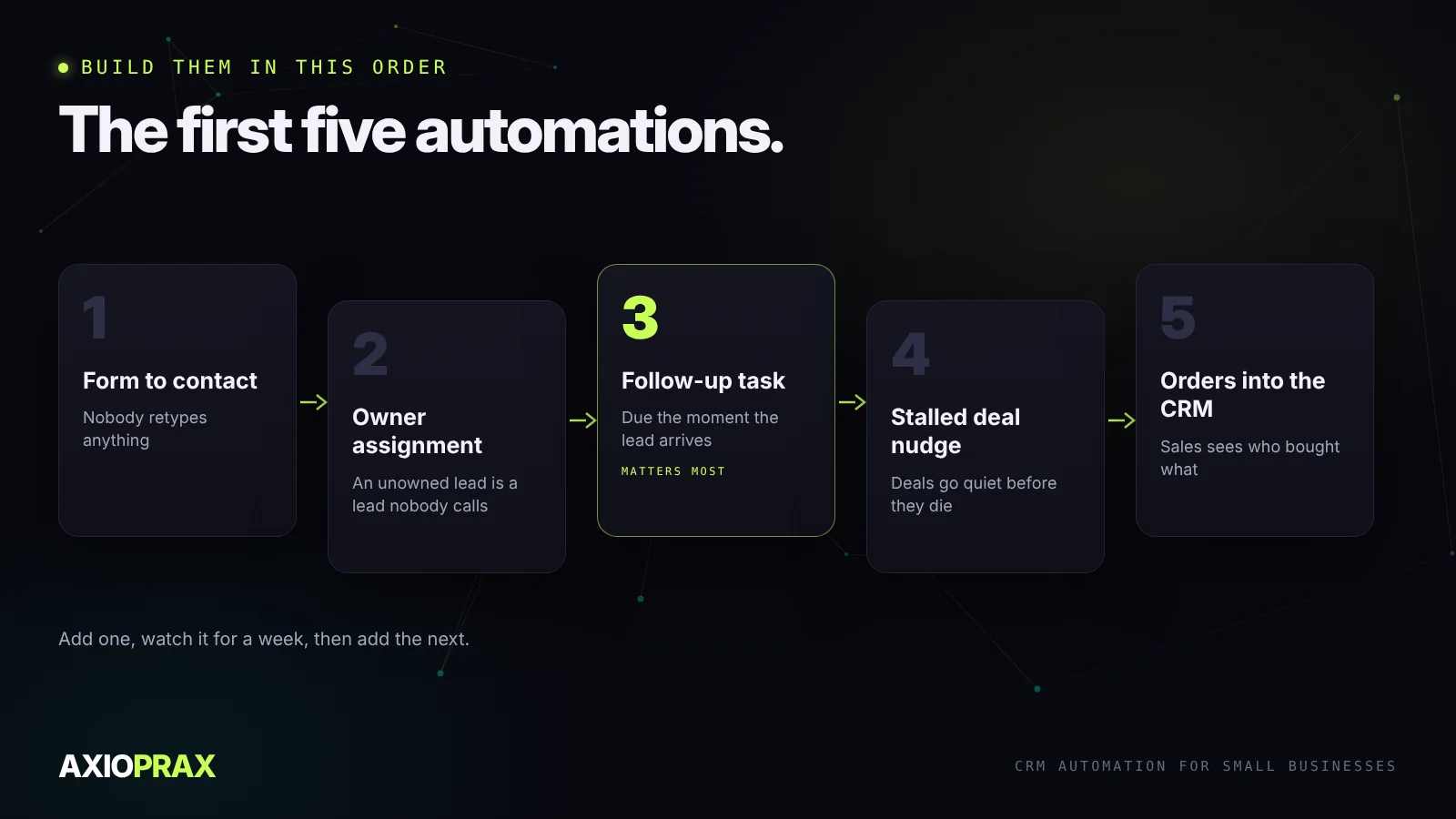
These five cover most of what a small sales team loses time on. Build them in this order.
- Form to contact. Every enquiry from your website lands in the CRM as a complete contact, with the source recorded. Nobody retypes anything.
- Owner assignment. Each new lead gets an owner straight away, by round robin, territory or deal size. An unowned lead is a lead nobody calls.
- Follow-up task. The owner gets a task with a due date the moment the lead arrives. This one matters most. We wrote a whole piece on what happens to an enquiry before anyone replies.
- Stalled deal nudge. If a deal sits in the same stage for a set number of days, the owner hears about it. Deals rarely die loudly. They go quiet.
- Orders into the CRM. If you sell online, every order should show up against the customer, so sales knows who bought what before picking up the phone.
On that last one: if you run Shopify and use HubSpot, the native integration is free on all HubSpot plans. According to HubSpot's own documentation, contacts and products sync both ways, while orders and abandoned carts come across one way, from Shopify into HubSpot, as orders rather than deals. If you want HubSpot deals to push anything back to Shopify, that isn't part of the native integration. You'd need another app or a custom build, which is what our Shopify to HubSpot sync demo does.
What each CRM charges before you can automate
This is where people get caught out. The free or entry plan is often enough to store contacts but not to automate them.
| CRM | Entry price | Where automation starts |
|---|---|---|
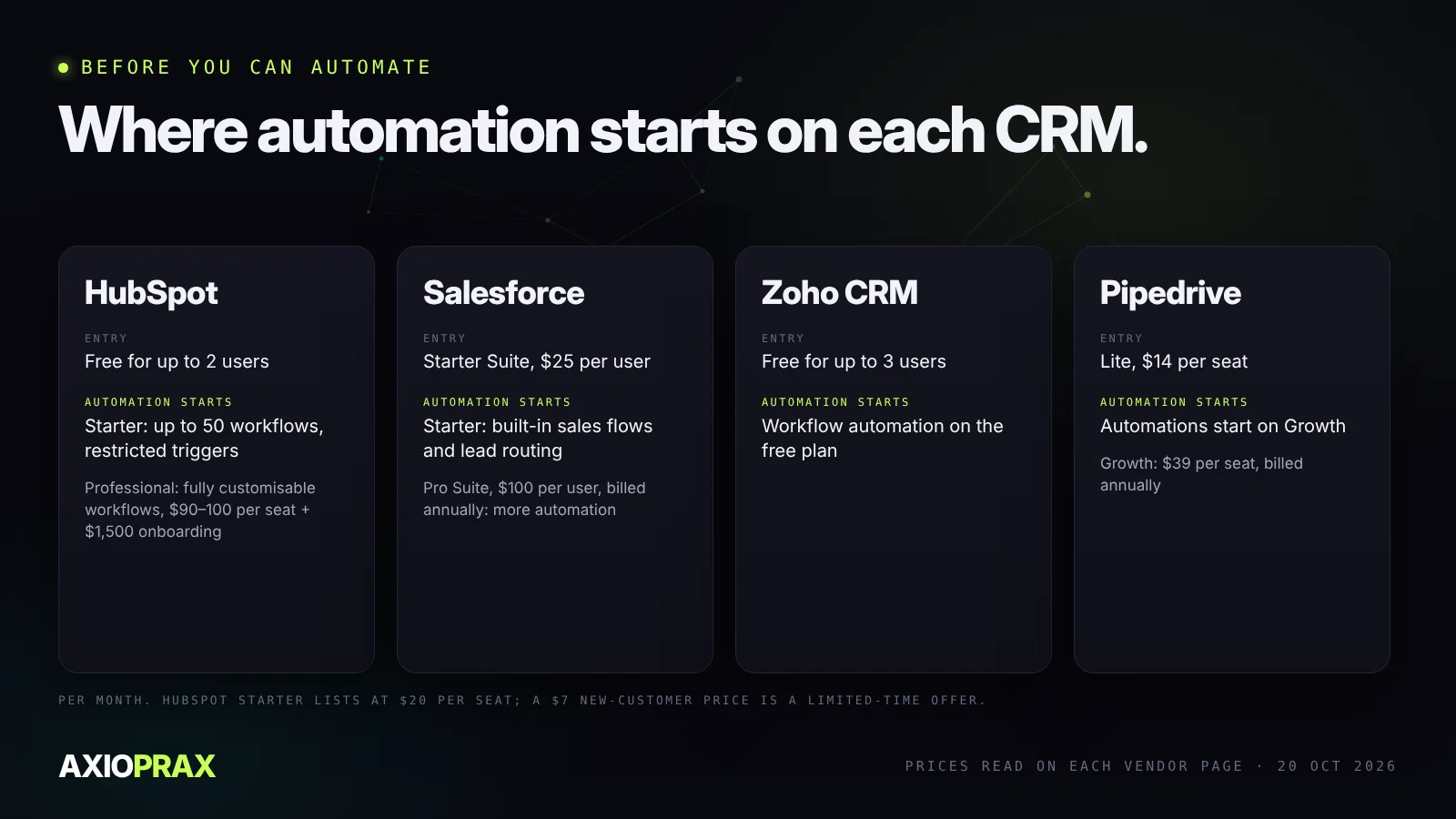
| HubSpot | Free for up to 2 users. Starter lists at $20 per seat a month (a $7 offer for new customers is a limited-time promotion) | Free has no workflows. Starter allows up to 50 workflows with restricted triggers. Professional, from $90 to $100 per seat plus a $1,500 onboarding fee, is the first tier with fully customisable workflows |
| Salesforce | Starter Suite, $25 per user a month | Starter includes built-in sales flows and lead routing. Pro Suite, $100 per user a month billed annually, adds more customisation and automation |
| Zoho CRM | Free for up to 3 users | Workflow automation is included on the free plan |
| Pipedrive | Lite, $14 per seat a month billed annually | Automations start on Growth, $39 per seat a month billed annually |
Sources: HubSpot, Salesforce, Zoho, Pipedrive.
HubSpot or Salesforce?
This is the question we get asked most, so here's our honest take. HubSpot is the easier place to start. The free CRM is genuinely usable, the interface is friendlier for a team without an administrator, and most small businesses can set up the five automations above on Starter or Professional without outside help.
Salesforce gives you more control over how records, fields and flows behave, and it scales into very complex sales processes. That flexibility comes with more setup and more ongoing admin, and Pro Suite needs an annual contract. If you have a large or unusual sales process, or a team that will grow quickly, it's worth the extra effort. If you don't, it's usually more CRM than you need.
If you're already on Salesforce, the same five automations apply. Salesforce Flow can route leads by territory or size, create follow-up tasks when a deal changes stage, warn reps before a quote expires, kick off onboarding when a deal closes, and alert account owners when a customer goes quiet.
Mistakes that make CRM automation backfire
- Automating messy data. If half your contacts have no email or the wrong company, automation just spreads the mess faster. Clean first.
- Building everything at once. Ten automations launched on the same day are impossible to debug. Add one, watch it for a week, then add the next.
- No owner. Someone has to be responsible when an automation misfires. If nobody is, it'll quietly fail for months.
- Emails that fire on stale information. A "thanks for your order" email to someone who cancelled yesterday does more harm than no email.
- Never testing with real records. Test data is tidy. Real data has duplicates, blank fields and odd characters. Test with a handful of real contacts before switching anything on.
Where to start
Start with whatever is leaking money right now. In most small businesses that's follow-up: enquiries that arrive and wait too long for a reply. Get form to contact, owner assignment and the follow-up task working, and you'll feel the difference within a week. Everything else builds on those three.