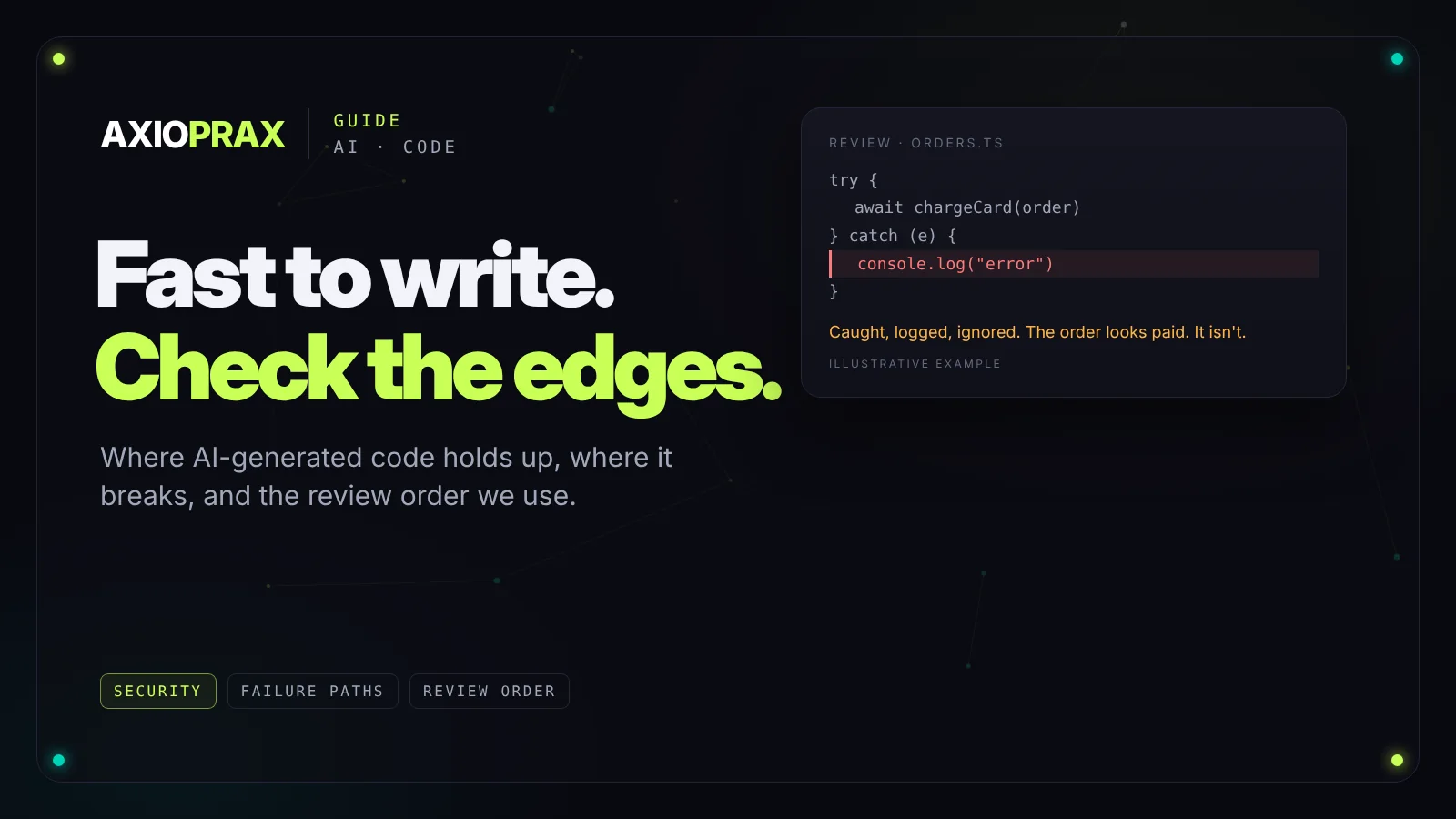
AI coding tools have changed how fast a prototype appears. Something that used to take a week can be on screen in a day, built by someone who isn't a senior engineer. That's genuinely useful. The catch shows up later: code that works for ten test users can hide problems that only appear with real users, real data and real attackers.
This guide covers what AI-generated code tends to get right, where it goes wrong, what the research says about security, and a review order that catches the expensive problems without rereading every line.
What it gets right, and where to look harder
AI tools are good at well-trodden patterns: standard API endpoints, ordinary database queries, interface components in popular frameworks, config files, and turning one format into another. For this kind of code the first draft is often close to finished.
The problems sit at the edges, wherever the real situation differs from the common pattern the tool has seen many times.
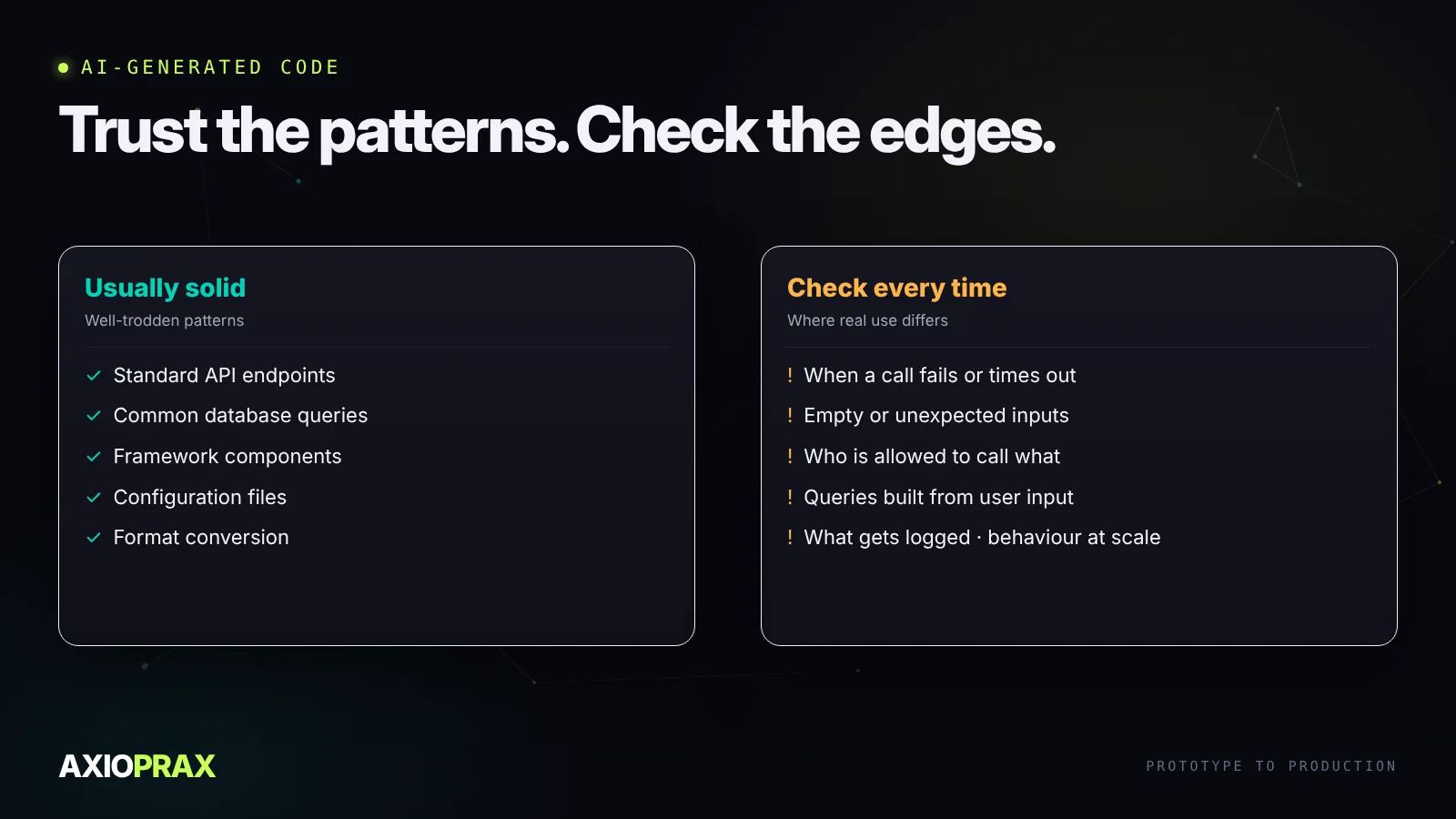
Error handling. The happy path works. Failures are often caught and logged with a vague message, then ignored, when the right response is to retry, alert someone or stop. Silent failures are the hardest bugs to find in production.
Edge cases. Code written from a short description handles the case in the description. Empty inputs, missing values, odd characters and very large numbers rarely make it in, and those are exactly what real users send.
Security. Missing input checks, queries built by gluing strings together, overly open access settings and sensitive data written to logs all appear regularly.
Scale. Patterns that are fine for a demo, such as a database query inside a loop or a missing index, can slow to a crawl with real volumes.
What the research says about security
Veracode tested more than 100 large language models on 80 coding tasks. About 45% of the generated code samples contained security flaws, many from the OWASP Top 10. Java fared worst, failing more than 70% of the time, with Python, C# and JavaScript between 38% and 45%. The models failed to defend against cross-site scripting in 86% of relevant cases (Veracode, July 2025).
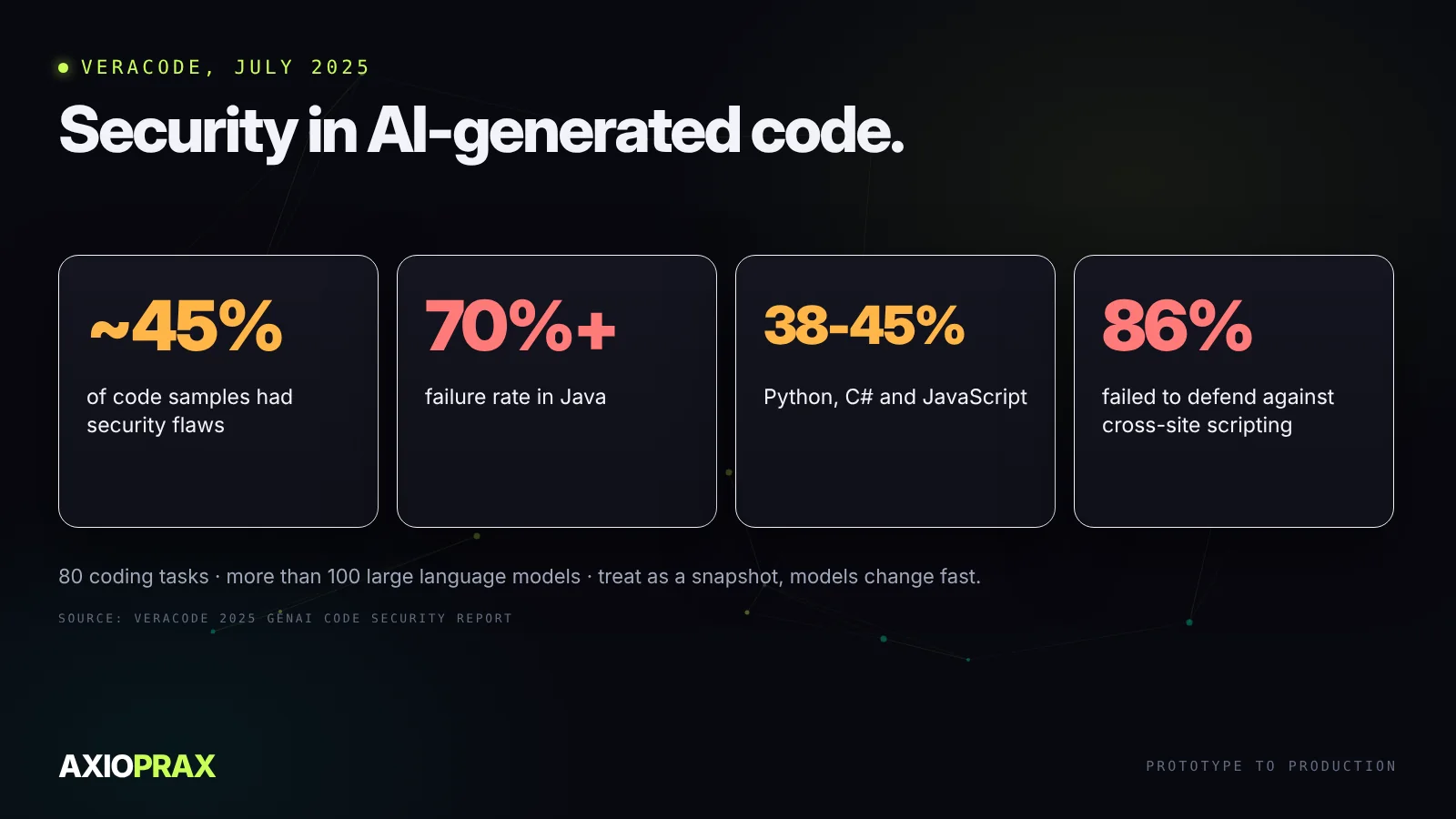
That's one vendor's test set, and models change quickly, so treat the exact figures as a snapshot. The direction is the point: AI-written code needs a security review before it handles real users.
The review order we use
Rereading every line isn't practical and isn't where the risk is. Review in this order, and stop to fix before moving on:
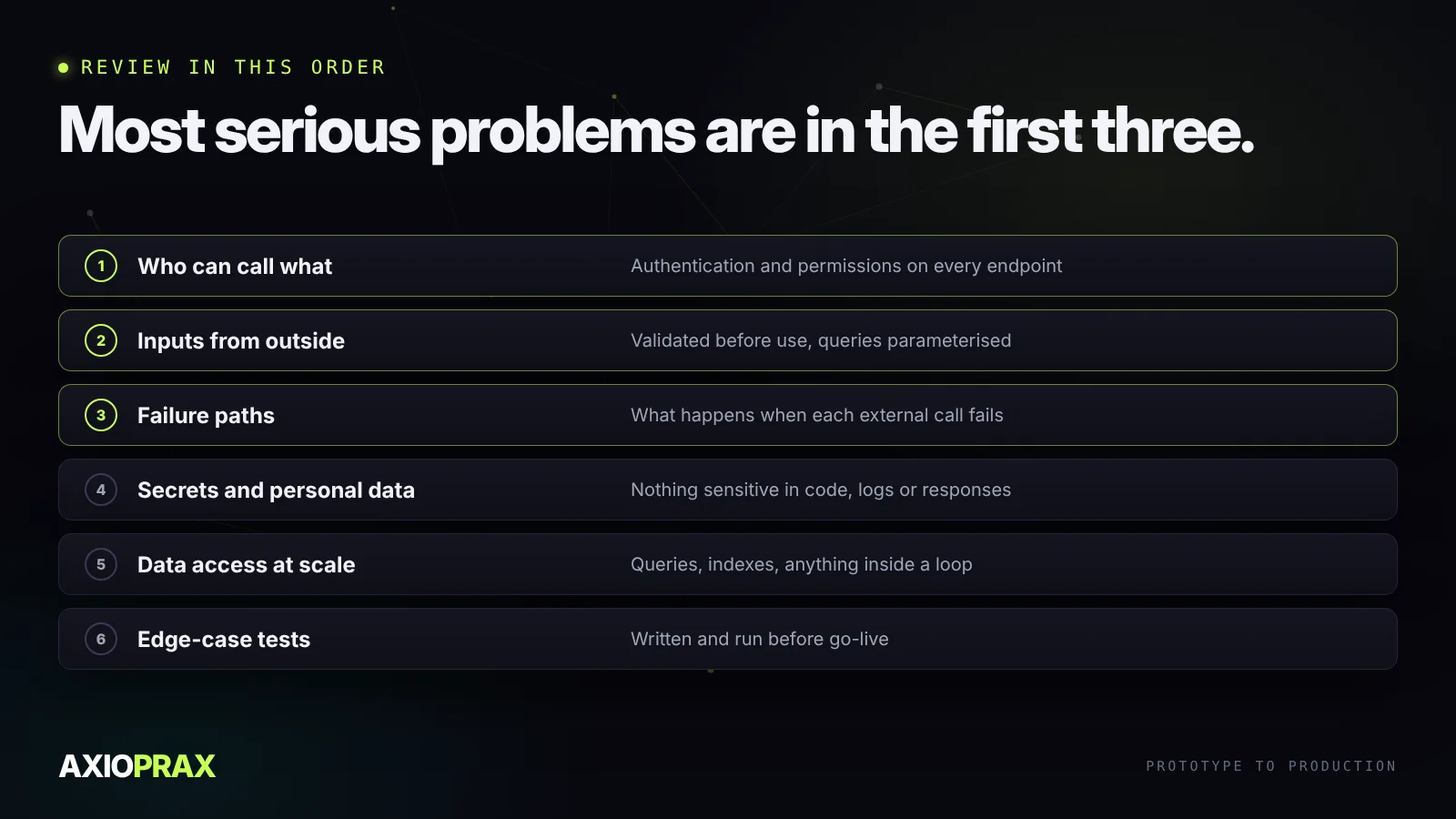
- Who can call what. Every endpoint and action checks who is asking and whether they're allowed.
- Inputs from outside. Anything from users, files or other APIs is validated before use, and database queries are parameterised.
- Failure paths. For every external call: what happens when it fails, times out or returns nonsense?
- Secrets and personal data. No keys in the code, nothing sensitive in logs or in responses that don't need it.
- Data access at scale. Queries, indexes and anything inside a loop.
- Tests for the edge cases. Written down and run before go-live, not just tried once by hand.
Automated checks help with the routine parts: a linter, a dependency scanner and a secret scanner in your build will catch a lot before a person looks. They don't replace the first three steps.
Treat it like a capable new colleague
The most useful mental model is a fast, capable junior developer. You'd let them draft quickly and you wouldn't ship their work unreviewed. Use AI for the first draft and the repetitive parts, then review with the same care you'd give any pull request, focused on the places above.
For systems where AI does more than write code and starts taking actions, building AI agents that work in production covers the guardrails, and our MCP guide covers connecting AI to other systems safely.