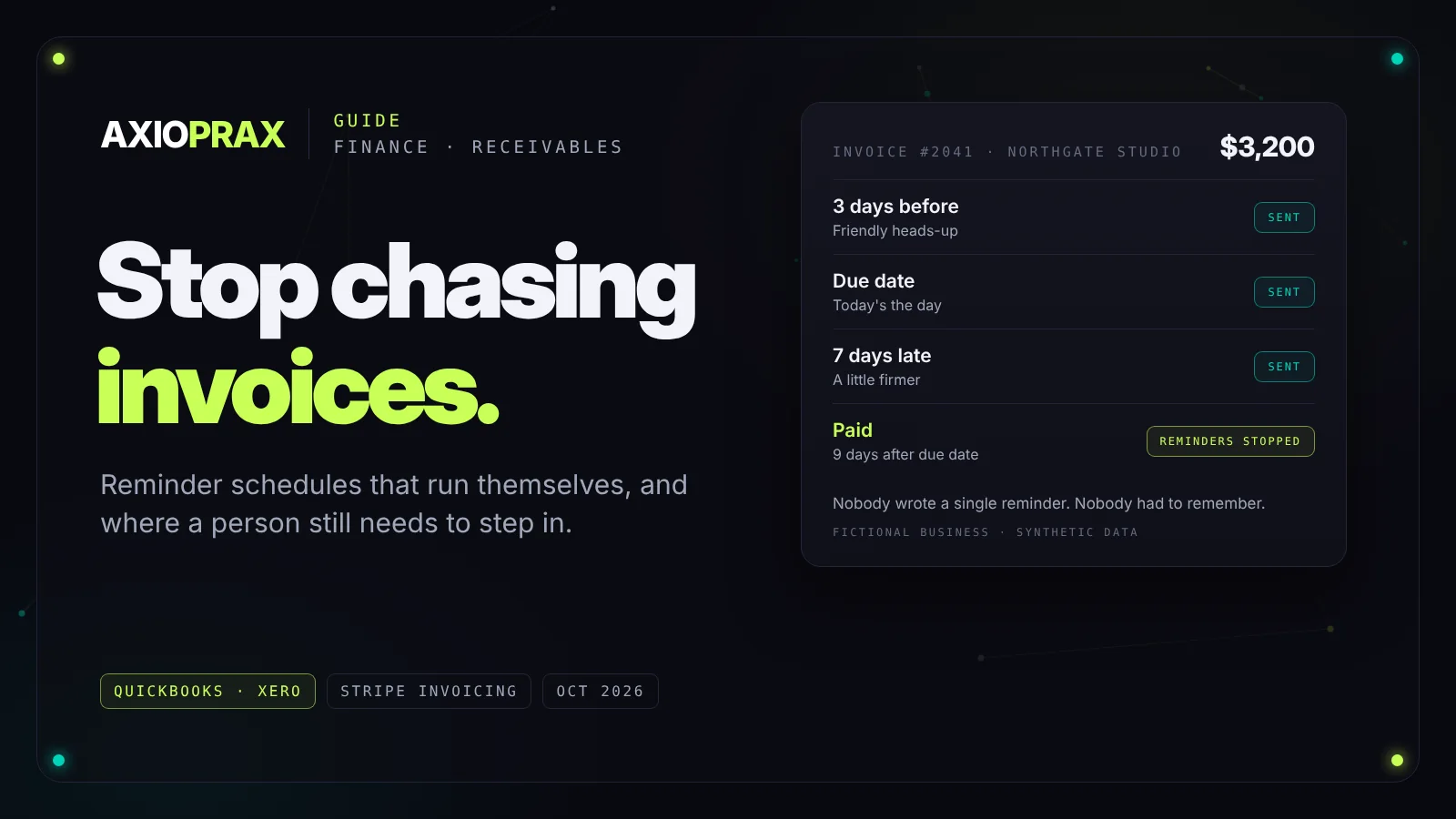
Chasing late payments is one of those jobs that never shows up on a job description but eats a surprising amount of time. In the UK, government research found that business owners affected by late payment spend 86 hours a year chasing invoices (GOV.UK, March 2026). That's more than two working weeks a year spent writing polite reminder emails.
The good news is that most of that chasing follows the same pattern every time, which means it can be automated. This guide explains how, what your accounting software already does for free, and where a person still needs to step in.
Where the time actually goes
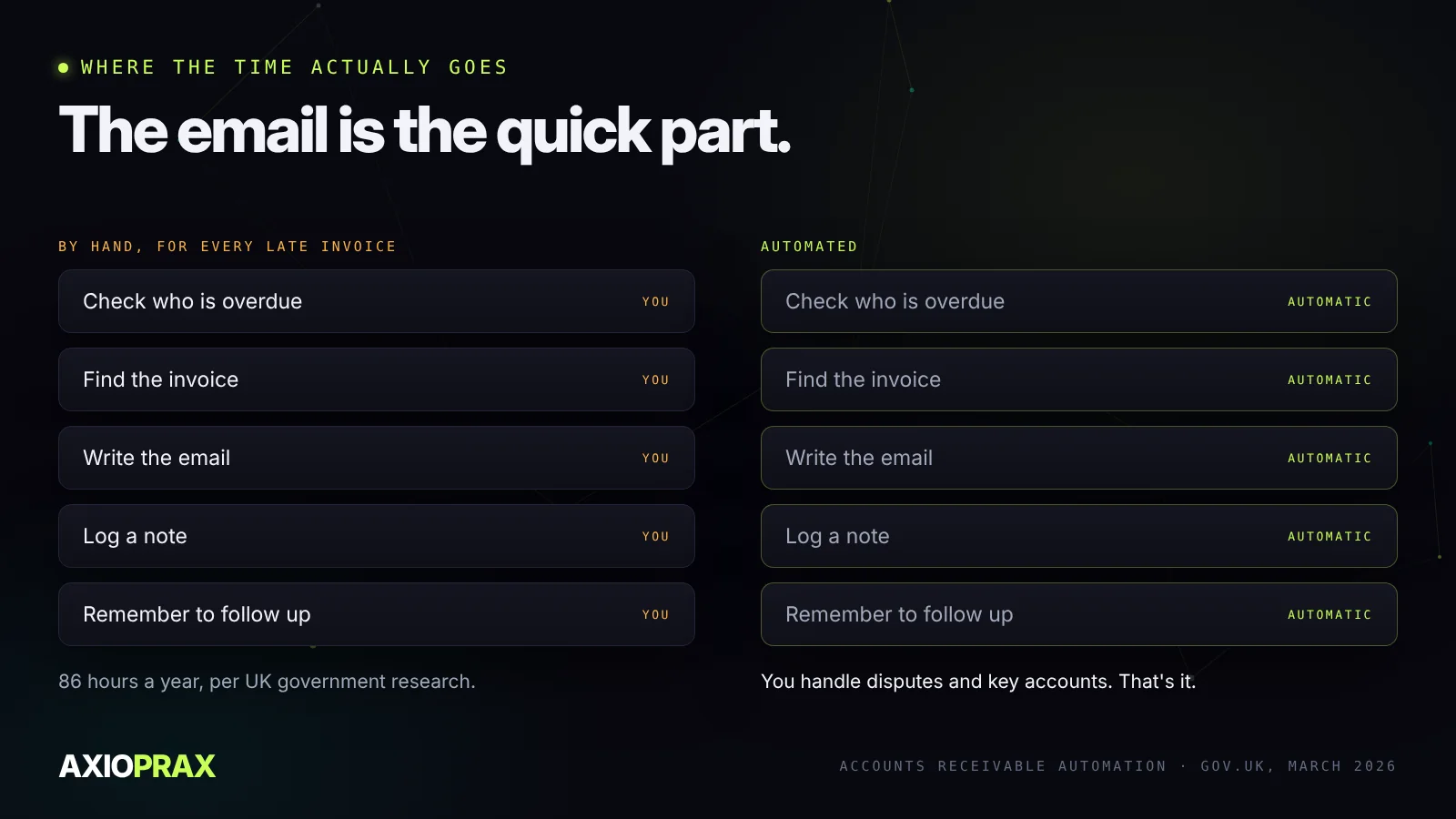
The reminder email itself takes a minute. The time goes on everything around it: checking who's overdue, finding the invoice, writing something that's firm but not rude, logging that you sent it, and remembering to try again next week. Multiply that by every late customer and every month, and the 86 hours start to make sense.
A reminder schedule that works
The schedule matters more than the wording. This is the one we'd start with, and adjust once you see how your customers respond:
- 3 days before the due date. A friendly heads-up with the amount and a payment link. Many late payments are just forgotten ones.
- On the due date. Short and neutral: today's the day.
- 7 days late. Still polite, a little firmer, with the invoice attached again.
- 14 days late. Clear about what happens next, whether that's paused work, a late fee or a phone call.
- 30 days late. The automation stops and a person picks up the phone.
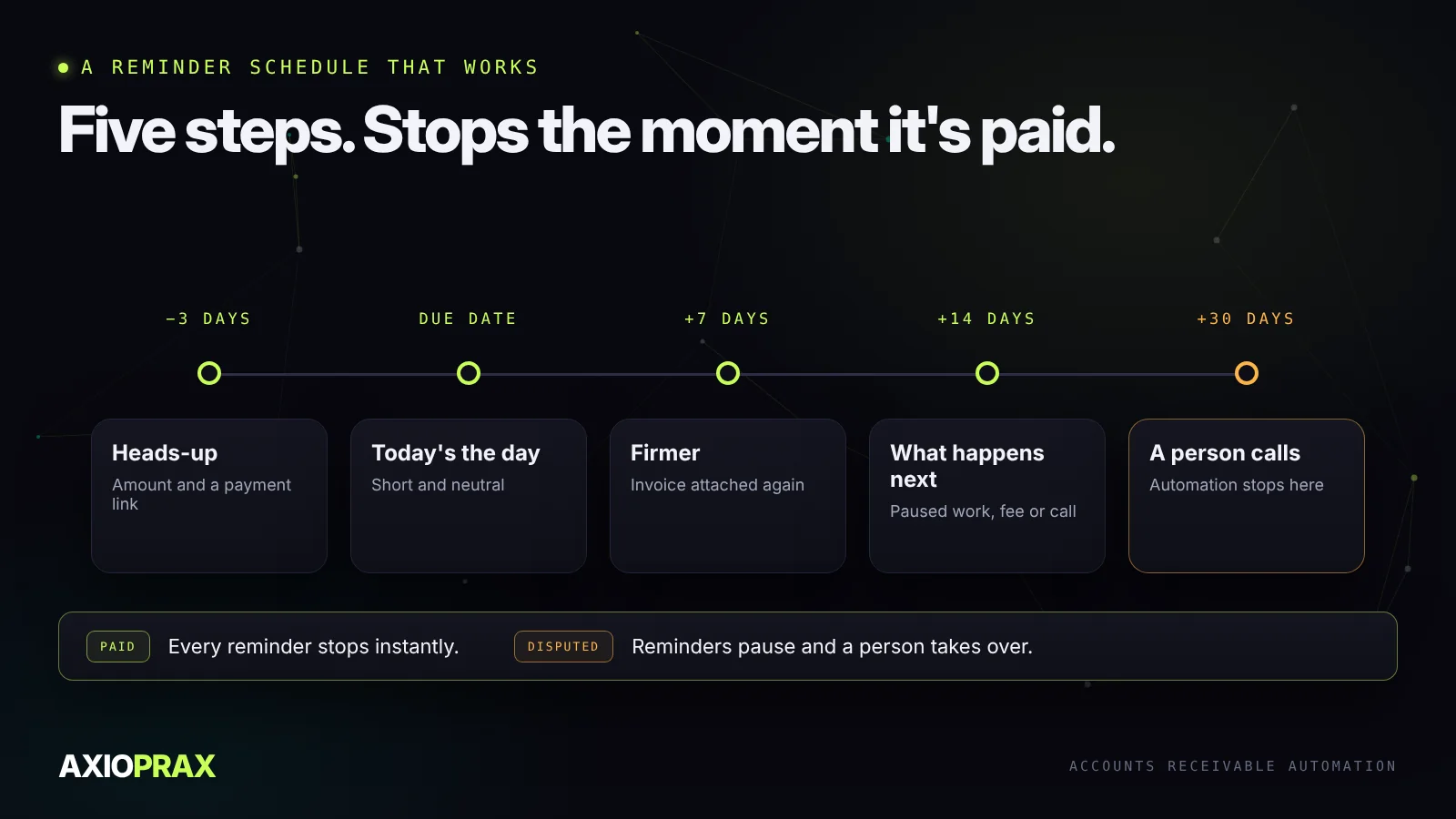
Two rules make this work. Reminders must stop the instant the invoice is paid, because nothing annoys a customer more than a reminder for a bill they've settled. And they must pause when a customer raises a dispute, so a person can deal with it.
What your accounting software already does
Before you build anything, switch on what you already pay for.
- QuickBooks Online can send up to three automatic reminders, each with its own wording, scheduled anywhere up to 90 days before or after the due date. They only go to invoices you've already emailed that are still unpaid (QuickBooks).
- Xero sends reminders automatically before or after the due date, on a schedule and with a message you set, and stops as soon as payment arrives (Xero).
- Stripe Invoicing charges 0.4% per paid invoice on Starter or 0.5% on Plus, on top of card fees, and includes a hosted payment page, automatic reminders and smart retries for failed payments (Stripe).
For a lot of small businesses, turning these on is most of the job. It costs nothing and you can do it this afternoon.
What automation adds on top
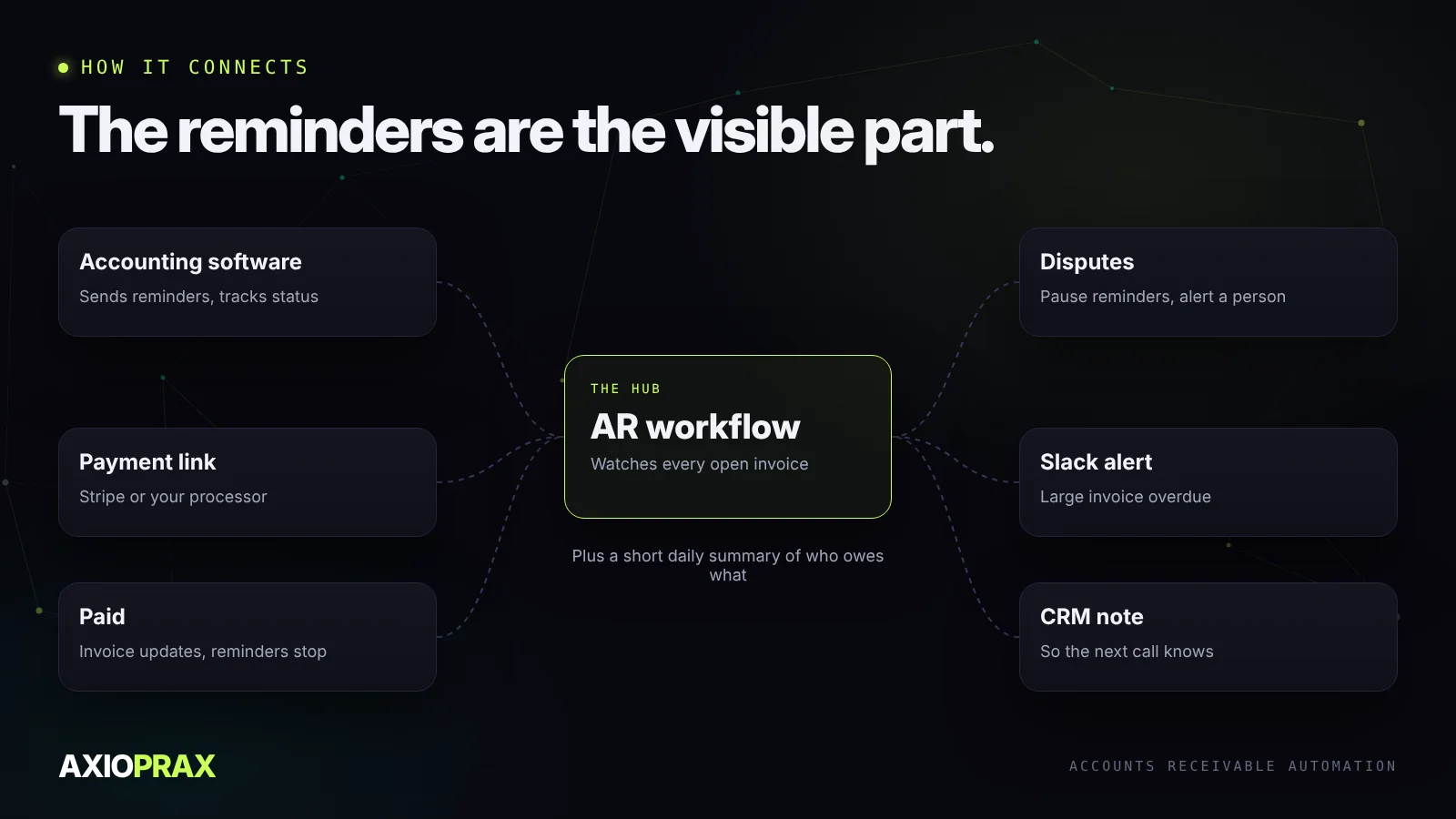
The built-in reminders cover the emails. A proper AR workflow adds the parts around them that still take time:
- A payment link in every reminder, so paying takes one click.
- Dispute handling that pauses reminders and tells the right person.
- A heads-up for big invoices. A message in Slack or by email when a large invoice goes overdue, so you hear about it before it becomes a problem.
- Notes in your CRM, so whoever talks to the customer next knows they owe money.
- A short daily summary of who owes what and how late, instead of opening the aged receivables report.
Where a person still matters
Automation is for the routine cases. Keep a person on disputes, payment plans and your most important accounts. A long-standing customer who's suddenly 30 days late deserves a phone call, not a fourth automated email. If anything, automation should make those calls easier by flagging them sooner.
If you trade in the UK
You can already charge statutory interest on late business payments at 8% above the Bank of England base rate, plus fixed compensation of £40, £70 or £100 depending on the size of the debt (GOV.UK). The government has also announced a 60-day maximum payment term, starting no earlier than 2027, and new powers for the Small Business Commissioner to fine persistent late payers. These are announced but not yet law, so check before you rely on them.
Where to start
This week, switch on the reminders in your accounting software and set the schedule above. Watch it for a month. If you're still chasing by hand after that, the remaining work, such as payment links, dispute handling and alerts, is a short, well-defined automation to build next.